Știri
A Beginner’s Guide to Speedrunning Quixort in The Jackbox Party Pack 9
M
Michael Siciliano
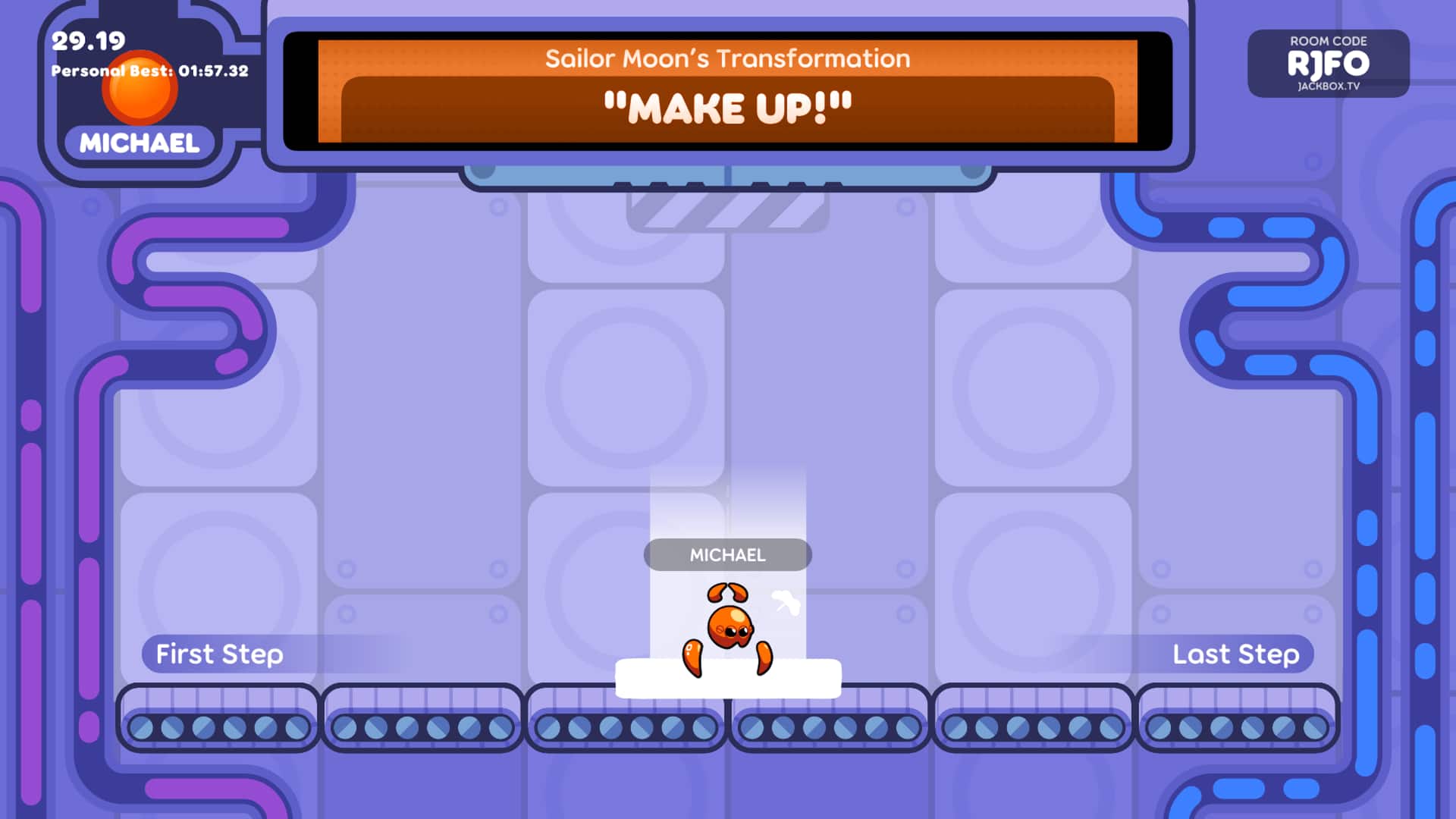
The first step on your Quixort speedrunning journey will be to turn on the “Speedrun Mode” setting, which displays a timer on screen while you play, as well as tracks your fastest time for both classic Quixort and Quixort Forever.
 Several other settings may be helpful in shaving down your time. “Control blocks with Controller” will allow you to use a gamepad or keyboard in addition to jackbox.tv. Setting the “Block Falling Speed” to its fastest option of “1” is a must. Beyond that, it’s up to you to develop strategies! When you have a sense of where you want your block to be placed, you have the ability to “Slam” your answer down to the bottom quickly. You’ll probably be slamming down a lot.
 The next step is trying to beat the Jackbox office champ’s times. No hints on what the records are, but the records are 13:58.07 for Quixort Classic and 01:57.32 for Quixort Forever. You may have noticed that the Personal Best in the screenshot above is the current record for Quixort Forever. That’s because I am the Jackbox office champ. Beat my times!
Play Quixort in The Jackbox Party Pack 9 today! Share your personal best times with us on our Instagram, Twitter, Facebook, or TikTok channels.