
News
LEGO Fortnite Brick Life beginner’s guide: welcome to Brick Bay
D
Dave Tach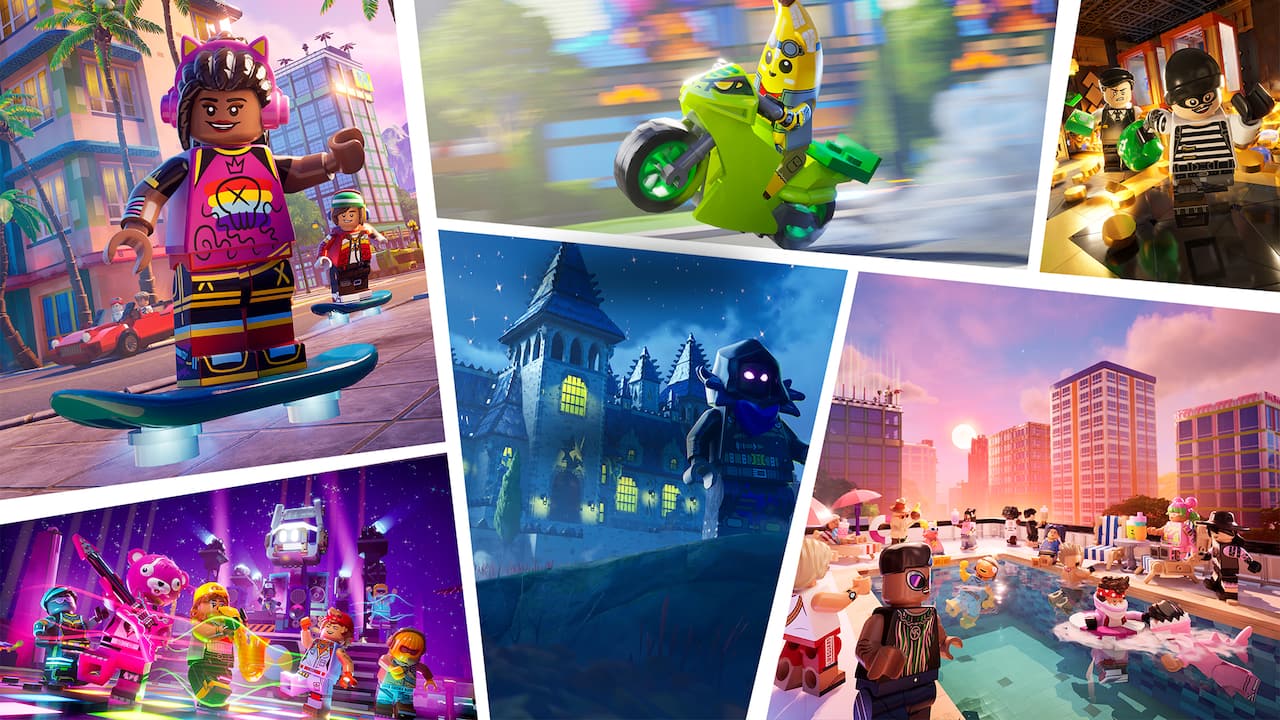
Where LEGO Fortnite Odyssey (formerly known as LEGO Fortnite) puts players in a gigantic open world and tasks them with crafting and survival, LEGO Fortnite Brick Life puts players together in an open-world city, and sets them free to create their best virtual lives and tell their unique stories as LEGO minifigures.
In this LEGO Fortnite Brick Life beginner’s guide, we’ll walk you through the core components of this new collaboration between Epic Games and the LEGO Group. You’ll learn all about your new virtual hometown and what you can do there.
Welcome to Brick Bay
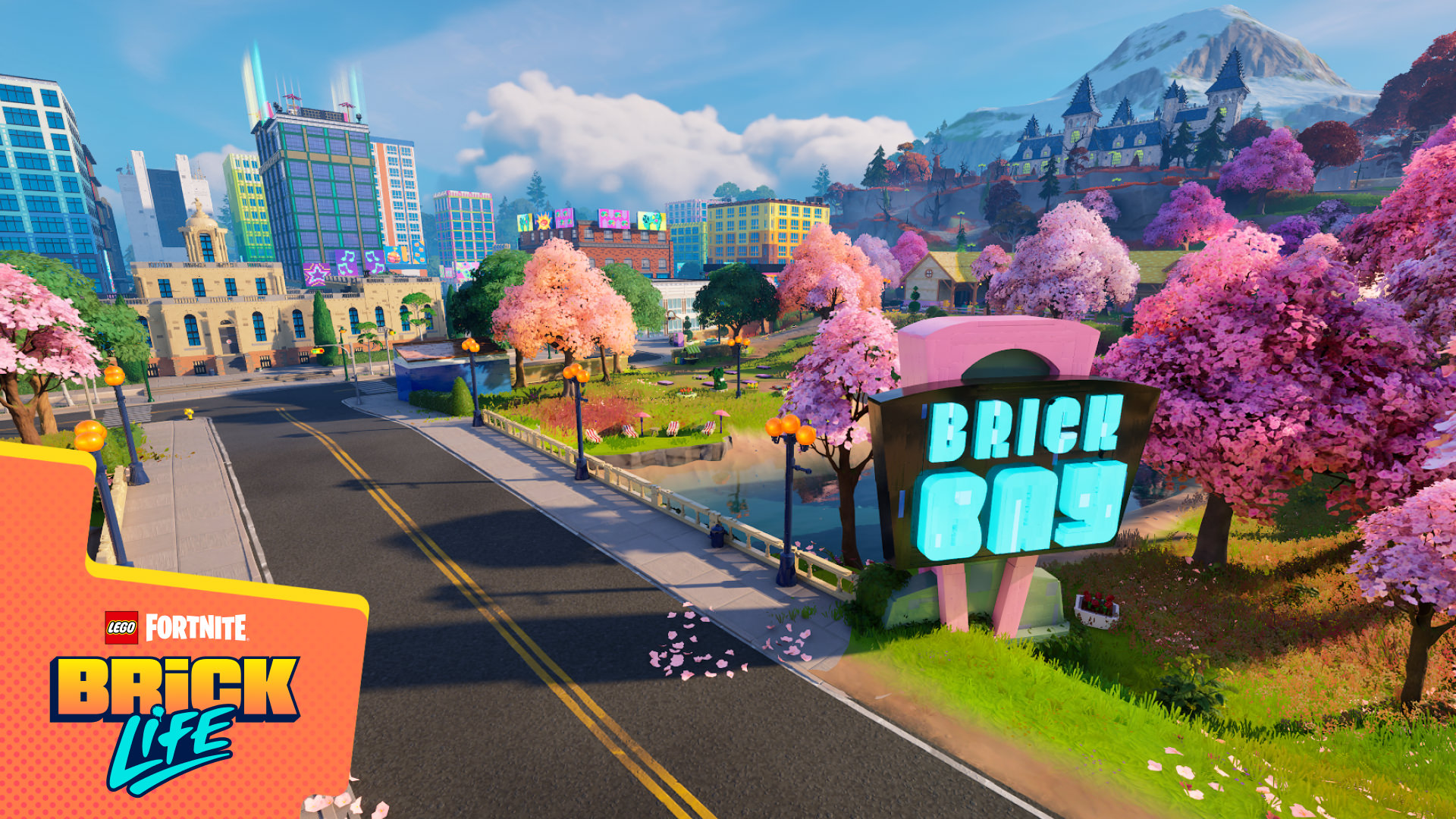
LEGO Fortnite Brick Life takes place in Brick Bay, a large, open map centered around a lively downtown district full of skyscrapers built from LEGO bricks, as well as businesses to visit and players to meet.
You begin every gameplay session in the de facto central hub: the courtyard outside Harmonious Hall. Around you are characters, going about their lives, and that’s important because that’s what LEGO Fortnite Brick Life is all about: being a part of a city that feels alive.
Everyone you speak to has something to say, often a joke to tell. Many of them need your help, and they’ll pay you well for your service. In fact, you can both meet a character and make some money within seconds of starting. Just look for Budge, a blue bird minifigure near the town hall stairs. Chat him up, and make some cash.
This is how LEGO Fortnite Brick Life works, constantly hinting at things to do and rewarding your curiosity. The city and its surroundings are full of opportunities, from hanging out at exclusive rooftop parties to lounging at the beach or studying at the mysterious Mourndale Academy. What it won’t do is push you around. This really is your minifigure life, and Brick Bay is yours to explore.
Check your phone
LEGO Fortnite Brick life uses an in-game smartphone as a menu. Bring it up, and you’ll see a bunch of options, from the Residents menu where you can see who’s playing online with you to your various changes of clothes in the Locker menu where you can equip your Fortnite Outfits and LEGO Styles. (We’ll talk about the other menus in the sections below.)
There’s nothing complicated here, but take just a quick minute to explore your phone. You’ll spend a lot of time here, and the sooner you create the habit, the better it’ll be for your work and social life.
Go forth and explore
What you do after arriving in Brick Bay is entirely up to you, but we’d suggest doing some exploration for a while. That’s the best place to learn about the city and its inhabitants.
Check your map, and you’ll see that there’s a large downtown area in the center, a sunny beach to the west, a district filled with a lake and pond to the south and a beautiful, autumn color-tinged area to the east.

Every one of those districts has interesting (and often hidden) things to find and play with. And you’ll meet some of LEGO Fortnite Brick Life’s most interesting and lasting characters, like Meowscles at MeowSwole’s Gym.
Chat people up. Make friends. LEGO Fortnite Brick Life is meant to be played together.
Playing together
LEGO Fortnite Brick LLife is a social, multiplayer experience by default, as long as you have an adult account. (Accounts for kids are private by default, though they can play with people on their friends list.) That means that, when you arrive, you’ll be surrounded not only by NPC minifigures but up to 31 real-life players playing alongside you.
It’s a fundamentally different approach than LEGO Fortnite Odyssey, where you play alone by default and must invite players into your worlds. Brick Bay is a thriving, social city, designed to be played with others, real players and NPCs.
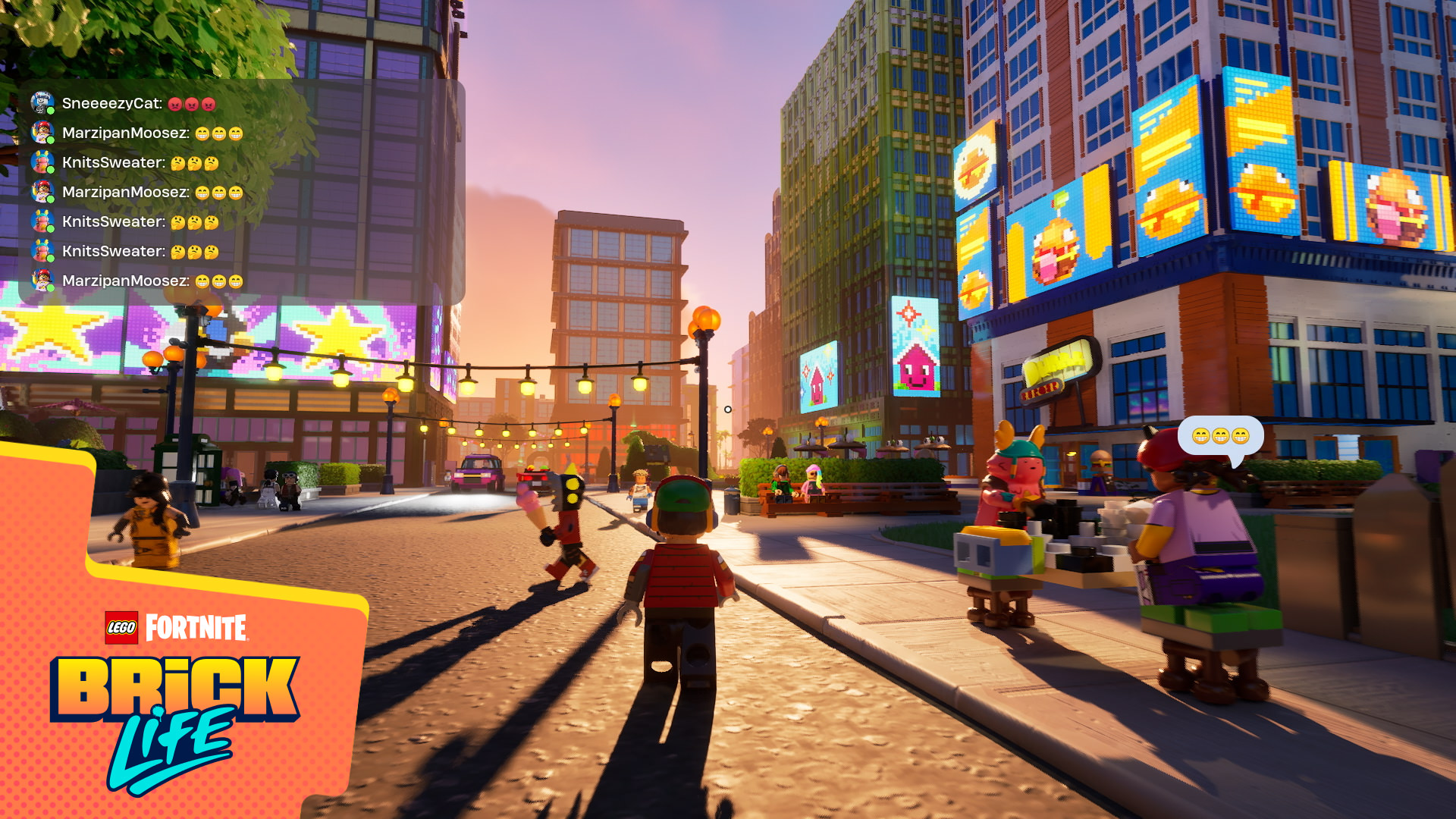
To facilitate that social aspect, the game has a built-in text chat feature. You can think of it as a group chat with anyone who’s playing in the same instance of Brick Bay as you are. You can check in, make friends, and enlist help—all with the tap of a key to bring up the chat.
You can also party up with your friends and join the same instance of the game. When you’re in a party, you can communicate among your private group using the party chat tab in the text chat.
A place of your own
Brick Bay may be filled with standard places like a bank and a gym, but there’s one part of the area that is always yours: your house (or apartment, depending on where you choose to live).
There are dozens of lots available through Brick Bay, and all you need to do to claim one and place a house is to walk up to the For Sale sign on the street and select it as your home base. The first time you do this, you’ll need to select your house and place it. But if you’ve done it before, you’ll be able to pick the house that you have already placed and decorated (more on that soon) and move it to a vacant lot.
Even better: If you’ve purchased LEGO Kits, you can bring them into LEGO Fortnite Brick Life and use them as your house.
And if life in the outskirts or the suburbs isn’t your thing, Brick Bay has you covered, too. Look for buildings that have an icon with three houses. Head into the lobby, take the elevator and choose a floor to call home.
Decorate
The house you build may start with a specific look and style, but it’s endlessly customizable. Decorating your place is the core of customization in LEGO Fortnite Brick Life.
As soon as you enter your property, you’ll get access to the Decorate menu prompt. Hit that button, and you’ll have access to everything from tables to chairs to lamps, from floor mats to wall decorations to sculptures — as long as you’ve purchased them or received them for playing the game. If you’ve played LEGO Fortnite Odyssey, placing items works the same way as it does there.

If you’re looking for more Decor options, open your phone and go to the Decor menu, where you can go on a shopping spree with in-game cash.
When you leave, relaunch and return to LEGO Fortnite Brick Life, you’ll need to place your house again, but don’t worry: Your decorations will follow you. In fact, on the My Homes menu that loads when you’re placing your house, you’ll see the number of decor items that you’ve placed as you hover over each of your options.
And if you ask us, vehicles are as much a part of your style in the game as decor items are. You can see what you’ve got and your options in your phone’s Vehicles menu.
Get a job and make money
If you want to fully decorate your house or apartment or buy a new car, you’re going to need some money. And if you want money, a job is your fastest way to get there.
Explore the city and enter the buildings, and you’re sure to meet someone who needs help. A good part of the fun is finding people and jobs, so we don’t want to give too much away, but here’s a taste of what you can expect.
You begin the game as a Citizen, which you can see in the upper-right corner of your screen. That’s what you’ll be when you don’t have a job. Join the workforce, and that will change to your current occupation. You could become an Academy Professor at Mourndale Academy, a Courier specializing in delivery, a Security Officer keeping the peace, a Scoundrel to play up the prankish side of LEGO fun and even a Fortune Teller.
Just visit a place of business or education and talk to an employee, proprietor or teacher — you get the idea. Work as long as you want, and move on when you’re done. They’ll be cool with it.
You’ll also get notified every day about particularly noteworthy jobs. Check out what’s available at any time from the Jobs menu in your phone. These Trending Jobs are available every day from 9 AM to 5 PM. (You can always check the time in the upper right-hand corner of your phone’s home screen.) And the Trending Jobs menu will even tell you how many other players are currently working at each job, which makes them a great way to meet and interact with other players.
Take jobs — they’re usually simple, and they pay instantly — and you’ll earn money. It’s really that simple. You can see how much you’ve accumulated at the top left of your screen and your phone’s home screen.
Oh, and don’t forget to collect your daily stipend. As a citizen of Brick Bay, you’re entitled to money every day. All you need to do is find an ATM and make a withdrawal. (There’s more than one location for these, but if you’re stumped, then a bank wouldn’t be the worst place to go.)
Enjoy the playground
Get a job. Race a car. Decorate your house. Lounge poolside with your friends. Text the whole city and meet on the beach for an impromptu game of kicking the beach ball around. Or just wander off and explore a little nook on your map where you’ve never been. LEGO Fortnite Brick Life isn’t prescriptive. Whatever you do is up to you because Brick Bay really is a gigantic playground for real-world and NPC minifigures, where you can live your best minifigure life.
You can play LEGO Fortnite Brick Life right now inside of Fortnite, right alongside LEGO Fortnite Odyssey.