POPUCOM guide: Seven tips to help you and your co-op buddies succeed
Do you feel like having an enjoyable afternoon with friends and family? Then POPUCOM, made by Hypergryph and Gryph Frontier, might be the right adventure-platformer for you. The game combines match-3 mechanics, high-tech tools, and tense platforming. It's an engaging romp through a cute and cartoony world, and one that all-but-requires you work together.
Our POPUCOM guide contains tips to help you and your co-op buddies succeed. Read on to find out what to expect from the campaign, as well as some tips on collectibles, party play modes, and unlockable Super Artifacts.
Gather your friends
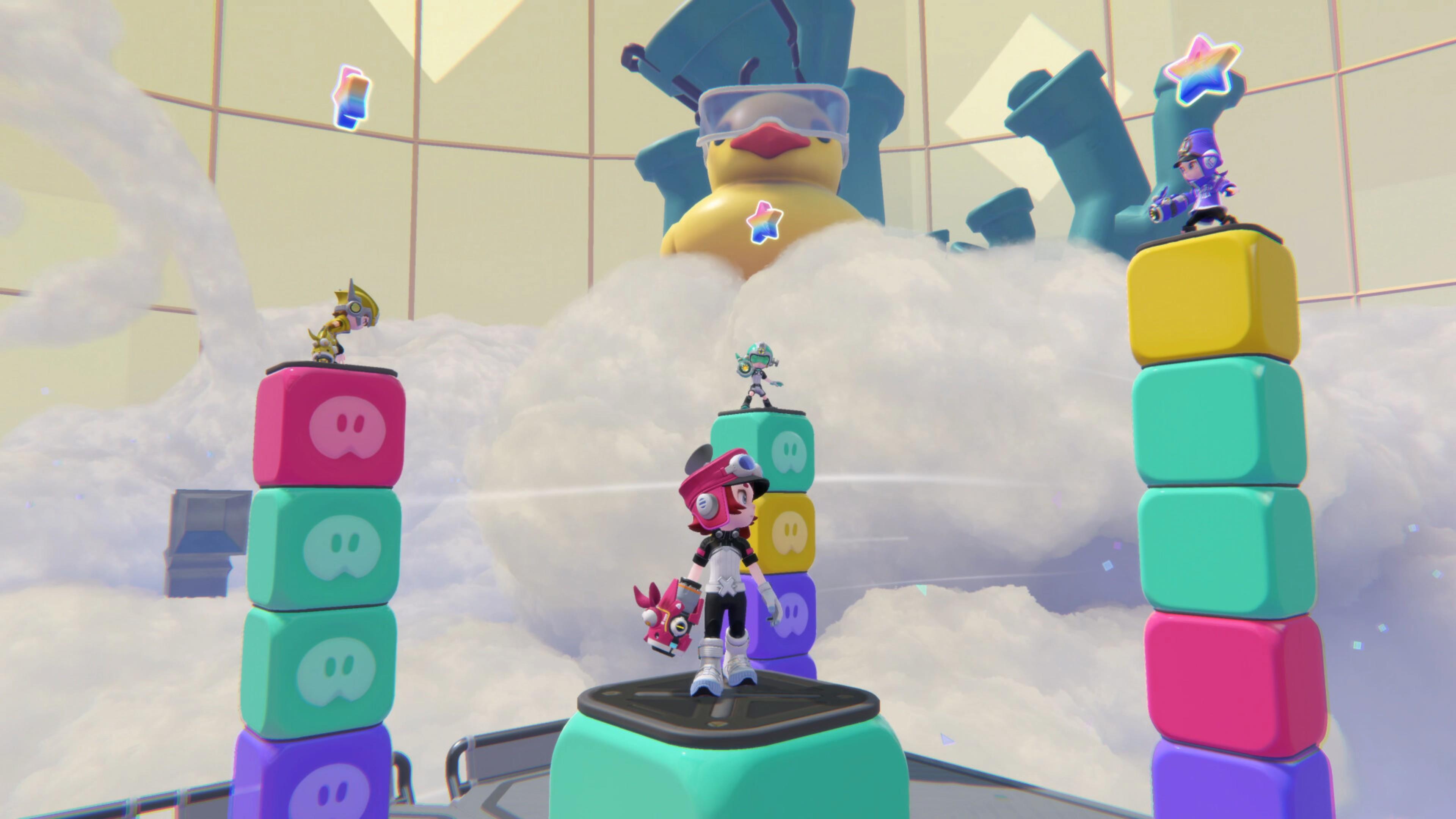
More than anything, POPUCOM emphasizes teamwork and cooperation among players. It has two game modes for you to choose from:
- Story Mode: This is a two-player campaign where you’re tasked with building a missile to end the threat of the Pomus, creatures that have corrupted a once-vibrant planet.
- Party Mode: This mode allows 3 – 4 players to engage in various challenges.
Both game modes are playable either with local/couch co-op or via online co-op. For the latter, you can create your own room/lobby or join an existing one as long as you know the correct Room ID. Lastly, do note that there are no AI-controlled teammates. You'll need to gather up real human friends to play POPUCOM properly.
Understand match-3 and color-switching mechanics
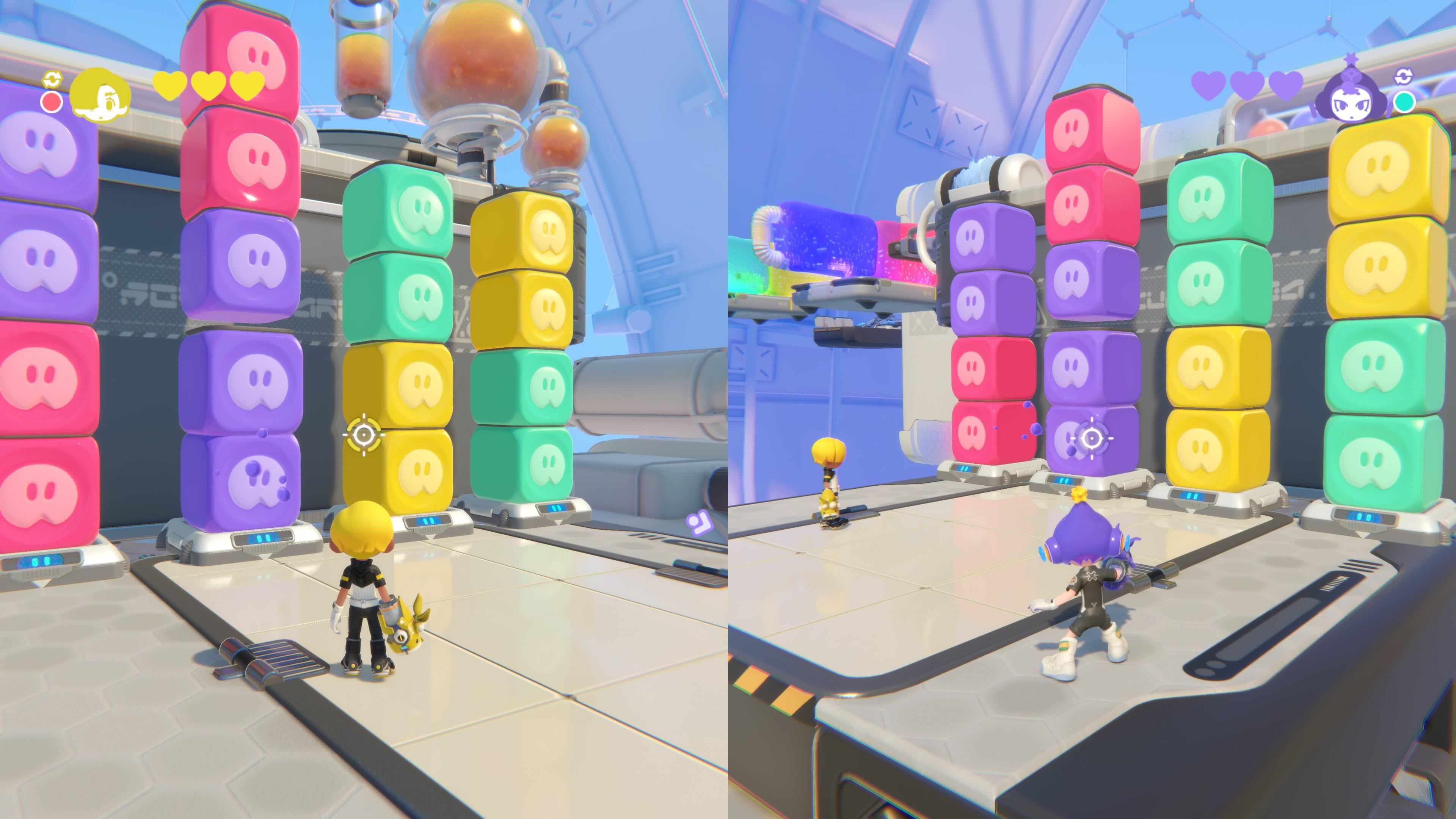
POPUCOM is a platformer first and foremost, but it revolves around match-3 and color-switching mechanics and you'll need to master both to make your way through the story.
The vast majority of POPUCOM's tasks involve interacting with objects that match your character’s color palette. In Story Mode, Player 1 can swap between red and yellow, and Player 2 can switch between blue and green. In Party Mode, each player is instead assigned their own color.
Here are some examples of common tasks in POPUCOM and how color factors in:
- Match-3: Having three blocks of the same color next to each other causes them to explode. This concept also applies to enemies with colored limbs and body parts, i.e. match the colors to make these parts explode and damage your foes.
- Platforms: Generally speaking, you can only step on a platform that matches your character’s color. Otherwise, your character will perish.
- Barriers, switches, and obstacles: You can only trigger or interact with objects that match the hue of your character.
- Lootable and collectible objects: Naturally, this concept is a given when you need to shoot or collect certain items. For instance, balloons, flowers, and stars that are yellow can only be interacted with by Player 1 after they switch to the yellow palette.
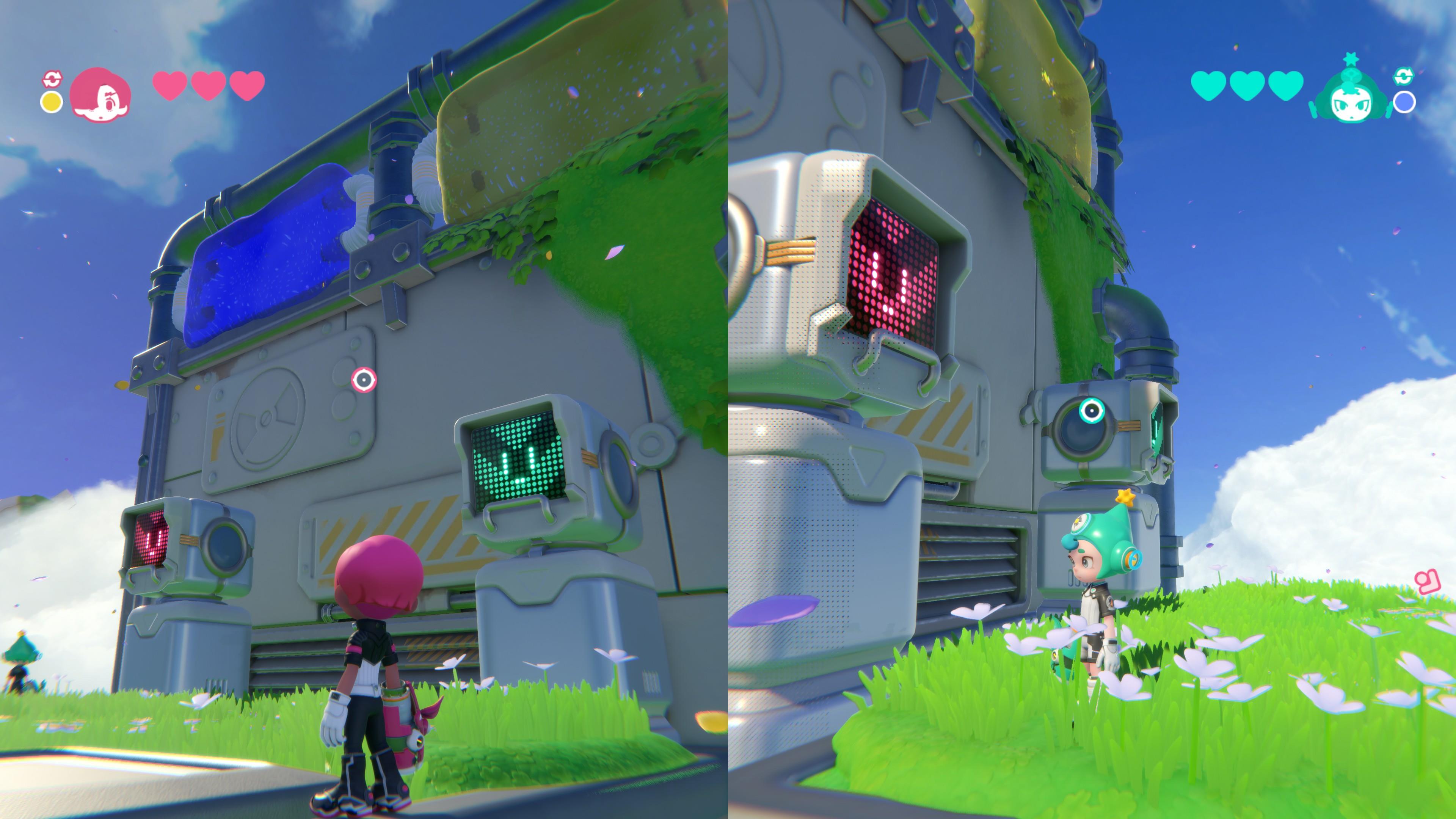
Don’t leave your teammate behind
Players need to work together as a team in order to complete objectives, especially as tasks get more complicated. Sometimes, tasks require perfect timing and quick thinking. You can see a good example in the image above:
- Player 1 (red) and Player 2 (green) need to shoot each other’s springboard platform before hopping on.
- Once they get tossed all the way up, they have to switch to their alternate color—yellow and blue, respectively—so they can shoot the barrier in front of them.
- This allows both players to pass through their respective barriers without getting electrocuted.
Naturally, there are many parts of POPUCOM where it's simply impossible to leave your partner behind, since neither player can make it through on their own. Using context clues and emotes can help with communication during these trickier sections.
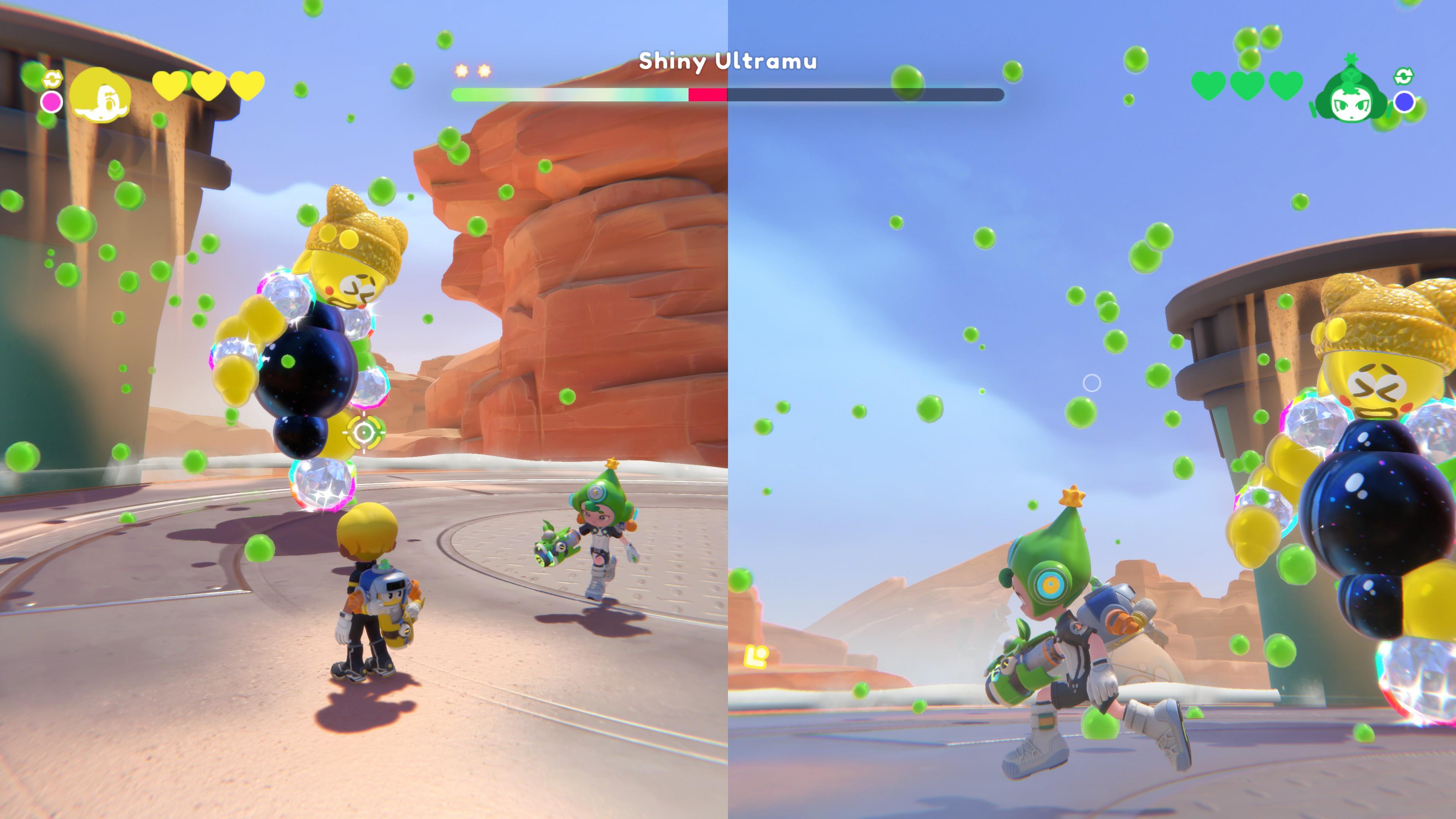
Pinpoint enemy weaknesses to defeat them
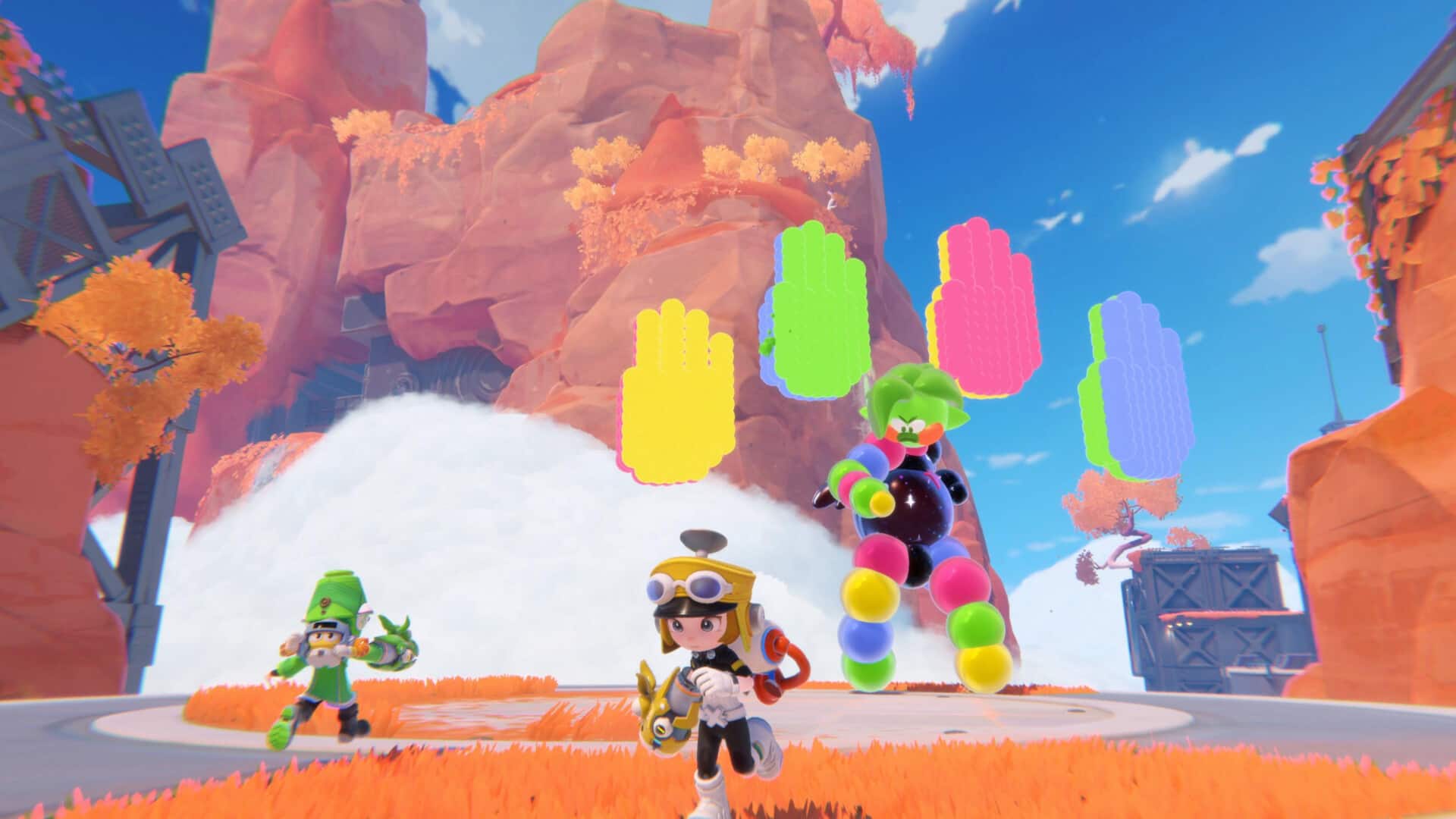
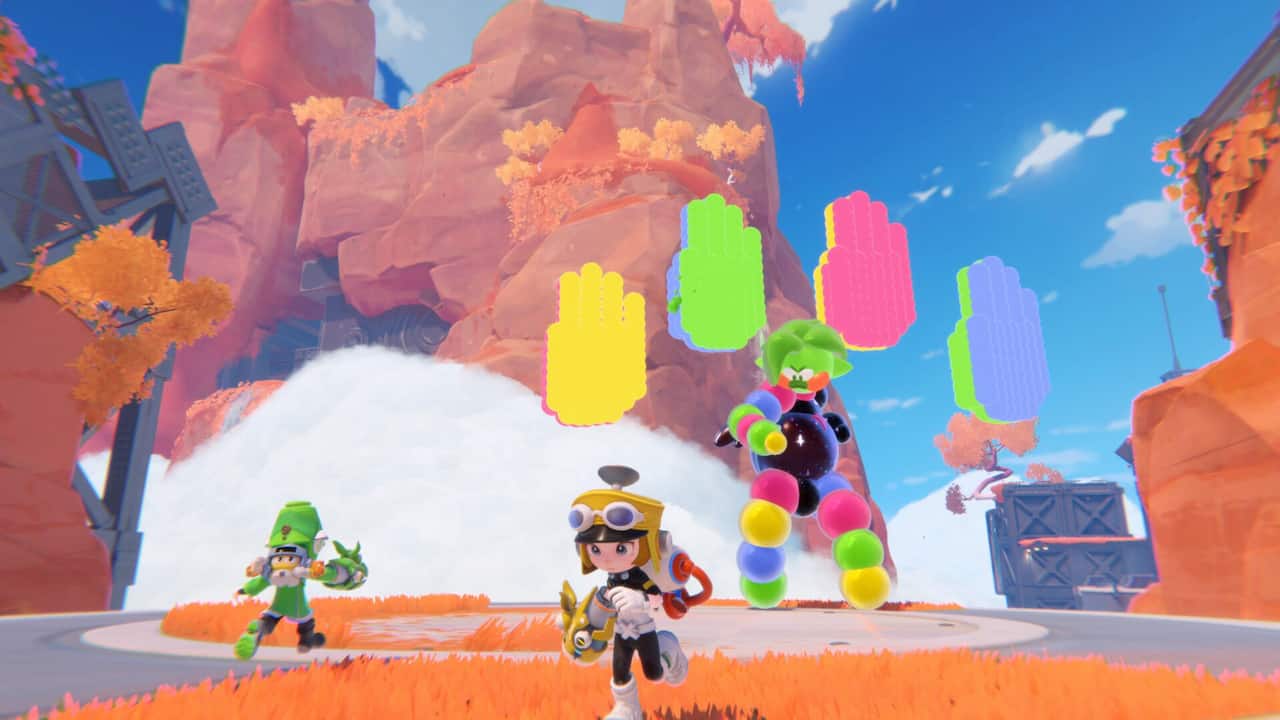
As mentioned earlier, enemy encounters make use of match-3 mechanics. For instance, you can make their orbs, limbs, or projectiles burst by shooting them with the correct colors. In other cases—such as the Shiny Ultramu boss fight seen above—you may need to try something new, like a gadget that lets you throw balloons that are impervious to your projectiles.
Of course, you should be mindful of your character’s health, denoted by heart icons. If you take damage, you can shoot floating hearts to replenish your health. If you lose all your hearts, you’ll be encased in a bubble. You can either break free on your own or wait for your teammate to rescue you.
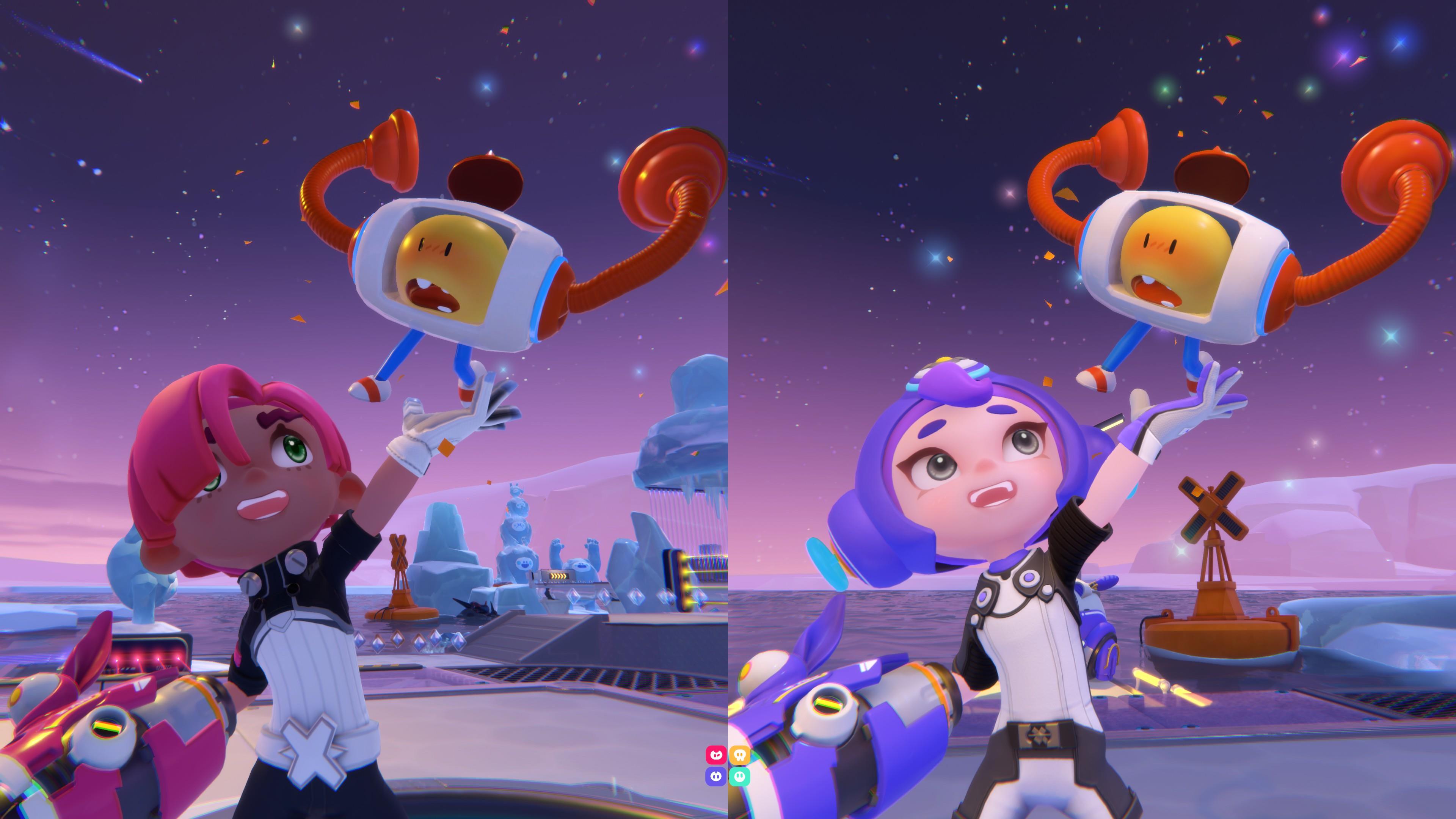
Collect and use Super Artifacts
As you make your way through POPUCOM, there are several Super Artifacts (or high-tech gadgets) that you can acquire, granting you new abilities. These include the following:
- Power Kid: A large glove that can pull and throw beacons. Characters can also swap positions with beacons.
- Barrier Bot: Allows you to create energy barriers that block lasers matching the same color.
- Captain Kitty: Somewhat akin to a crane-operated arcade game, this device lets you pull and drop objects so you can reposition them.
- Rollo the Bomb: You can transform into a bomb and detonate, which then destroys blocks that are caught within the radius.
It goes without saying that these mechanics get more complex over time. For instance, you might need Player 1 to toss a beacon using the Power Kid so that Player 2 can catch it. This will then allow Player 1 to teleport across a gap. In later levels, you'll end up switching between Super Artifacts a few times in order to progress through some of the harder puzzles.
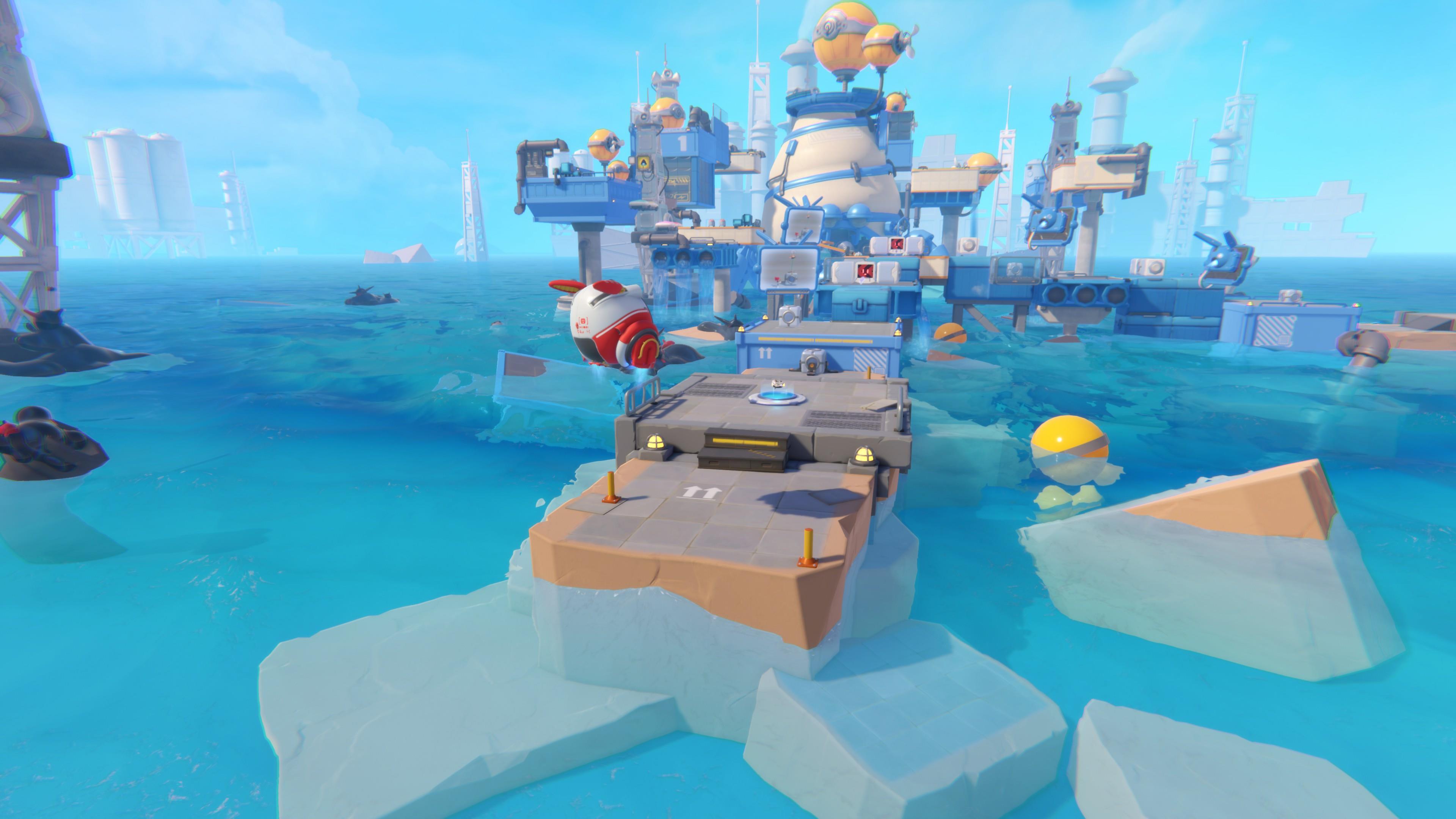
Try to acquire and discover everything in a level
There are all sorts of nifty rewards to discover and collect in POPUCOM’s replayable levels, so you'll want to keep your eyes peeled and take the path less traveled:
- Gems: The currency used to purchase cosmetic options.
- Goodiebots: Tiny drones that you need to rescue so they can construct a missile.
- Stickers: These optional tasks are denoted by a question mark.
- Warp Beacons: These devices allow you to teleport to that part of a level instead of restarting from the beginning.
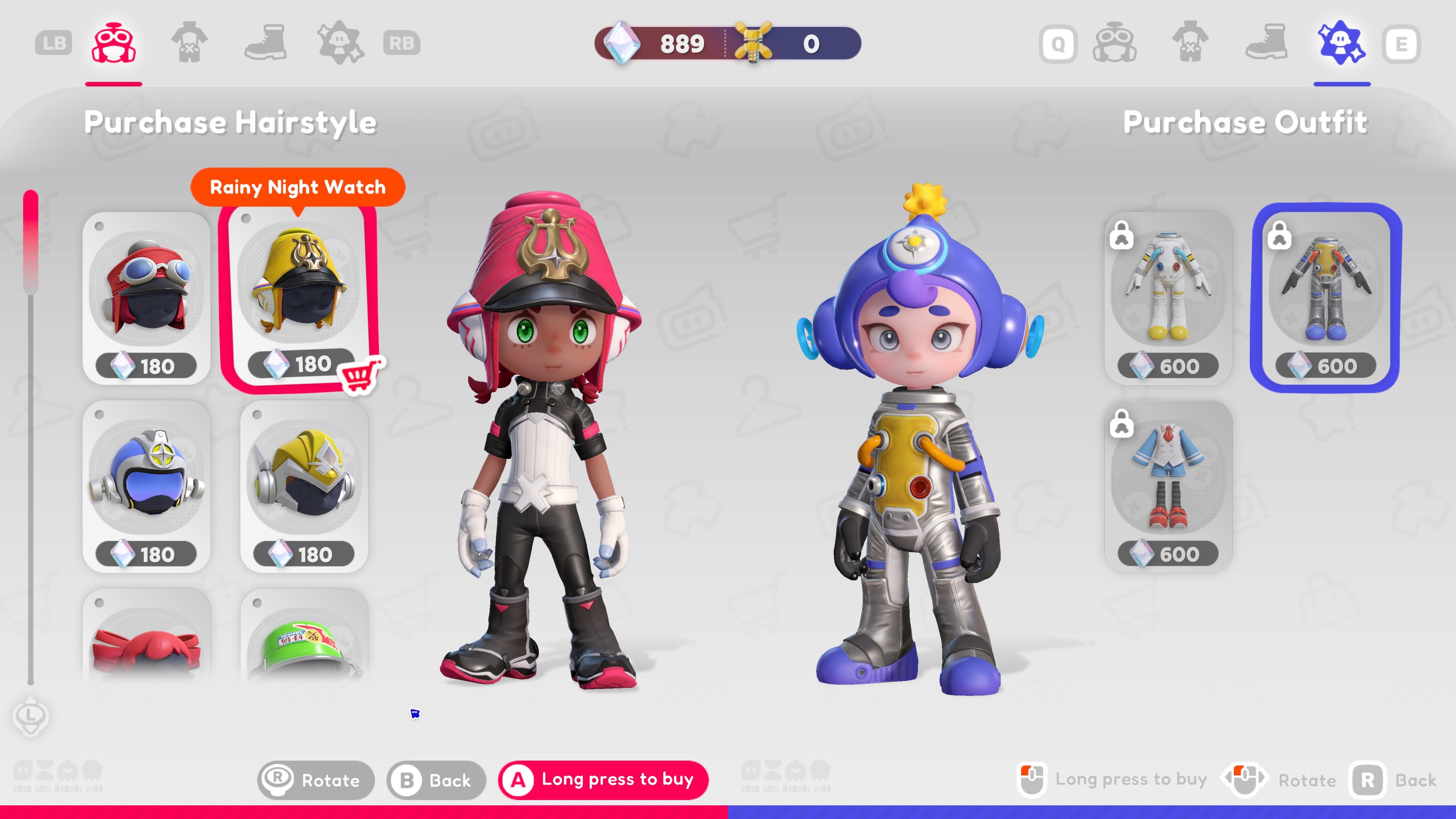
Customize characters further by buying new clothes
You can customize characters by purchasing hairstyles, tops, shoes, and full outfits from Gambol, a robot NPC in your base. Certain outfits may require Gems collected from levels or Lucky Clover Screws obtained from Party Mode. Others can only be acquired once you’ve cleared a particular stage.
That’s everything you need to know as you get started with POPUCOM! We hope our guide helps you and your pals cooperate, communicate, and survive this whimsical adventure.
POPUCOM is available now on the Epic Games Store. You can also check out the POPUCOM - Too Many Clothes Edition, which includes the base game plus several hairstyles, clothing, and footwear options for your characters.