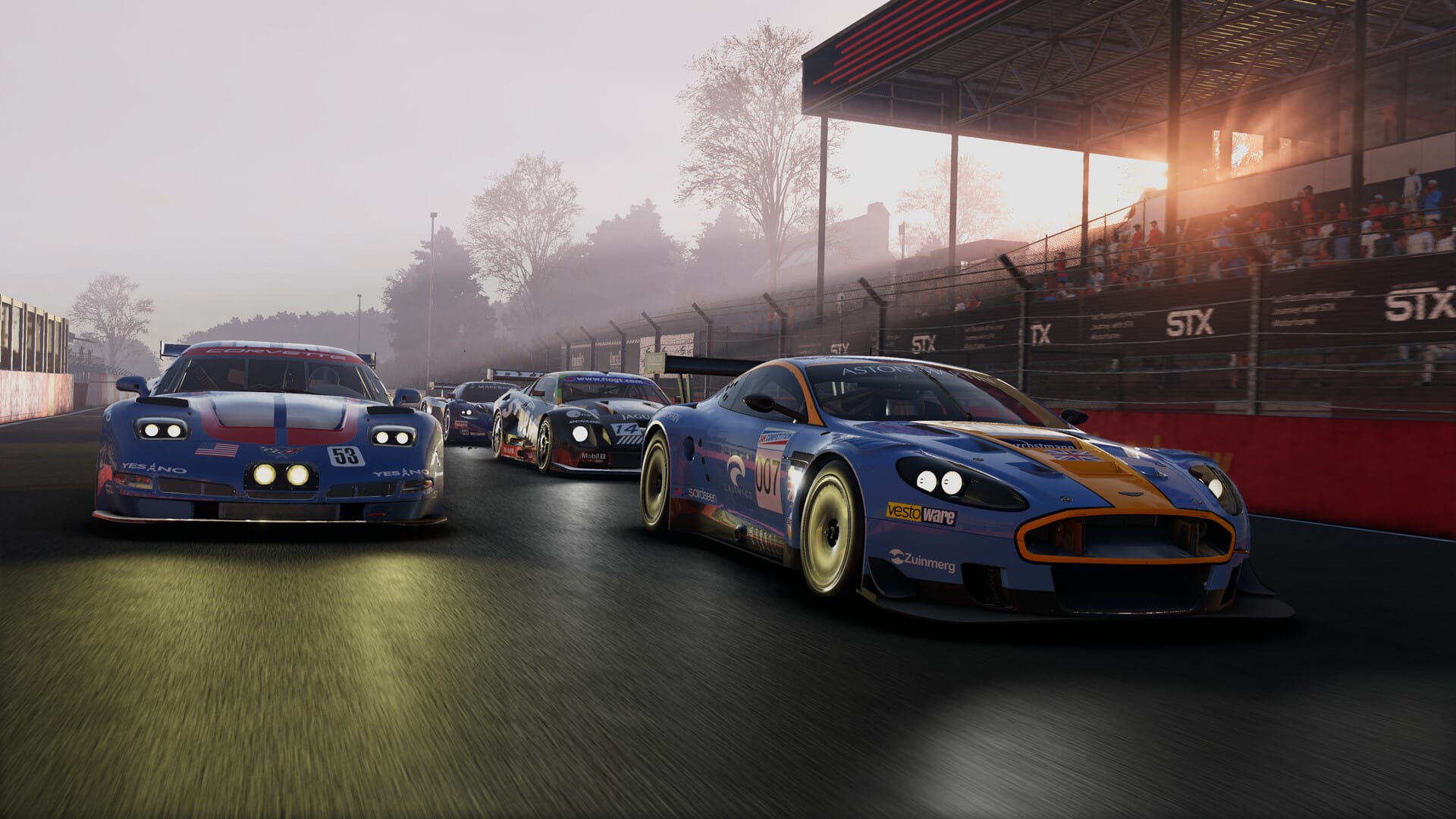
Project Motor Racing guide: Stay on track with these essential driving pointers
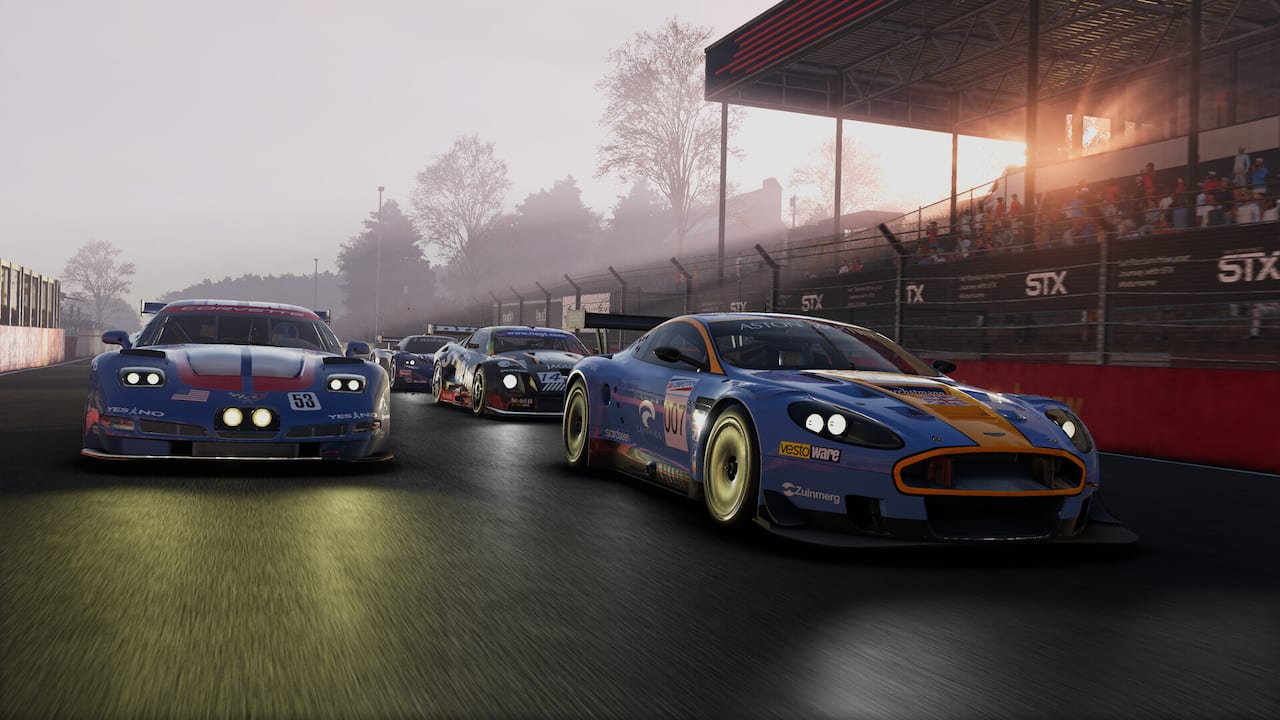
There are many aspects of the modern world that require only half your attention, from keeping an eye on work emails to scrolling games industry hot takes on your phone. Driving race cars at their absolute limit is not such an activity. As Project Motor Racing makes clear, this is an endeavour which requires a combination of total commitment and, well, a lot of practice.
Our Project Motor Racing guide will help keep you on-track, providing pointers on driving faster and with more control in developer Straight6 Studios' new racing sim. Build up slowly, apply these fundamental principles, and we’ll see you out there in the online lobbies.
Let your tires and brakes warm up
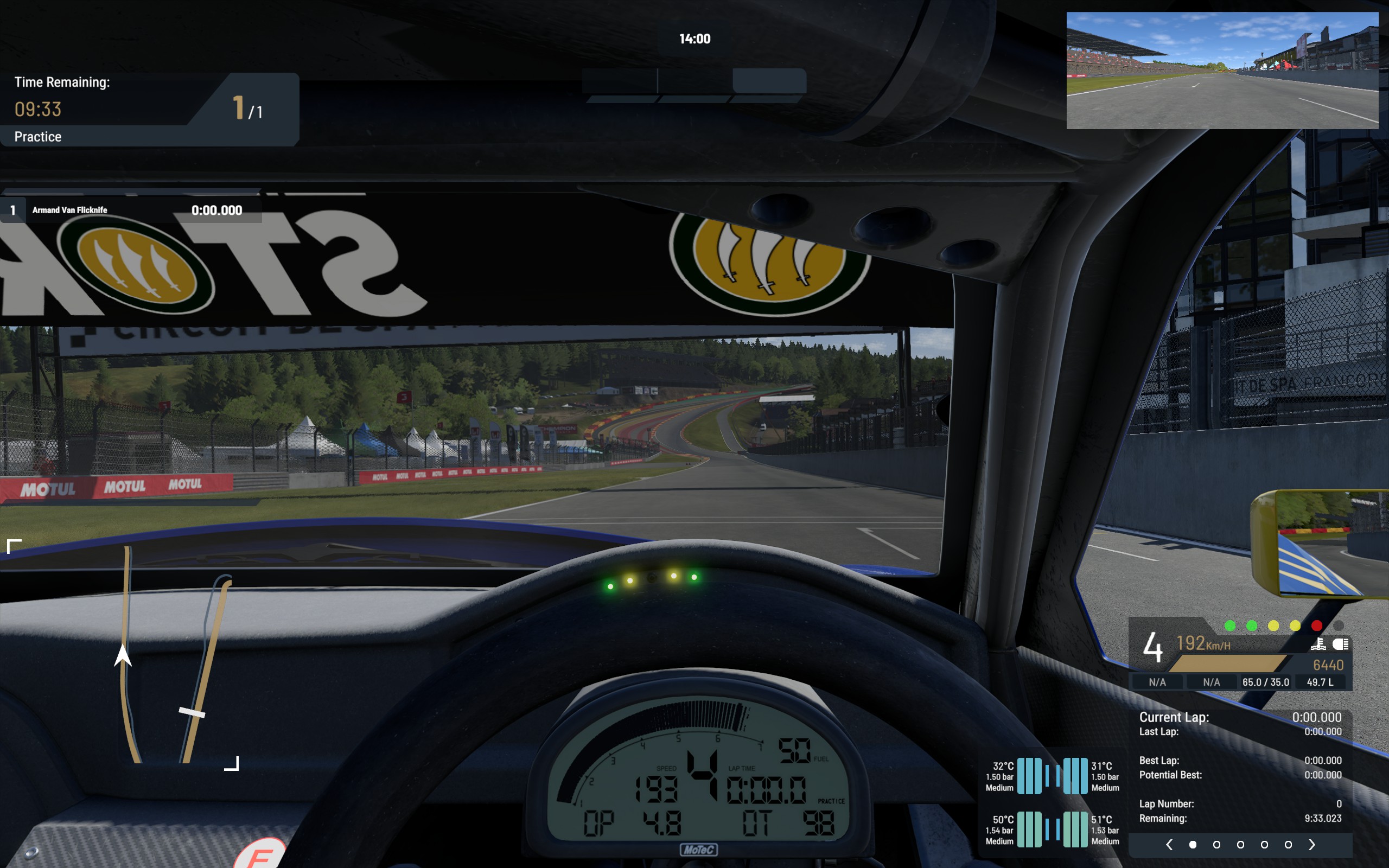
This isn’t a new feature—racing simulators have modelled the temperatures of your rubber and brake pads for many years now. What’s different in Project Motor Racing is that it doesn’t sugarcoat how long it takes to warm them up.
It’s worth waiting two or even three laps before driving at the limit in Project Motor Racing, because you’ll notice a distinct lack of grip and excessively long brake distances if you try to put in a hot lap prematurely.
Trail-braking into corners is an effective way to generate a bit of temp without risking a flat spot on your tires from locking up. As for your tire temp, you don’t need to weave around like an impatient F1 star behind a safety car. Just drive your first two laps at 75% commitment and you’ll see the temperatures and tire pressure enter the green zone quickly enough.
Car choice is your difficulty modifier
There are traditional assists in Project Motor Racing, and if you’re new to racing sims it’s a good idea to add traction control, auto transmission, and a racing line overlay via the Assists menu. You can also experiment with the other settings, of course, but these are a good baseline for beginners.
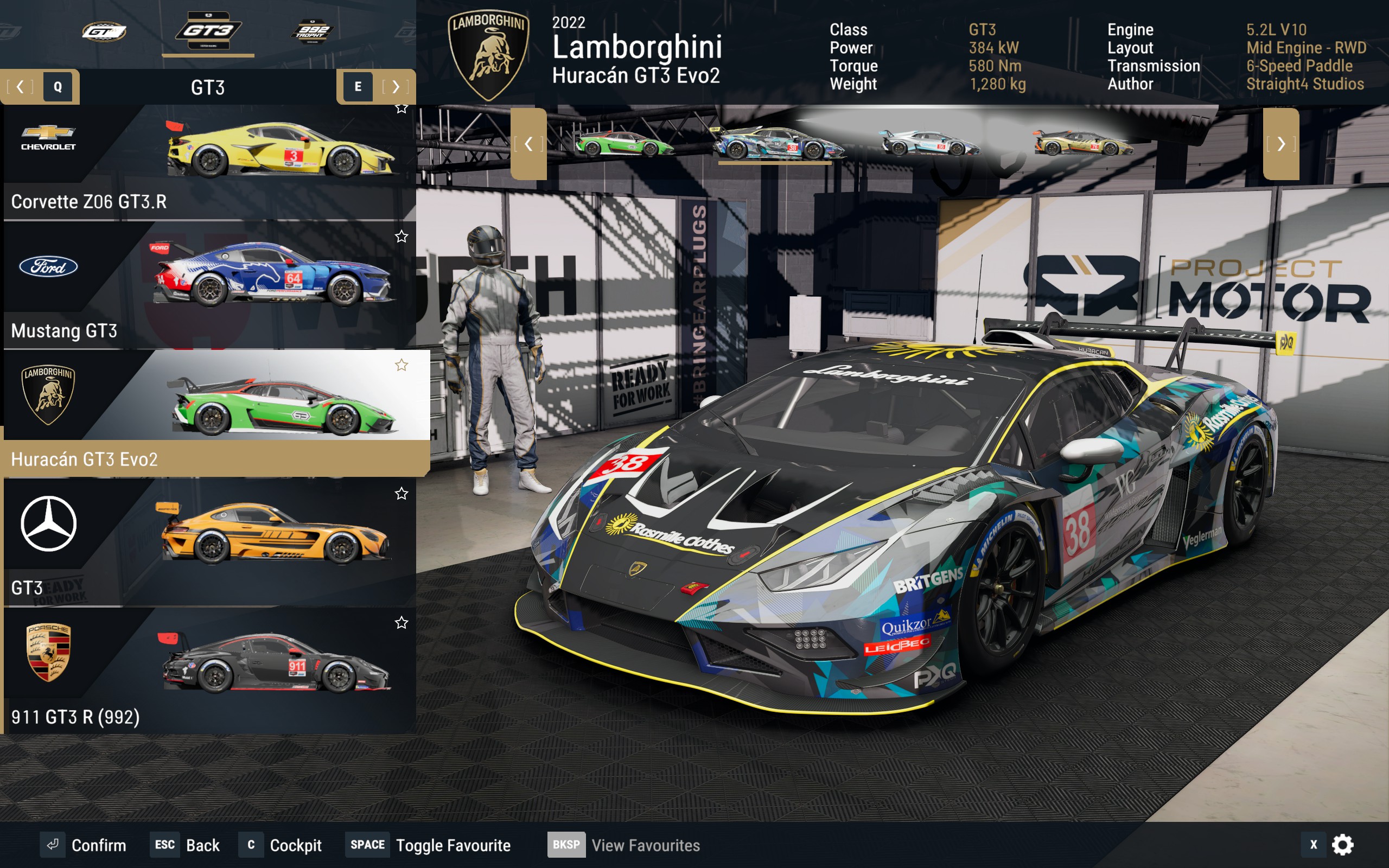
Beyond that, there’s also your choice of car to consider. Wrangling an angry Lister Storm around the track (with all the power from its 7.0L V12 engine delivered via the rear wheels) comes with a very different set of demands than sitting in the cockpit of a Lamborghini Huracan GT3 EVO2 and enjoying the electronic aids it deploys to create a planted, grippy feel.
You should consider Project Motor Racing’s extensive car list as a kind of hierarchy of challenge. Think Shao Kahn sitting at the top of the tournament ladder in Mortal Kombat, only instead of a supernatural ninja god-king, it’s a vintage racing car with no electronic aids built into it.
As a rule of thumb: Newer, low-horsepower cars are the easiest to drive, and as you work back down the years and up the engine size, the difficulty increases.
Stay on throttle while braking
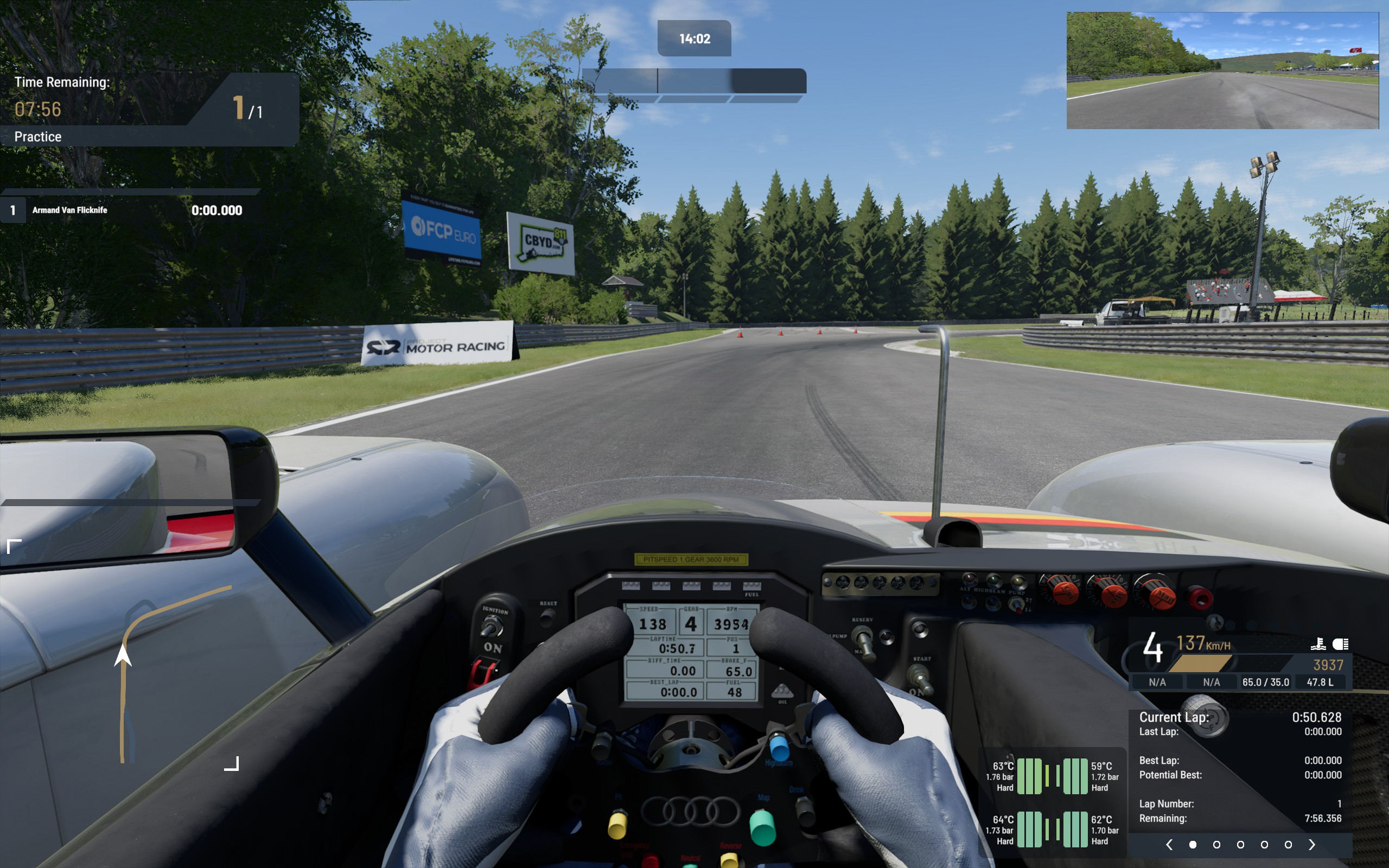
One of the quirks of Project Motor Racing’s first principles physics engine is the distinctive feel of the car’s weight shifting as you come off the throttle and onto the brakes. In some vehicles it’s more noticeable than others, particularly in rear-engine, rear-wheel drive models where the sudden weight transfer can destabilize the car and make precise braking points tricky to hit without the rear end spinning out.
There is a trail throttle assist in the Assists menu which addresses this, but if you’re the type of racer who wants to feel everything the car’s doing (and thus turns all the assists off) there’s a simple adjustment you can make to your driving style that will prevent the car from losing stability when you switch pedals: stay on the gas.
Not in a "Keanu Reeves must keep the bus above 50mph" way. Instead, you can manually trail the throttle pedal as you brake so that there’s an overlap between the throttle and braking inputs. This stops your platform from getting loose and squirrely when you put the anchors down.
Tune your force feedback settings per car
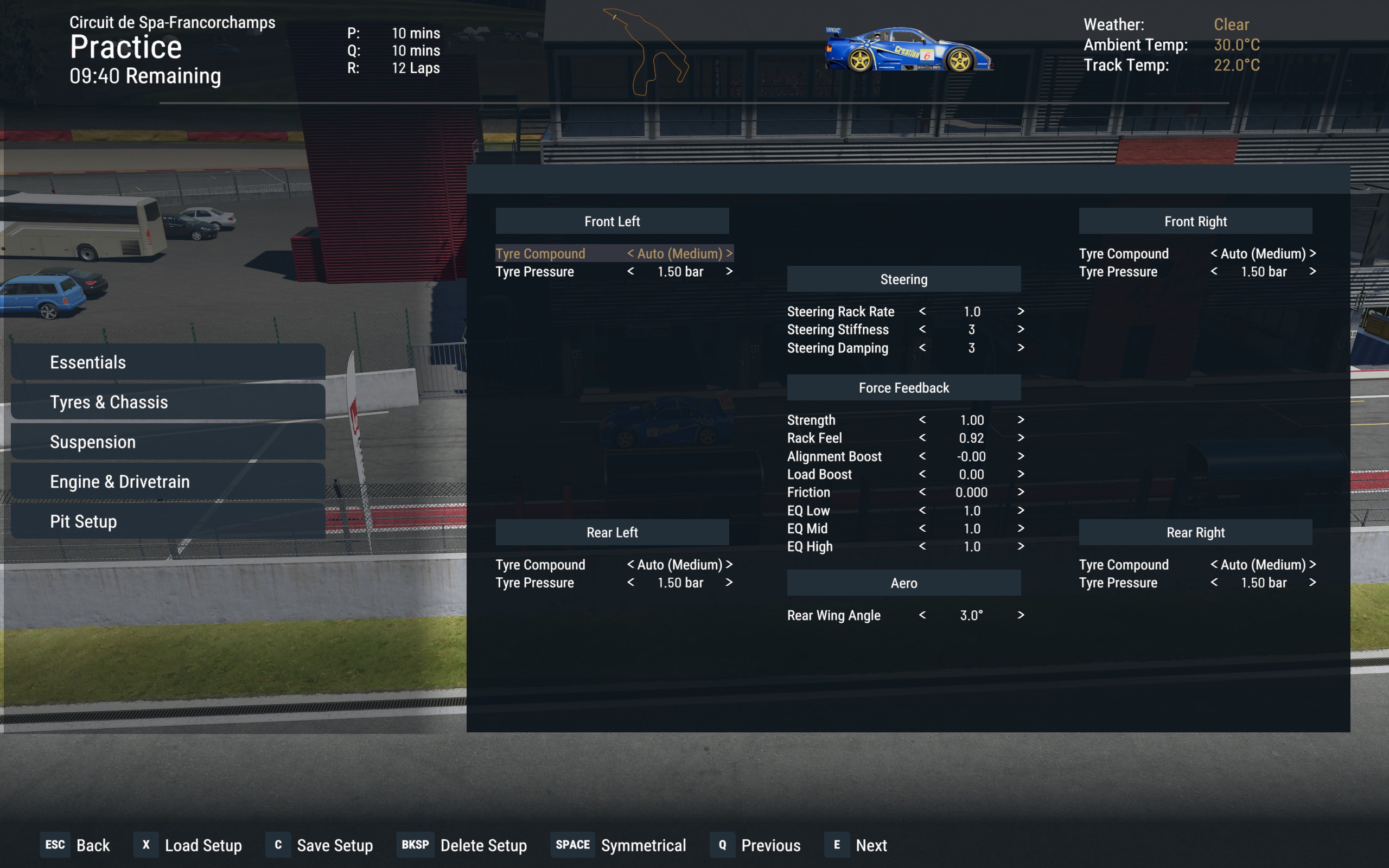
There are two separate sets of force feedback settings in Project Motor Racing. The first is a global settings panel which you’ll find under the Options menu. The second can be found once you actually start an event, in the Car Setup menu.
Tweaking these parameters in the Car Setup menu on a per-car basis allows you to dial in a sensation that works best for the way your vehicle responds. If you’re finding that your vintage mid-engine race car tends to get a bit loose and snakes left and right when you put the throttle down, a lighter steering feel might be desirable, and thus a decreased force feedback strength. For lighter and more modern machinery fitted with grippier tires, however, you might prefer to increase the force feedback to know exactly what those tires are doing through the turns.
Use the pro sim racers’ setups
Finding an optimal car setup takes a lot of tuning experience, trial and error, and practice laps. Applying a quick and experienced sim racer’s setups, on the other hand, takes mere moments.
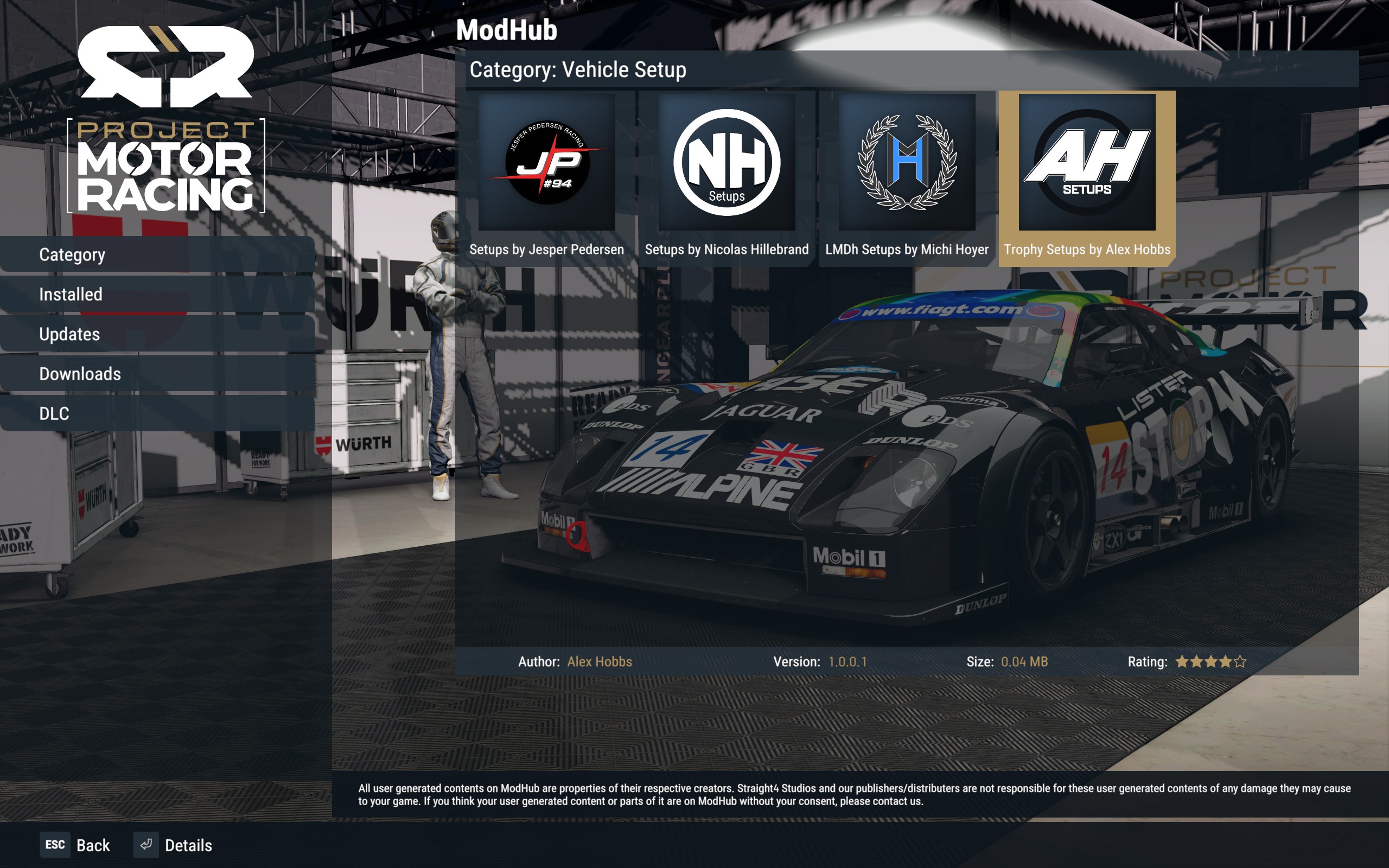
If you want to find a chunk of lap time in a hurry, you should head to the ModHub (found under Downloads in the main menu) and navigate to the Vehicle Setup category, where you’ll find community setup files ready for you to download and apply to your vehicle.
Anyone’s free to do this, but to get the stockpile started, developer Straight6 Studios collaborated with several sim racers to create a few top-quality setups ahead of launch. At the time of writing you can find and download tunes from Jesper Pedersen, Nicolas Hillebrand, Michi Hoyer, and Alex Hobbs.
That raft of pro-grade setups might not be enough to cover every vehicle at every track, but it does give you a reference to study when the time comes to create your own setups. Which parameters have they changed the most, and why? Where does the car feel different when you apply the setup versus the default values? By analysing questions like these, you can use the sim racers’ setups to start making your own.
And as an added bonus, when you get familiar with building a setup, you can start to attune it to your personal driving style and force feedback settings, too.
Project Motor Racing is available now on the Epic Games Store.