खबरें
Rematch beginner’s guide to offense, defense, and goalkeeping
D
Dave Tach
Before tackling the pitch in Rematch, the developers at Sloclap created Sifu, a kung fu-inspired third-person action game. That’s important because the legacy of that game lives on in Rematch, with incredibly lifelike animations and a slate of moves to memorize. You won’t be punching or high-kicking your opponents in Rematch, but you will be using your body as a kind of weapon to pull off spectacular moves, if not of the martial arts variety.
Before you can be dominant on the pitch, you need to learn and master the fundamentals of offense, defense, and goalkeeping. In this guide, we’ll get the moves into your memory quickly. We’ll walk you through the moves for each position, building on the knowledge that you learn along the way. Then you can start testing what you learned in Quick Match games (available in 3-versus-3, 4-versus-4 and 5-versus-5 varieties) before moving into Ranked matches.
Offense: Ball control, sprinting, and passing
The core of offense is ball control, and there are several offensive moves to learn. We’ll learn about offense through the lens of three essential mechanics—Push Ball, Dribble Stance, and Magnus—and weave in some related mechanics like Extra Effort and Ball Call too.
The ball in Rematch feels magnetic because it’s attracted to your character. Get close enough, and you’ll start controlling it and moving across the field at the pace of a light jog. Jogging with the ball gives you less to worry about moment to moment, since you’re automatically controlling it, but it comes with a downside: When you’re running down the pitch with control of the ball, you’re going at a slower pace than you otherwise would.
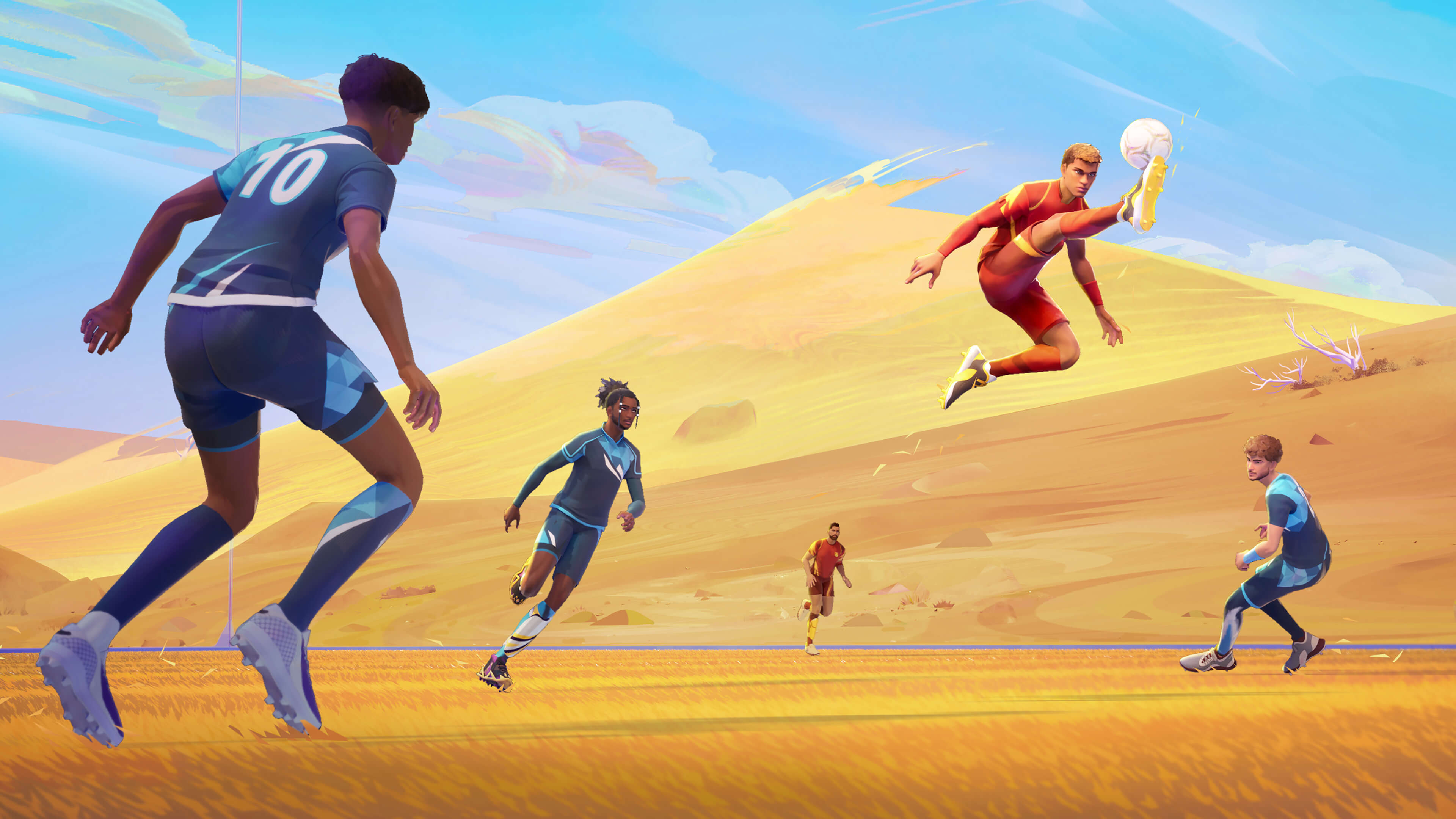
Whether you have the ball or not, you can run with the press of the dedicated Sprint button (L1/LB/Left Shift). You can run as long as the Stamina bar at the bottom of your screen is at least partially filled. Deplete it, and it refills at a steady pace.
Double-tap the Sprint button to enter Extra Effort mode, which allows you to run extra fast for a few brief moments. There’s a smaller, separate bar to the right of your much longer Stamina bar to represent your Extra Effort status. It refills just like your Stamina bar.
If you don’t have the ball, the Ball Call mechanic (L3/Left Thumbstick/Scroll Wheel) lets your teammates know that you want it.
Offense: Push Ball
Running down the field in control of the ball makes you the biggest of targets, so Rematch gives you some moves to make offense more effective and defense more difficult. It helped us to think of them like dodges in an action game.
Push Ball is the first of these moves to master. When you’re in control of the ball, with the press of a dedicated button (Sprint + X/A/C), you can kick the ball a few feet around you. The immediate upside is that you’ll move faster down the pitch because you’re not burning calories carefully controlling the ball. The downside is that sacrificing control creates an opportunity for your opponents to intercede and steal.
You can release the ball with a Push Ball or a fancy-looking Rainbow Flick (Sprint + R1/RB + X/A on controller or Sprint + C on keyboard) where you kick the ball up and over anything in front of you, which is helpful for avoiding tackles and steals.
Push Ball is one of the most important ways to get an edge on your opponents, but it’s also fickle because you’re deliberately sacrificing ball control.
Spamming the button as you move downfield can get you some serious speed down the pitch, but even minute adjustments in your camera can send the ball off course. But you can also use that to your advantage, using the directional buttons to push the ball to the left or right around opponents, toward your teammates and toward the goal. Always consider receiving the pass with a bit of Push Ball angling toward the goal, your teammates, or away from your opponents.
Offense: Dribble Stance and Skill Move
Dribble Stance lets you pull off finesse moves to confuse your opponents and avoid slides, which are a super common way to steal the ball from you. It has its own dedicated button (L2/LT/Left Control).
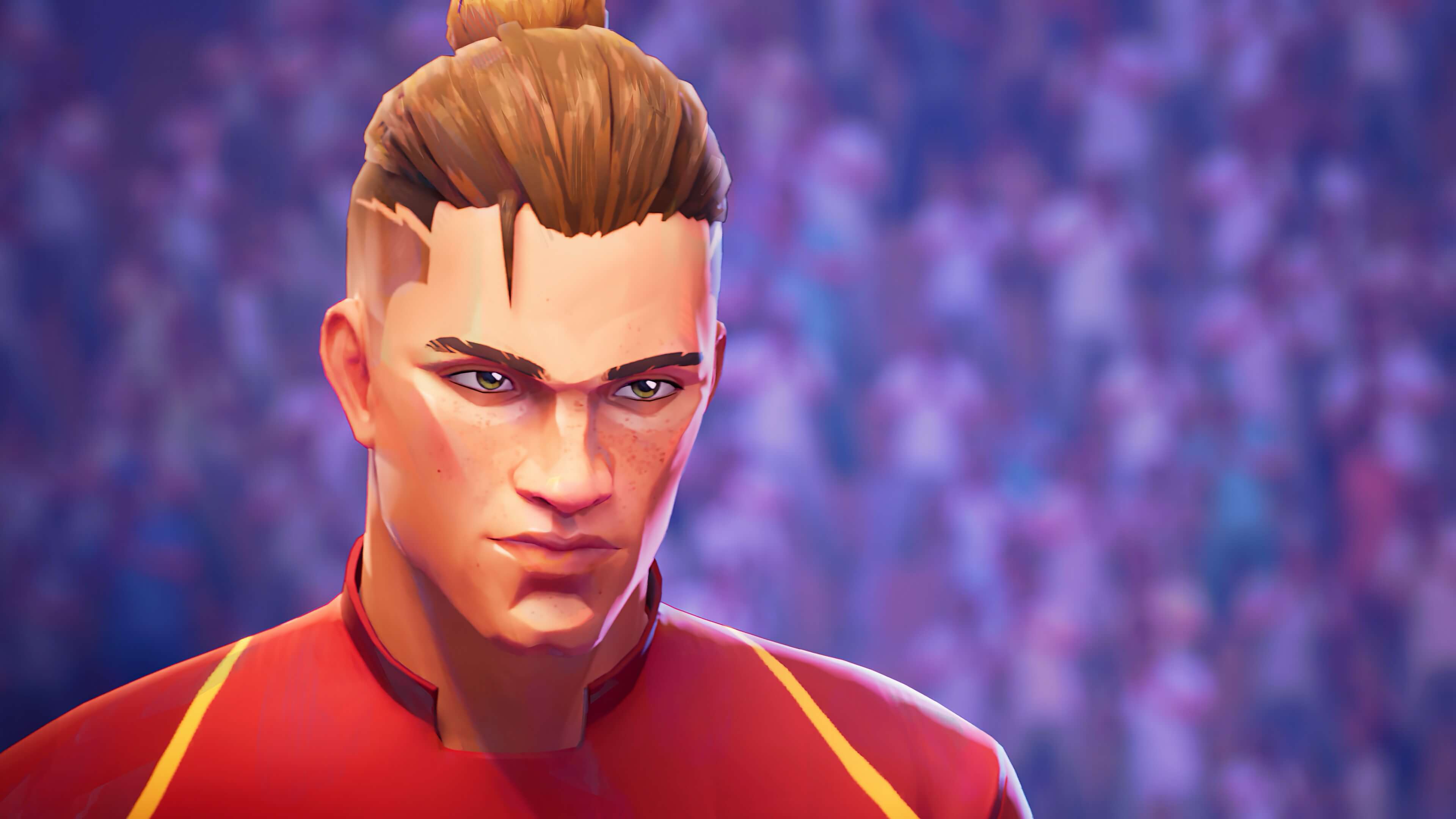
When you use Dribble Stance, your character’s legs widen, you slow down, and you can press a button (X/A/X) and a direction to avoid enemies with a Skill Move that quickly lobs the ball in a specified direction. It’s particularly useful to change the ball’s direction when your opponent is sliding in for a steal.
Shots
Shots on goal are a one-button affair mapped to the Shoot button (R2/RT/Left Mouse). Hold that button down and make adjustments in the split second it takes to wind up for the big kick.
A Magnus Shot (Shoot + left analog stick direction/mouse direction) lets you apply a little English to a shot on goal. Imagine you want to take a shot on goal, but there’s a defender between you and it. Or maybe you just lined up your shot wide. Aim to the left or right and hold a directional button or stick as you shoot, and your ball arcs the ball mid-flight in the direction you chose. You can arc the ball left or right or even up over an opponent and then down.
Defense Stance
Your basic Defense Stance is the rough equivalent of your offensive Dribble Stance, mapped to the same L2/LT/Left Control as Dribble Stance is on offense. Press that and you’ll spread your legs, sacrificing movement speed for the ability to automatically deflect shots.
Since you’ve slowed down in Defensive Stance, you can press X/A/C to dash quickly into a different position while maintaining Defense Stance.
Tackle
You can Tackle enemies controlling the ball (Circle/B/E) when you get close.
If you Tackle while Sprinting, you’ll Slide toward your opponent for a stylish tackle that quickly closes the gap between you.
Either way, the ball comes loose, and that’s a great time to use Extra Effort to get to the loose ball first and gain control.
Pass, Lob, and Volley Action
If you want to Pass or Tap the ball on the ground, just press Square/X/Right Mouse. Ideally, you want to angle the ball toward your teammate.
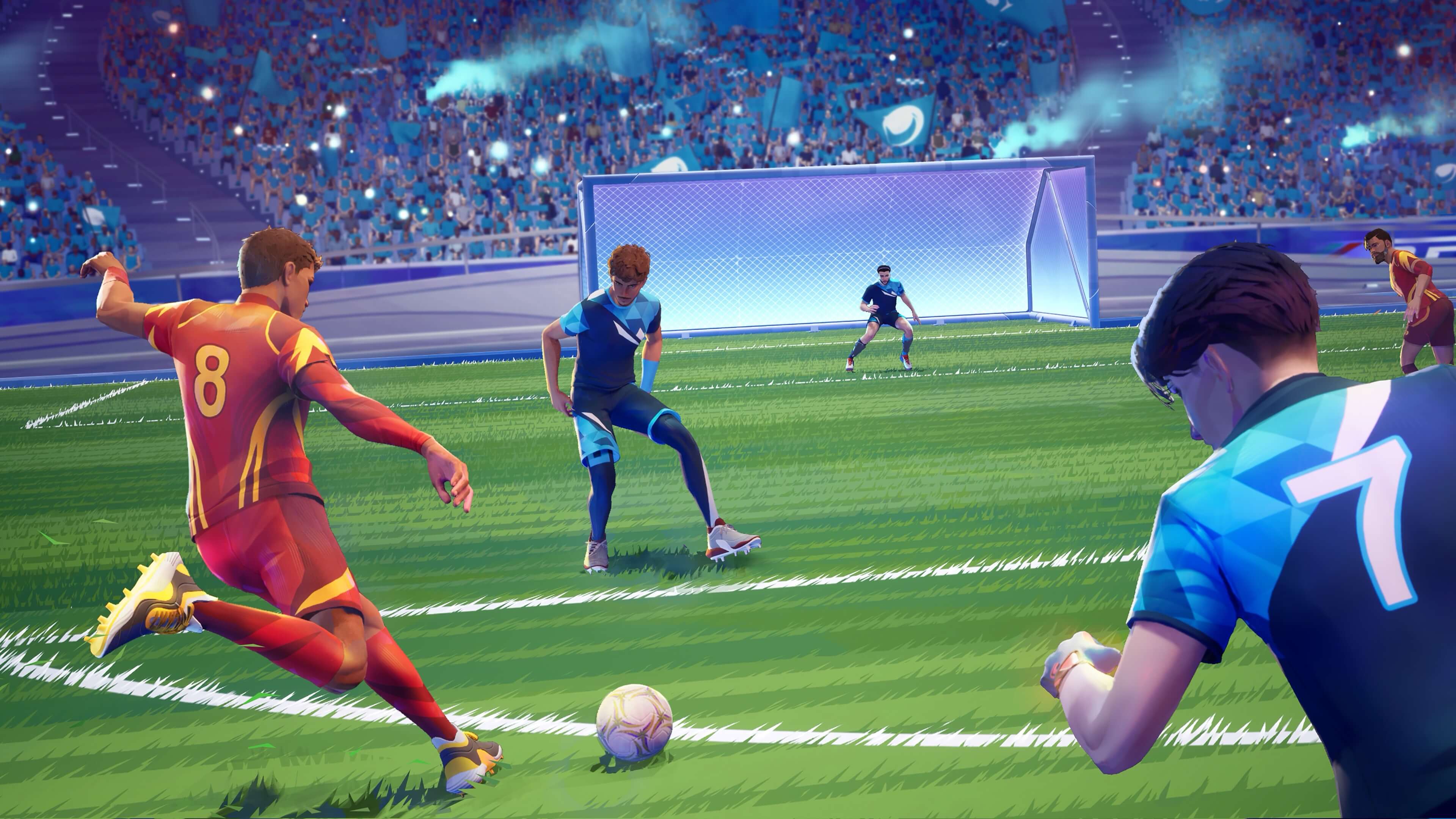
To get a little fancier and Lob the ball up and over your opponent’s head, press R1/RB + Square/X on a controller or just F on a keyboard. Think of a Lob like a pass delivered through the air instead of on the ground.
If you need to get rid of the ball quickly after someone flies close to you, you can press Square/X/Right Mouse to perform a Volley Action and kick or even headbutt it away without controlling it.
Goalkeeper
Rematch assigns each player an on-field position throughout matches, so everybody eventually plays goalkeeper. The skills you learned on offense and defense translate well to this specialized position.
Defensive Stance (L2/LT/Left Control) is the quintessential goalkeeper look, putting you into position to intercept shots on goal, either catching or deflecting the ball. You can press X/A/C to Dash into a better position, just like you can on defense.
As goalkeeper, pressing Triangle/Y/Space and a direction lets you Dive and catch or deflect a shot on goal.
A Goalkeeper Tackle (Circle/B/E) allows you to take the ball off of your opponents. It’s a lot like what you do on defense with the Sliding Tackle, except that you’re the goalkeeper, so you get to grab the ball at the end of the move.
Thinking about Rematch like an action game got us up to speed quicker than we otherwise would have. Now that you know what to do, keep practicing, and earn your way to ranked matches!
Check out Rematch on Epic Games Store today!