Crystal of Atlan beginner's guide: Best starting classes, tips, and strategies
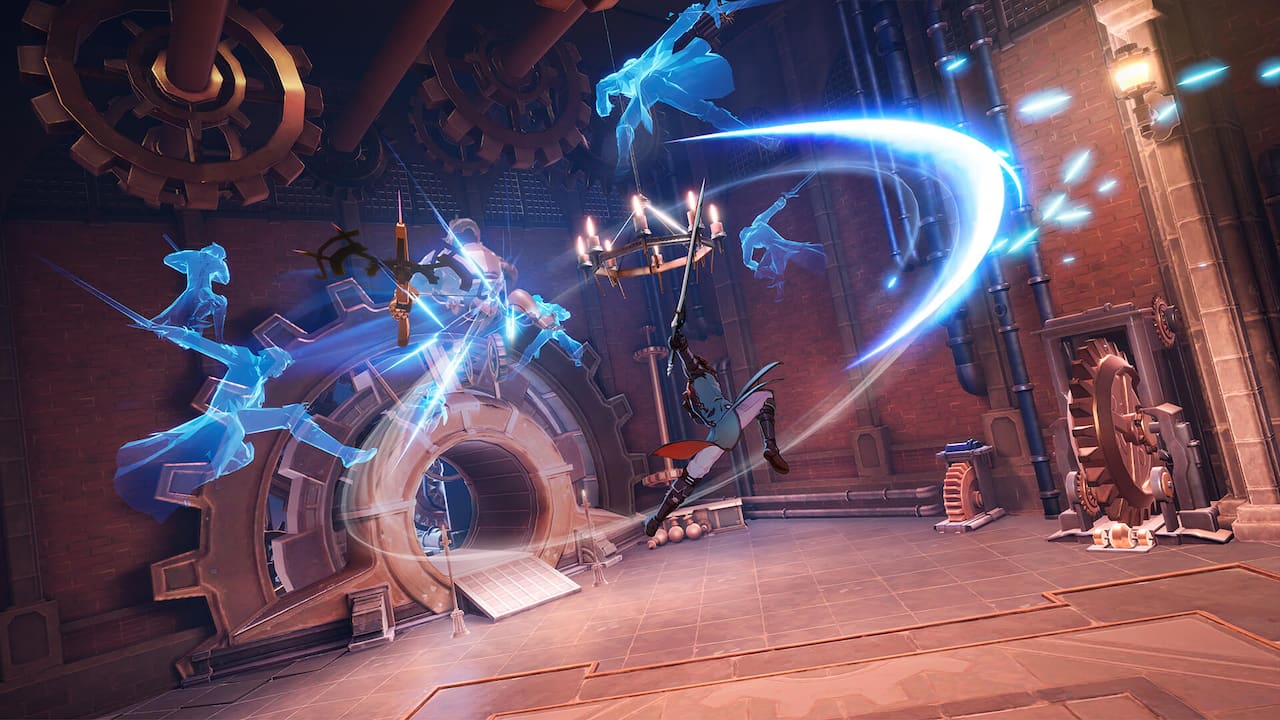
MMOs can be difficult to jump into, even ones that are fresh on the scene like the new action-RPG MMO Crystal of Atlan. First released in China in 2023, Crystal of Atlan is now available for an international audience via the Epic Games Store.
Crystal of Atlan can be daunting, but knowing what you’re doing before you hop in can help. Our Crystal of Atlan guide covers the best starting classes, early-game tips, and combat strategies, giving you a head-start on other players whether you’re a seasoned MMO veteran or brand-new to the genre.
Best starting classes for beginners
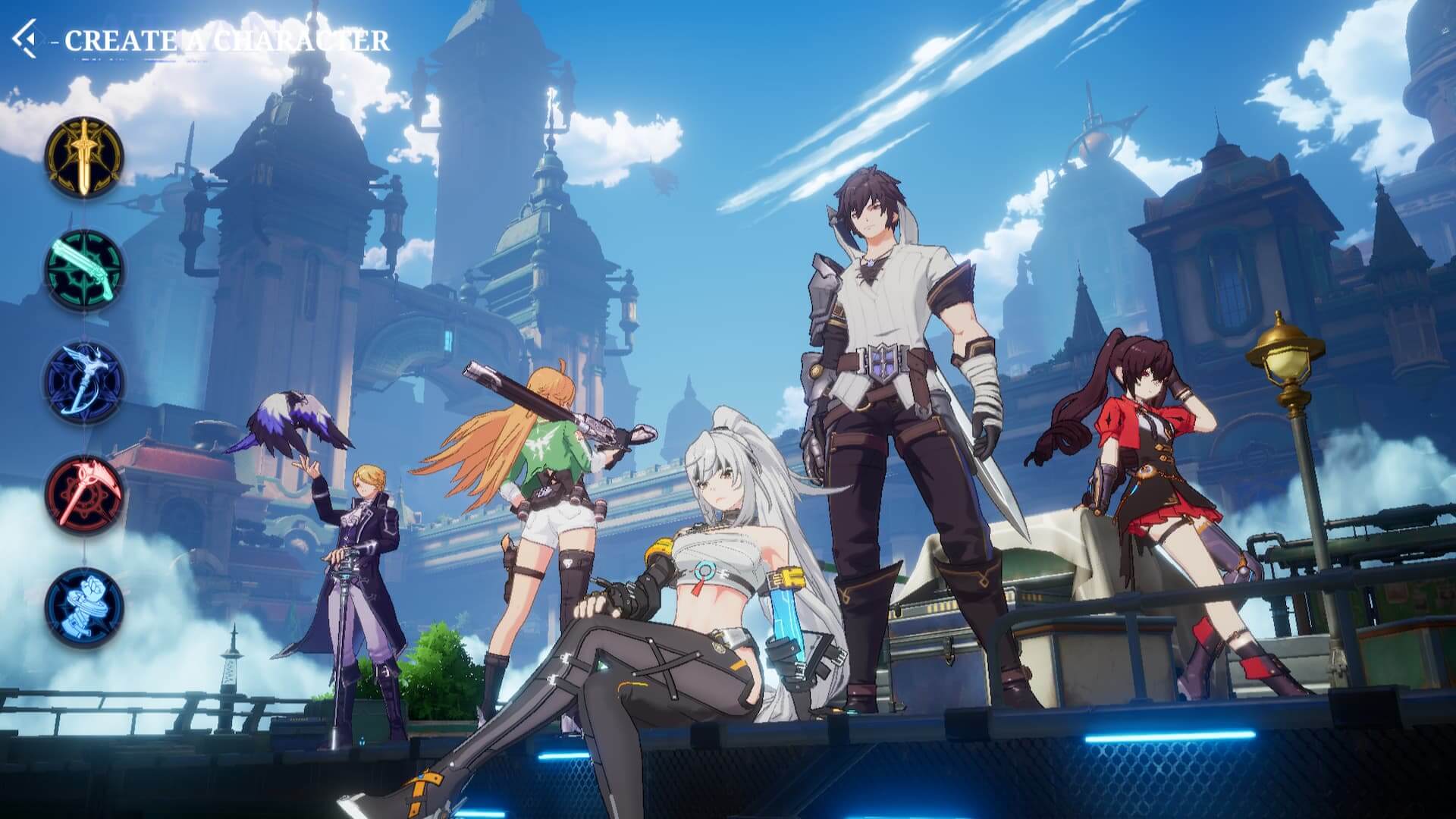
There are five classes to choose from at the start of Crystal of Atlan. Each of those classes has additional advanced classes you can pick from starting at level 15, which doesn’t take long to hit. These classes and advanced classes are as follows:
- Swordsman: Magiblade and Berserker
- Musketeer: Bounty Hunter and Gunner
- Magister: Elementalist, Warlock, and Magician
- Puppeteer: Scytheguard and Blademaiden
- Fighter: Cloudstrider and Starbreaker
The first time your account plays on a server, the tutorial gives you a chance to play with four of the classes before choosing one.
As mentioned, Crystal of Atlan starts you off with a standard version of your class so you can learn the ropes. At level 15, you'll pick from two advanced classes (or three, in the Magister’s case). At this point, you can also customize what your character looks like with a few different hair and face options, as well as change the color combinations of your outfits. This happens right after picking an advanced class at level 15, so don’t worry about choosing something based on looks.
Crystal of Atlan's gacha system revolves around outfits, which also give stats. You'll unlock quite a few options to pick from as the game progresses.
Before settling on an advanced class, you'll have the chance to demo each. And even after settling on an advanced class, you can still switch back-and-forth between them until level 42, at which point you'll specialize in a single advanced class.
All this to say that you don’t need to stress about picking a class or an advanced class at the start of Crystal of Atlan. You’ll have plenty of opportunities to switch things up.
Why you should create multiple characters
Crystal of Atlan is an MMO that really relies on players switching characters, similar to Maple Story.
The game limits how quickly you can level characters and move through the story. You'll have to use stamina each time you go into a story mission dungeon, and certain missions will force you to wait an extended amount of time before continuing. The first time this happens, Crystal of Atlan makes you wait ten hours!
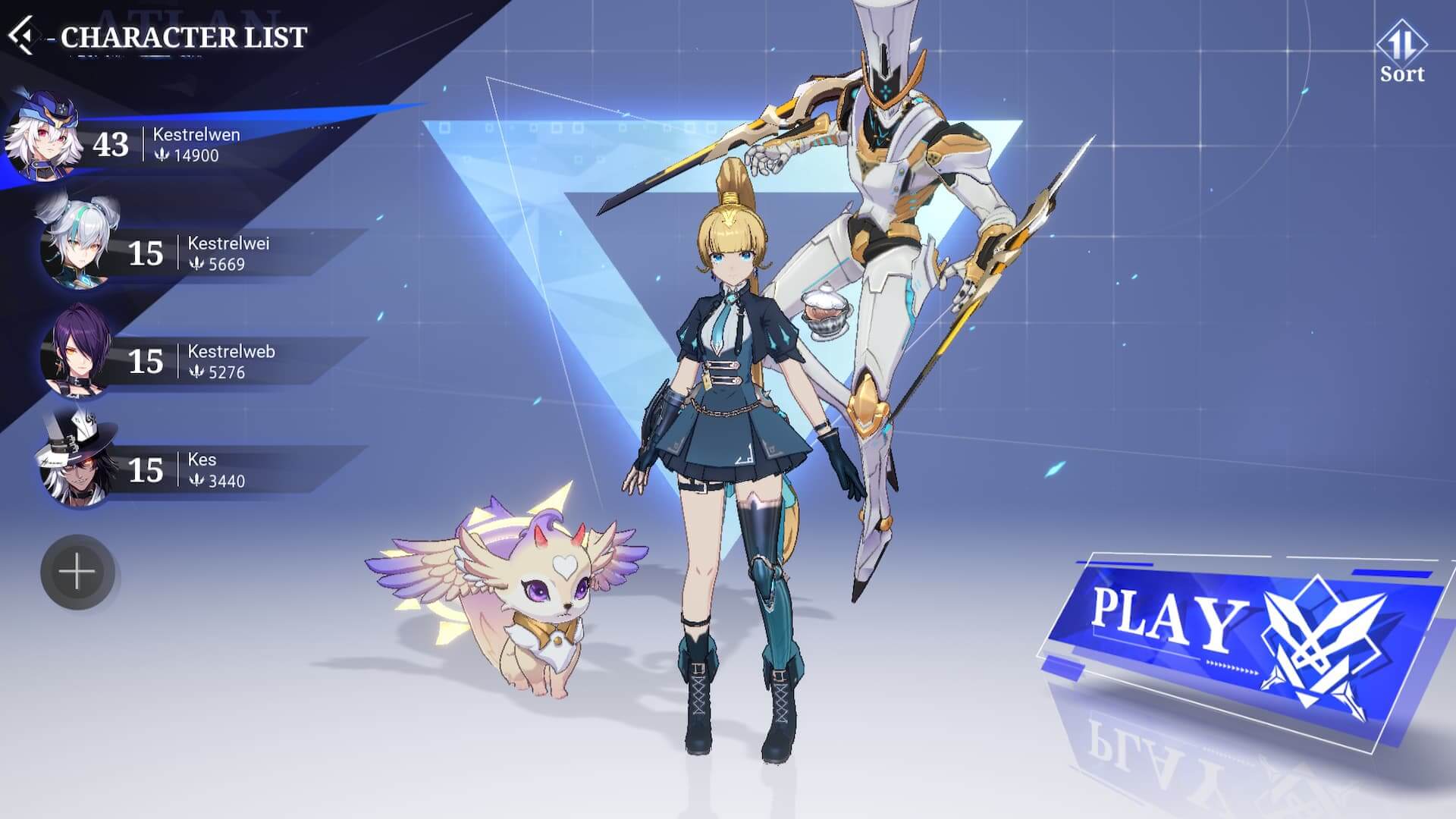
Stamina isn’t shared between characters though, so while one character is on pause, you can switch to leveling up another one. Crystal of Atlan makes it obvious that it wants you to do this, as a giant “Switch Character” option is on the main task bar under "Settings."
Beginners should make multiple characters and experience Crystal of Atlan's various classes for themselves. Some of them play completely differently once they reach the advanced classes. For example, the Musketeer has a slow gameplay style in the tutorial, but her Bounty Hunter advanced class features a fast-paced, bullet-slinging playstyle that’s almost the exact opposite.
You should ideally make multiple characters and experience them all if you're hunting for a favorite. It doesn’t take long to get to level 15, so you won’t have to invest much time into test-driving.
Optimize your settings
There are several settings that can be adjusted depending on your preferences, and which have a huge impact on how Crystal of Atlan plays. To start with, there are three modes for the camera view:
- 3D RPG Camera: Largest field of view
- 3D Act Camera: Best visual experience
- 2.5D Camera: More zoomed out and above the character
All of these are found under the Camera Settings menu, and there’s no correct or "best" one, per se. You should pick whichever you’re most comfortable with, as they each have benefits and drawbacks.
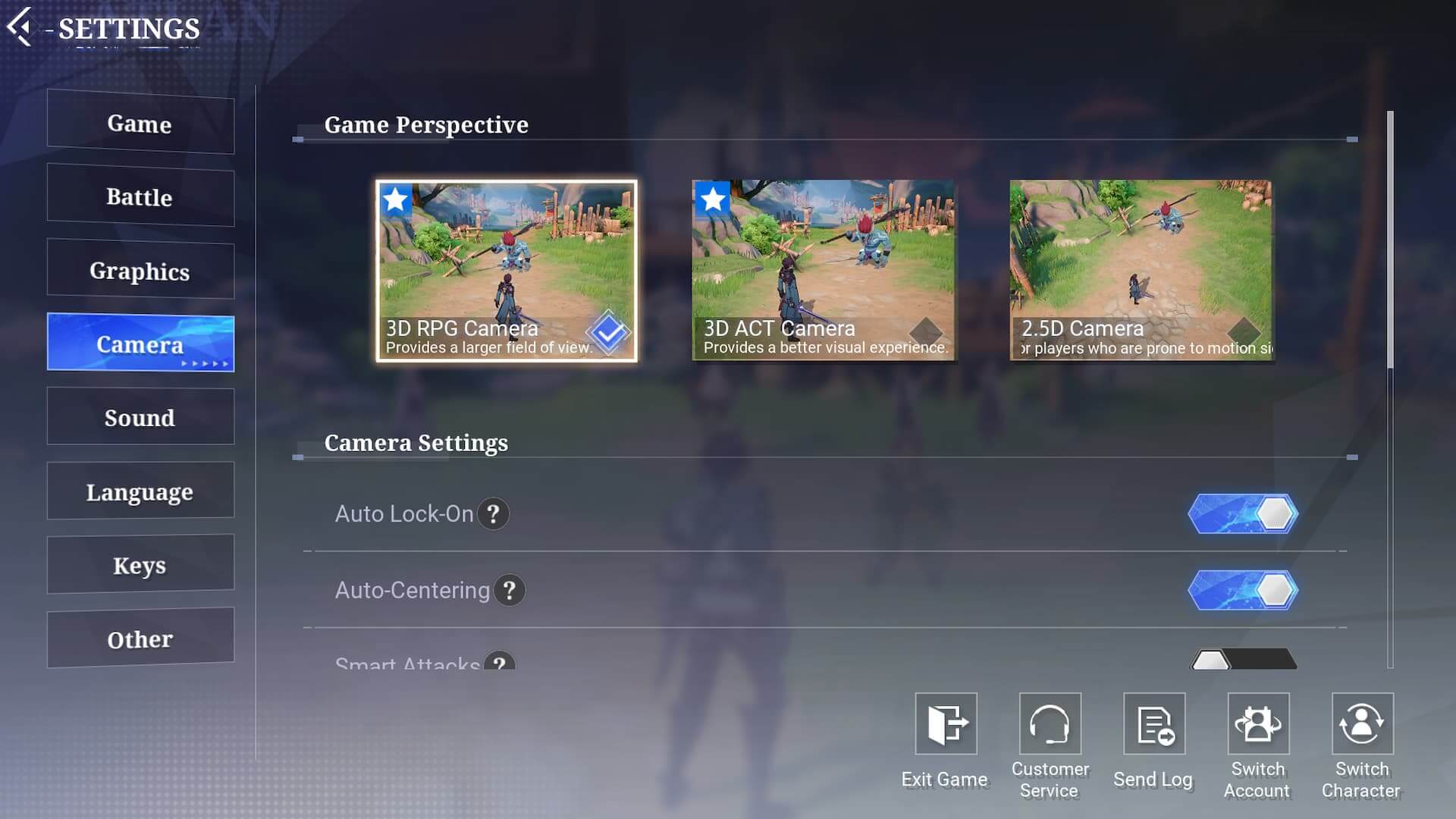
Other settings that are worth looking into include Auto Lock-On, Auto-Centering, Camera Blur, and Camera Vibration.
Auto Lock-On is an important one. While it can be helpful in some situations, getting familiar with the combat and the ability to use your skills freely is more important. The other settings are worth looking into to enhance your own experience, though it’s ultimately all up to personal preference. Experiment a bit and see what works best!
Combat tips every beginner should know
Even though each of the classes and advanced classes in Crystal of Atlan has its own playstyle, there are a few tips that apply to them all.
Learn combos in the tutorial
For starters, Crystal of Atlan will teach you everything you need to know about combos in the tutorial area that unlocks after a certain point. Up until then, there’s not too much to worry about. Leveling up skills and using the recommended builds (which the game will force you to do when you pick an advanced class) will easily get you through all of the earliest content.
The tutorials are a great way to learn how to properly use your character. Crystal of Atlan will walk you through standard combos, which can be helpful against both bosses and multiplayer content.

Run around to round up enemies
Enemies in Crystal of Atlan come in groups, but most of the time those groups are a bit split up. Nearly all of the attacks in Crystal of Atlan hit whoever’s close by, so rounding up enemies is crucial.
Some classes have abilities that help you do this, but there’s one thing every class can do: run around. When you start fighting hordes of enemies, you can simply run in a large circle and gather them up. (Call of Duty Zombies players will know exactly what this looks like.)
Rounding enemies up keeps them from attacking you at all angles, which can be a good strategy if you find yourself falling often.
This won’t work for every fight, especially later on, but it can definitely help you clear content a bit quicker—and without taking much damage. Resources in Crystal of Atlan are precious, and you don’t want to use them up too early before you’ve figured things out.
Don’t accidentally cancel your skills
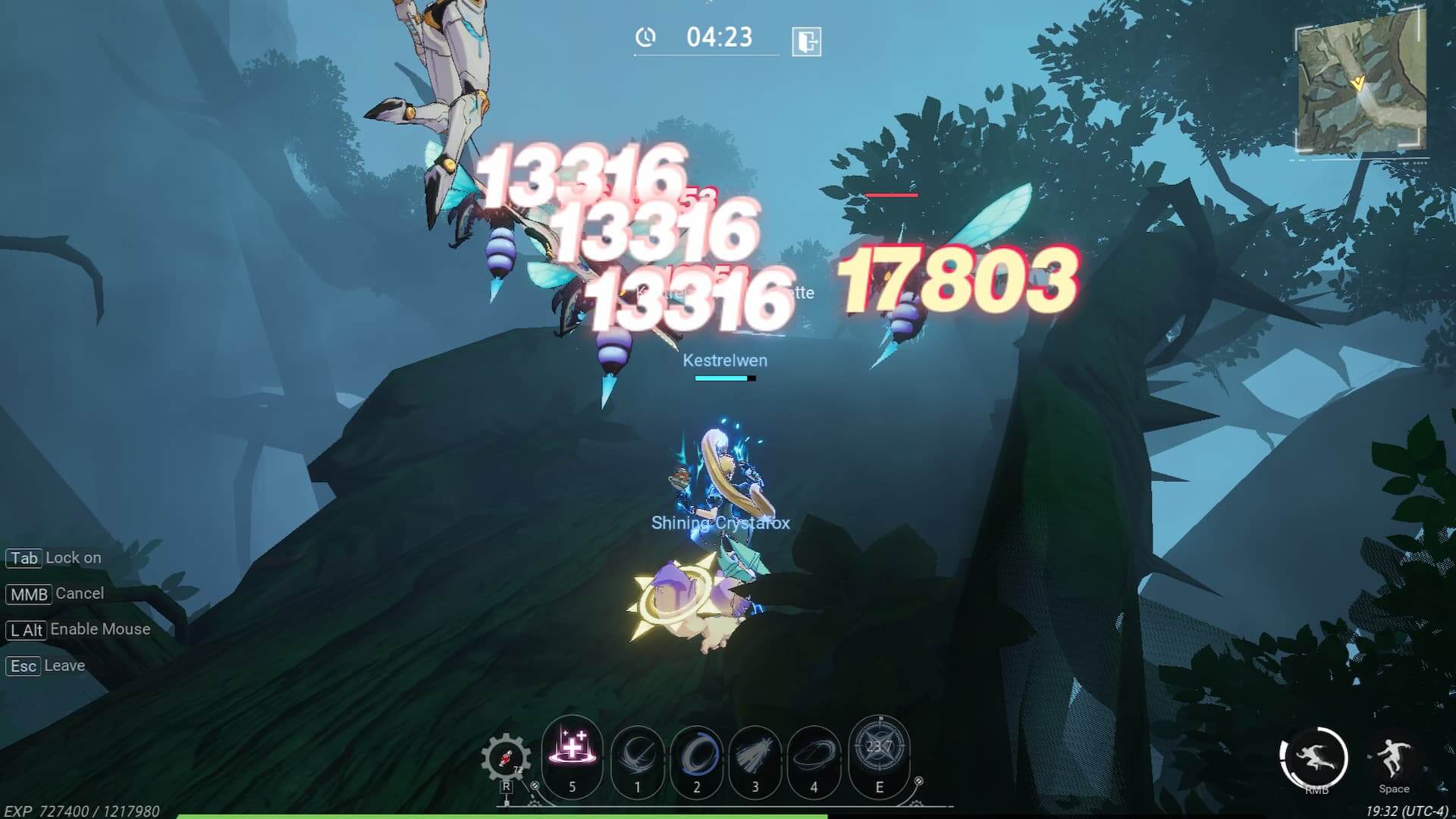
Crystal of Atlan features a mechanic where clicking allows you to cancel skills even after they’re already cast. This doesn’t apply to every skill (like the one mapped to the 'E' button) but most others will be stopped whenever you click.
Given the horde-style combat in most circumstances, clicking is natural. Testing out your abilities, whether in the middle of a story mission or in the tutorial area, will give you an idea of the timing for them. Once you know the timing, you should eliminate “panic” clicking or spamming your mouse.
If you don't, just know that skills are getting canceled. Getting this down before you head into the end-game is much better than having to relearn the combat system when the stakes are highest.
Get good at moving
While you’re learning the ropes of combat in Crystal of Atlan, make sure you’re focusing on honing your movement skills. Every class can jump and dodge, and each has some kind of unique movement ability too.
Enemies hit hard, which can cause problems if you're trying to avoid spending money, but the snappy and fluid combat system means that you also have a lot of control over your character. Dodging is useful, but the cooldown can be a bit long, particularly against enemies that have quick attack patterns. That’s where certain class-specific skills can come in handy. For example, the Blademaiden has a skill that lets her surge toward an enemy—but depending on where the character is facing, the move can be used to go the opposite way instead, effectively dodging out of an enemy’s range.
Keep in mind that this won't work (and will instead put you in more danger) if you’re locked onto an enemy. If you want to stay mobile, you’ll need to get used to playing without locking on.
There's a lot of depth to Crystal of Atlan, but it doesn’t have to be a scary experience for beginners. Hopefully these tips will guide you through the early hours of the game and give you the tools you need to rise above the first few challenges.
Crystal of Atlan is available now on the Epic Games Store.