In praise of the PC Building Simulator 2 puzzle box
Tinkering is fun, which is why I’ve long enjoyed playing with PCs.
Well, that and someone told my dad that Apple was going out of business, and he should definitely not make the family’s first computer a Mac.
I was annoyed with that naysayer back in the mid-1990s, but they deserve credit today. I spent my formative years on a PC learning the idiosyncrasies of Windows 3.11 for Workgroups, creating bootable floppy discs and customized AUTOEXEC.BAT and CONFIG.SYS files because that was the only way to convince my Gateway 2000 that it could, in fact, run Aces Over Europe.
The Apple products in my high school media center with their playful icons and pretty, rounded windows got me into computers. I had no interest in command-line interfaces, let alone Microsoft Bob, but necessity is the mother of gaming, at least if you were lucky enough to get a P5-90 in 1995, as I was.
Nobody was more shocked than me to learn that I often enjoyed the tinkering more than pulling off the successful incantations that allowed me to dogfight the evil Axis powers. Turns out, I actually liked punching holes in floppy disks to double their capacity.

There’s a certain amount of pride in overcoming obstacles, and I remember thinking that, if I was born decades earlier, maybe I’d have tinkered with an old car like George Lucas did. But instead of jalopies, we had PCs. And if we wanted to use them for basically anything more complicated than Minesweeper, we had to learn how they worked—because they sure weren’t going to figure it out for us.
Things are much better now. The last time I saw a usable floppy disk, it was a save icon. Now we pretty much just buy a game, launch it, and play. Tweaking isn’t fully a thing of the past, but it happens more at the margins and inside of menus and programs designed to download, detect, and deploy optimal settings for games that just work.
I hadn’t thought about my teenage struggles for years, but those memories were as fresh as April azaleas within maybe an hour of playing PC Building Simulator 2, a deeply satisfying, low-stress simulation game from the developers at Spiral House that’s almost all about tinkering.
But at first, I was confused.
PC Building Simulator 2’s Career Mode begins as you walk into the charred remains of Uncle Tim's PC shop. In the wake of disaster, you’ve got to rebuild the shop by rebuilding PCs. The first few jobs are straightforward. Someone needs some new hardware. Somebody wants a hideous paint job. And I’ve got all the time and space to help.

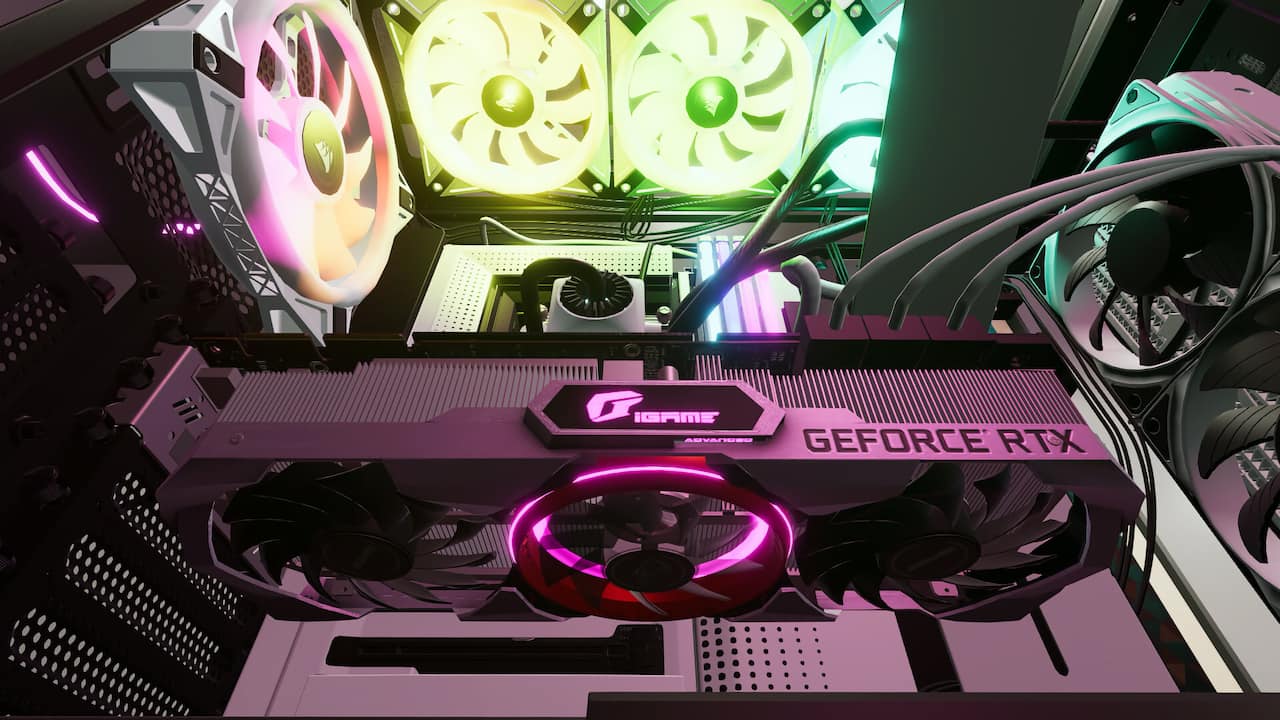
On one job, I ordered the parts that my customers needed, and waited a day or two for the GeForce GTX 970 (or better) to arrive. I unboxed the new GPU, picked up the ailing PC, and lugged it over to my desk. I clicked on the PC, and the camera zoomed in for a detailed view. A modal window on the right side of my screen showed my objectives: Install the card, and make sure that the PC boots up.
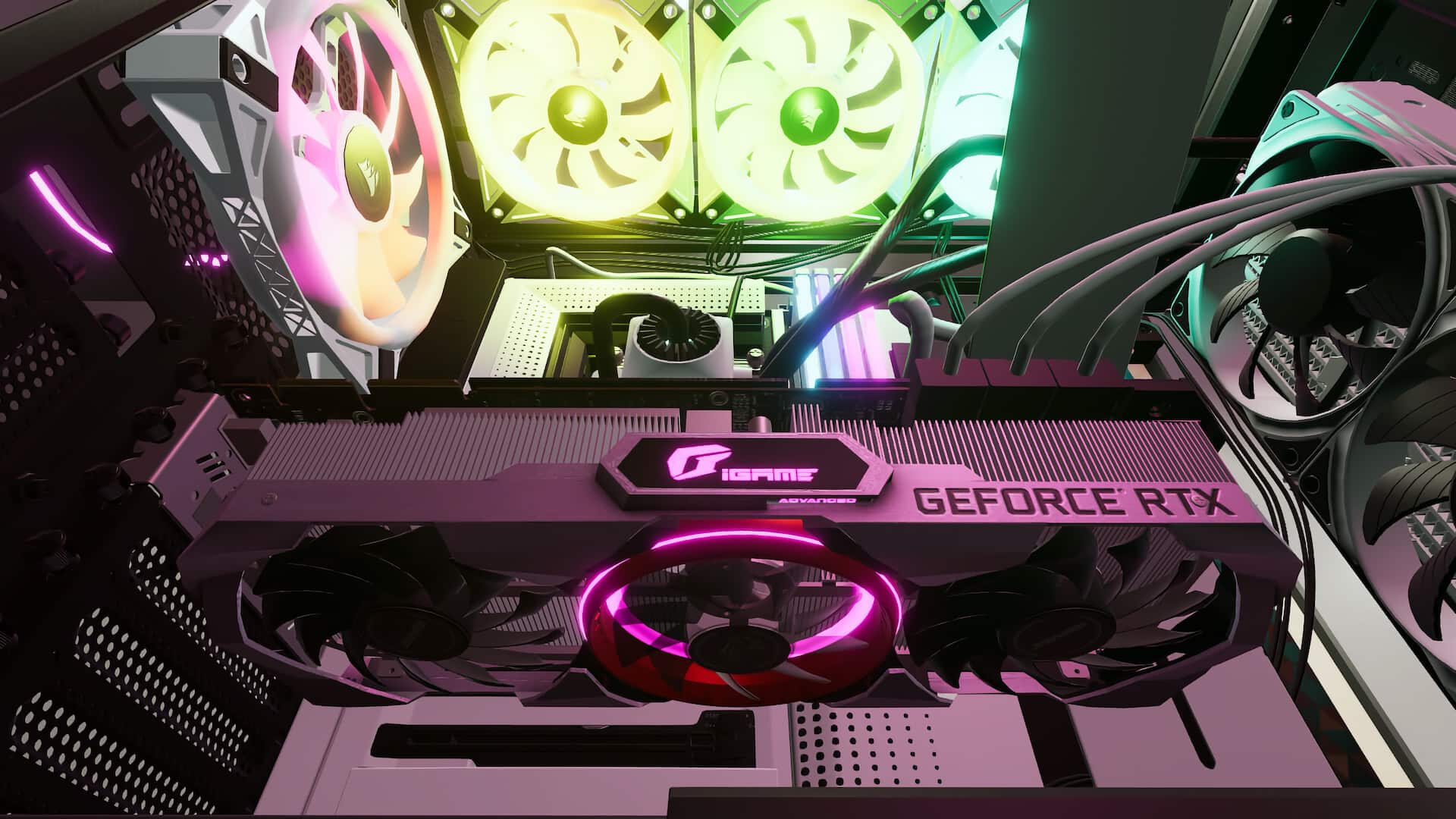
Every bit of PC Building Simulator 2 is rendered in delightful detail. Opening a case begins with twisting screws, just as it does in the real world, which is helpfully outlined in the user interface. Then I had to remove the PCI cover to make room for the new GPU. Another screw, and it was done. I took the GPU out of my inventory, slotted it in, and connected the appropriate wires for data and power.
Every job is a little puzzle like this, often building on my existing knowledge. Sometimes a job taught me to dial down a light dusting of hubris, like the time that I thought I could just zip through an install. I rushed through the steps, closed it all up, and connected cables to the monitor, keyboard, and mouse that I keep on my desk. The PC didn’t boot up. Turns out, I’d forgotten to reconnect an internal cable to the power supply. A mea culpa, a couple of minutes, and a handful of screws later, and the PC was humming. I ran some benchmarks, ensured that everything was in working order, completed the job, and got paid.
There was a moment during one of the early jobs when I found myself manufacturing drama. The simple, gentle gameplay is a far cry from the stress of crosshairs and guns, or even real-life. Was this all there was to the game? But the moment after that thought appeared in my brain, I had an answer that felt beamed in directly from the ‘90s. “Yes, and this is kind of awesome.”
Just like PC Building Simulator 2, I felt no need to make it any more complicated than it was. I just got to work tinkering, and the work was good. I wound up thankful that this was all there was.
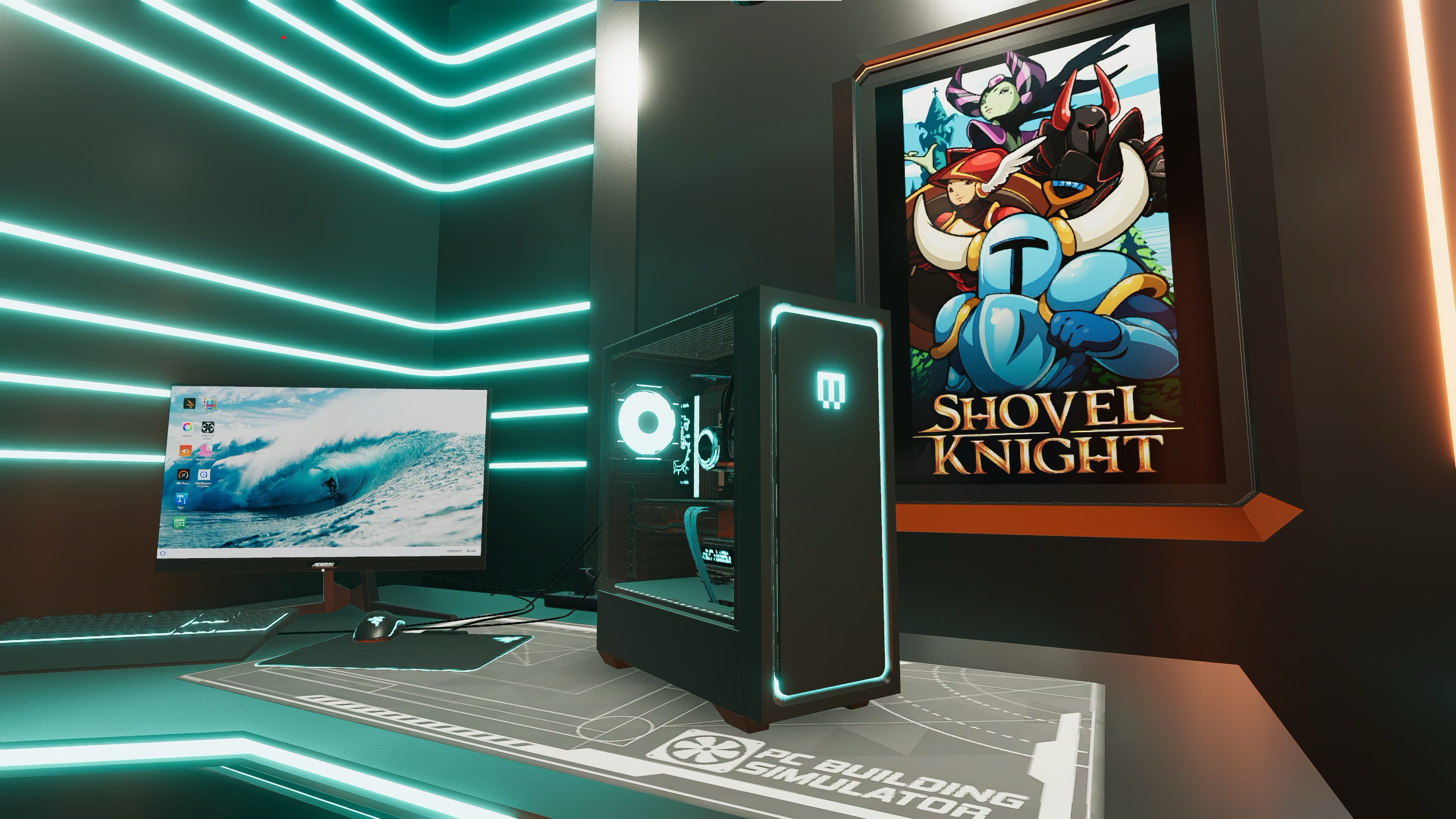
I’ve spent drama-free hours in PC Building Simulator 2 building things that I don’t get to make in real life, which is a special kind of enjoyment you get from this simulation game. I’m living vicariously through my shop (I renamed it Consumer Recreation Services), making a little more fake money every day so that I can build more fake computers. Because it turns out that playing with PC parts is fun in both the real and virtual worlds.
If you’re not into role-playing as a businessperson, PC Building Simulator 2 has a couple of other ways to play, too. Endless Mode ditches the story and the tutorials for a series of increasingly difficult builds. Free Build is exactly what it sounds like: a chance to build your dream PC, without the constraints of in-game or real-world money, using components from more than 40 real-world companies like AMD, Asus, InWin, MSI, and NVIDIA.
If you’re up for some tinkering, you can get PC Building Simulator 2 on the Epic Games Store today. Now if you’ll excuse me, I’ve got a couple of deliveries to pick up and a PC to repair.