Notizie
Nine things to know to get started in MIO: Memories in Orbit
S
Steven Nguyen Scaife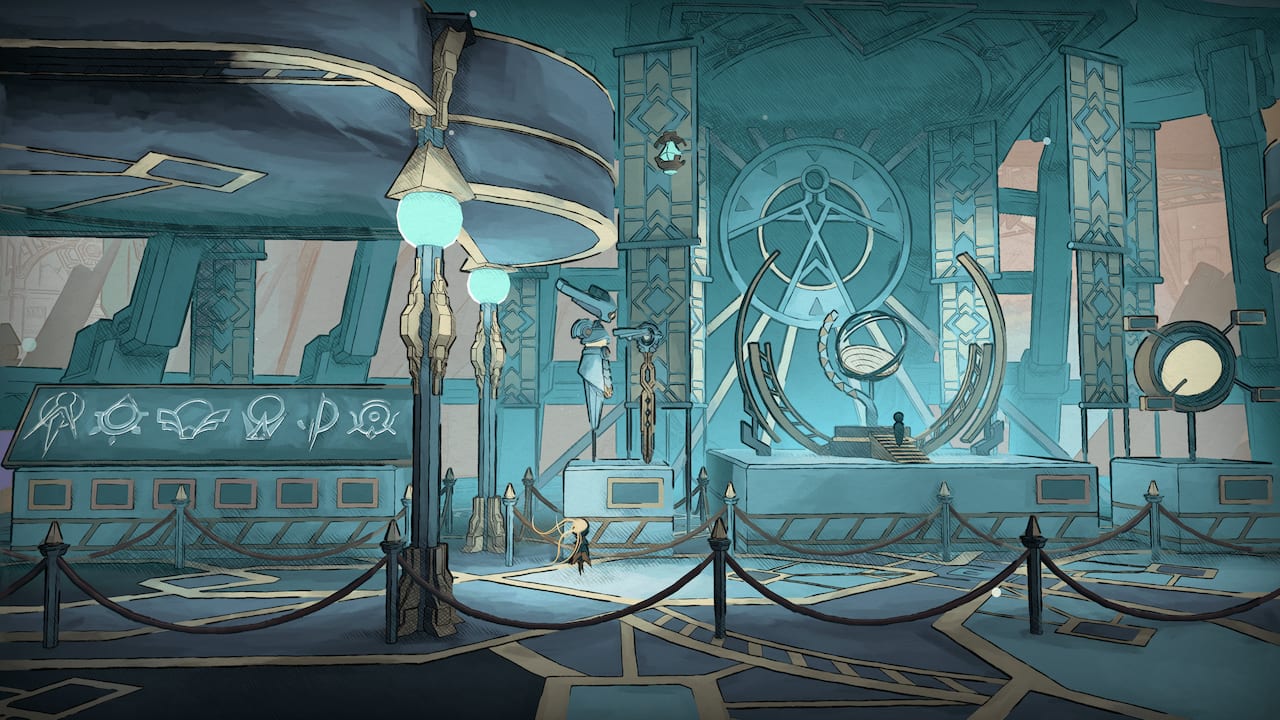
The game expects you to get lost, wandering a decaying spaceship called the Vessel while searching for the right uses of your abilities. And it expects you to fail, to the point where there’s an early-game mechanic that revolves around you dying and losing all your Nacre, the collectible currency you acquire from downed enemies.
But if you’ve tried everything and could still use a few pointers, well, here’s some tips to get you on the right track.
Don’t fear death, it will help you progress
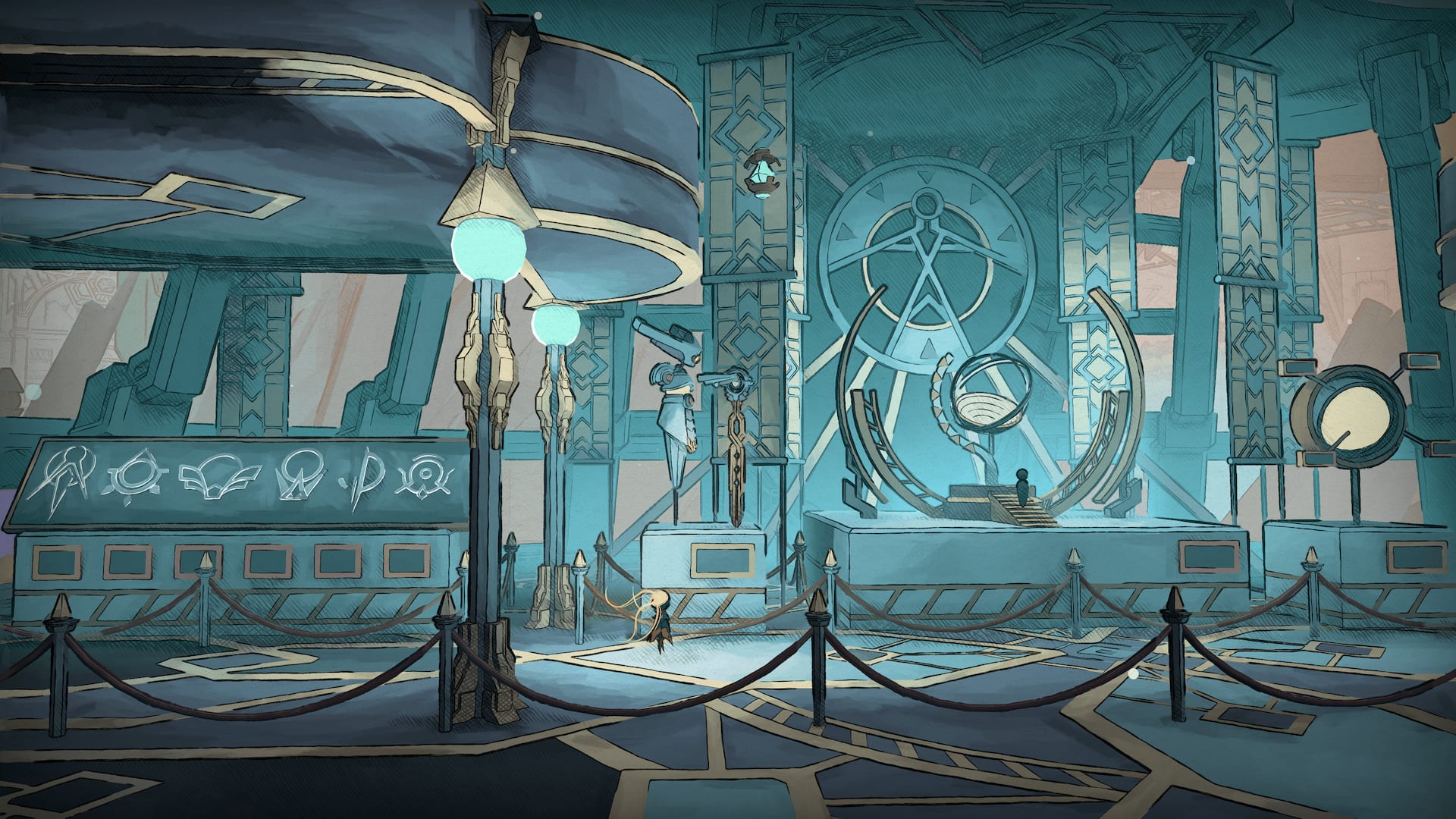
MIO may grant you the double-jump ability as part of the basic moveset, but it certainly doesn’t give you everything upfront. When you awaken on its massive spaceship, the central hub area, the Nexus, is not yet fully operational. That means you’ll have to give the game a few hours to reveal what it has to offer, with your deaths feeding Nacre into the pool. (There is an option to expedite the process, but if you’re like us, your deaths are going to be more than enough to get the ball rolling).
With enough Nacre, the overseer robot Shii will gather strength to let you take a gander at the map from the Nexus—albeit only from the Nexus. Try to pull up the map screen elsewhere and you’ll get an error message, “Not connected to the Spine.” Expend still more Nacre and the lights will flip on to signal that the Nexus is up and running, which means you can check the map from anywhere in the game. The overseer will even have enough power to let you float through the air around the Nexus pool.
Likewise, you’ll have to explore a bit before you get acquainted with Mel the merchant, who sets up shop toward the west side of the Nexus and whose inventory expands whenever you find one of her little helpers.
Crystallize Nacre where possible
Once you’ve powered up the Nexus, you’ll want to start holding on to your Nacre. As flush with currency as you may be once you return to a save point, your Nacre is still at risk if you haven’t spent it all. Luckily, you can crystallize Nacre for safekeeping after death at any of the functional processing units scattered throughout the map, marked with a hexagon. There’s no downside to this; crystallized Nacre spends just the same, though the game takes care to use up any unprocessed Nacre first before digging into your stockpile of the good stuff.
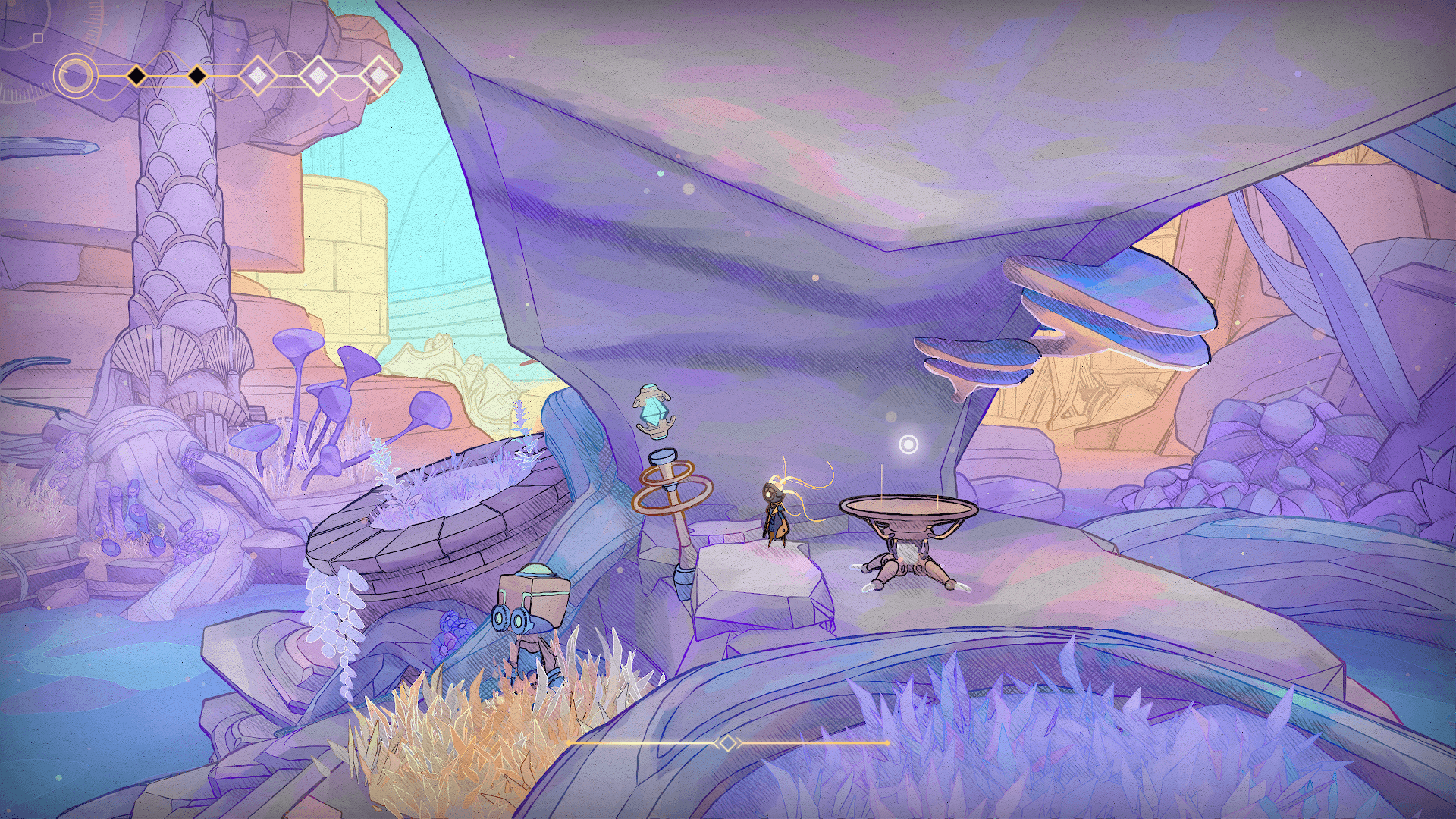
Make sure you keep up the habit of visiting these processors. Once you’ve found the means to fast-travel and can freely zoom all over the map, it’s easy to forget you’ve got fistfuls of loose Nacre—until you die and the little red number reminds you how much you’ve lost, that is.
Use map pins to keep track of these things
MIO doesn’t notate much on its map, so you’ll have to stay on top of things with map pins if you want to avoid too much aimless wandering. There are four types of map pins, and the classification is up to you. But whatever system you decide on, you will especially want to mark any platforms that seem impossibly high or any glowing walls encased in purple goop. Most of the notable NPCs hang out around the Nexus and aren’t worth notating, but there is one bot in the Haven biome who’s selling something or other for a rather large chunk of Nacre that you certainly won’t amass until later.
Replenish your double-jump
Here’s where we start getting into spoilers. Scattered throughout the early areas are shimmering lavender plant bulbs which exist to be hit to replenish your double-jump ability. The bulbs, however, are not doing the replenishing; they are more like signposts, clueing you into the fact that this ability will come in handy. Whether it’s a bulb, an enemy, or one of those green energy shards that work as grapple points, you can hit just about anything to get your double jump going again. Eventually, you’ll get an upgrade to refill the energy bar that governs several of your more advanced abilities, but you can replenish the double-jump from the very start of the game.
Keep this function in mind whenever you find yourself dealing with airborne foes. If you’ve landed a hit, that means you’re good to jump again, and again if you land another hit. It may take some adjustment, but if you’re careful, you can finish a fight without ever touching the floor as your double-jump becomes a triple, quadruple, and quintuple.
Swap loadouts for tough bosses
Over the course of MIO, you’ll acquire a number of modifiers to enhance your abilities—if you’ve got the room, that is. There’s a finite (albeit upgradeable) amount of space available for mods, and if you need just a smidge more room, you can even unequip Self-Awareness, which displays your health and energy bars.
Given that mods can only be changed at a Network Gate save point, losing repeatedly to a boss presents a great time to experiment. Consider, for example, that the mods you find crucial while exploring the map may just be taking up space during a boss battle. One particularly useful mod, Maintenance Hack, allows you to replenish your health at Nacre basins for free rather than paying. But if you’re able to make it between the Network Gate and the boss room without taking a hit, why not cut it loose to make space for something different?
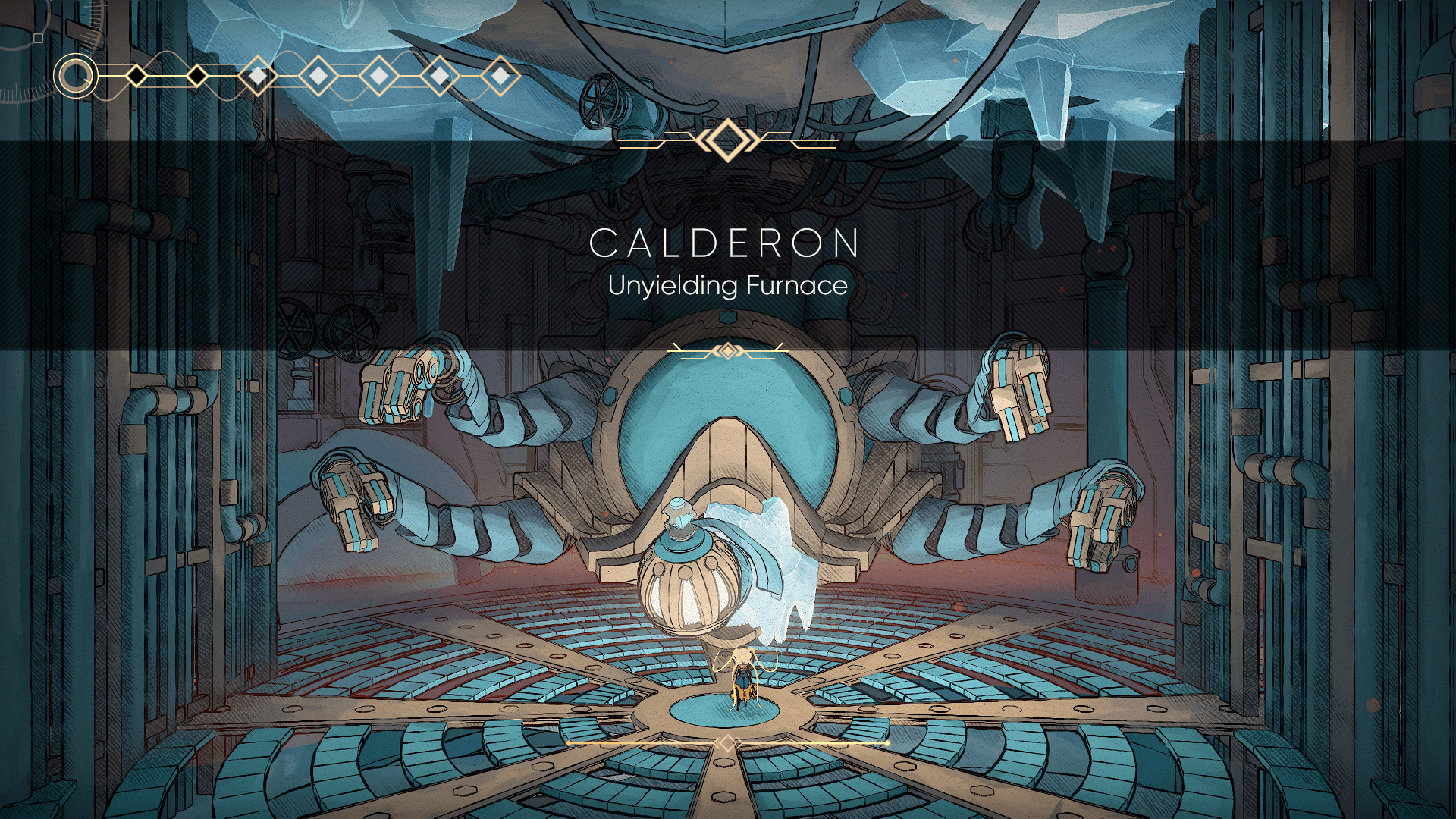
Several mods increase the number of modifier slots for a certain penalty. Nacre Drought, which locks you out of using Nacre basins in exchange for a few extra slots, might be lousy for regular exploration, but it may be just what you need during a boss battle. (Though be careful with that one, because it also means you won’t be able to replenish your health once the battle is finished, forcing you to make your way back to a save point.)
Check nearby for overseers
The overseer figures that loom in front of Network Gates and enable fast-travel are not always present at their stations. Some of these have been “torn” and left lying on the ground, so you need to find and reactivate them before you can use them for fast-travel. MIO often presents you with multiple paths to try, but if you’ve found an abandoned Network Gate, then have a look around the immediate vicinity before you stray too far. If there’s a torn overseer available, it won’t be far away.
Look out for secret entrances
As with any Metroidvania, you’ll stumble across items in MIO that seem out of reach. You might be tempted to leave these for a future upgrade down the road (and in some cases, you’d be correct), but be sure to comb through the surrounding area. MIO is full of hidden paths that need only be stumbled upon, cleverly obstructed by rocks or foliage. Look closely and you might even spot a few of these before you’re “supposed” to.
Note, too, that it’s possible to “finish” the game without encountering everything. There are entire optional biomes and boss battles tucked just out of sight. Have you been to the Haven’s canopy? Have you explored an observatory? Keep looking!
Try the assist modes
Even if you’re normally averse to assist modes, the ones in MIO do a decent job of preserving the game’s challenge. Have a look if you get stuck, particularly for boss battles and other combat sections.
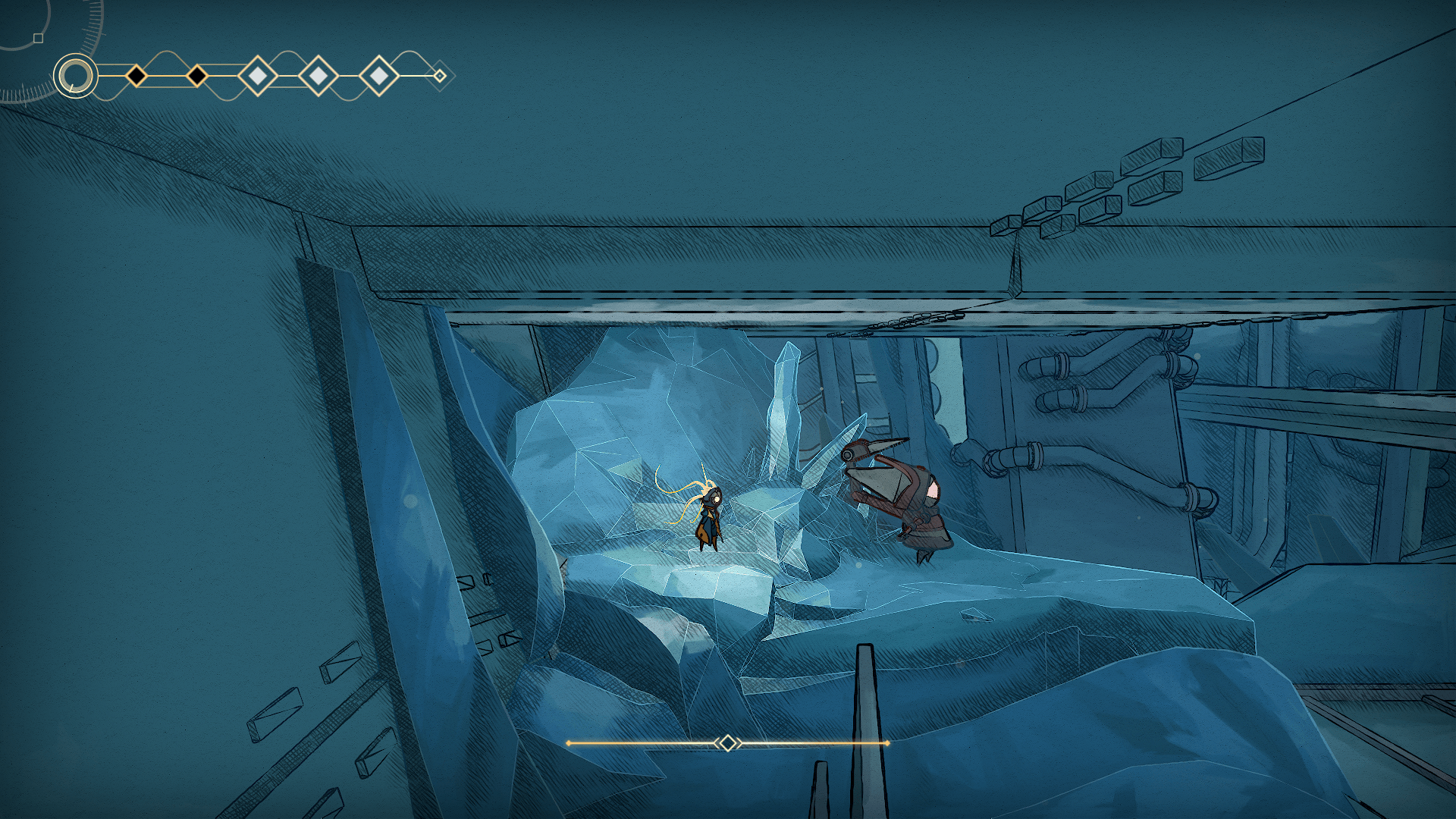
Though “pacifist” and “eroded bosses” are fairly self-explanatory (and useful in their own right), the big one to pay attention to is “ground healing.” When it’s enabled, you’ll gain an extra node on your health bar if your feet don’t leave the ground for a brief period of time. You can’t gain multiple nodes, but you can regain the one you’ve lost over and over again. It presents its own challenge, since the extra health must be “earned” through avoiding damage without the use of the jump button. It’s also handy for tricky platforming sections when you’re low on health and close to getting booted back to the save point. Technically, ground healing is already part of the game, since you can find a modifier with the same ability (albeit with a rather hefty installation cost).
Stand clear of the elevator
Maybe you’ve already figured this one out by the time you’ve decided to reference a guide, but in case you haven’t: when you press a terminal to call the elevator, make sure you’re standing off to the side and not where the elevator is about to be. There is no safety feature. You won’t have time to move, and it will squash you flat.
Check out MIO: Memories in Orbit on Epic Game Store today!