Tin tức
Subnautica 2 base building guide: 8 tips to help you construct your hab
J
Jason Rodriguez
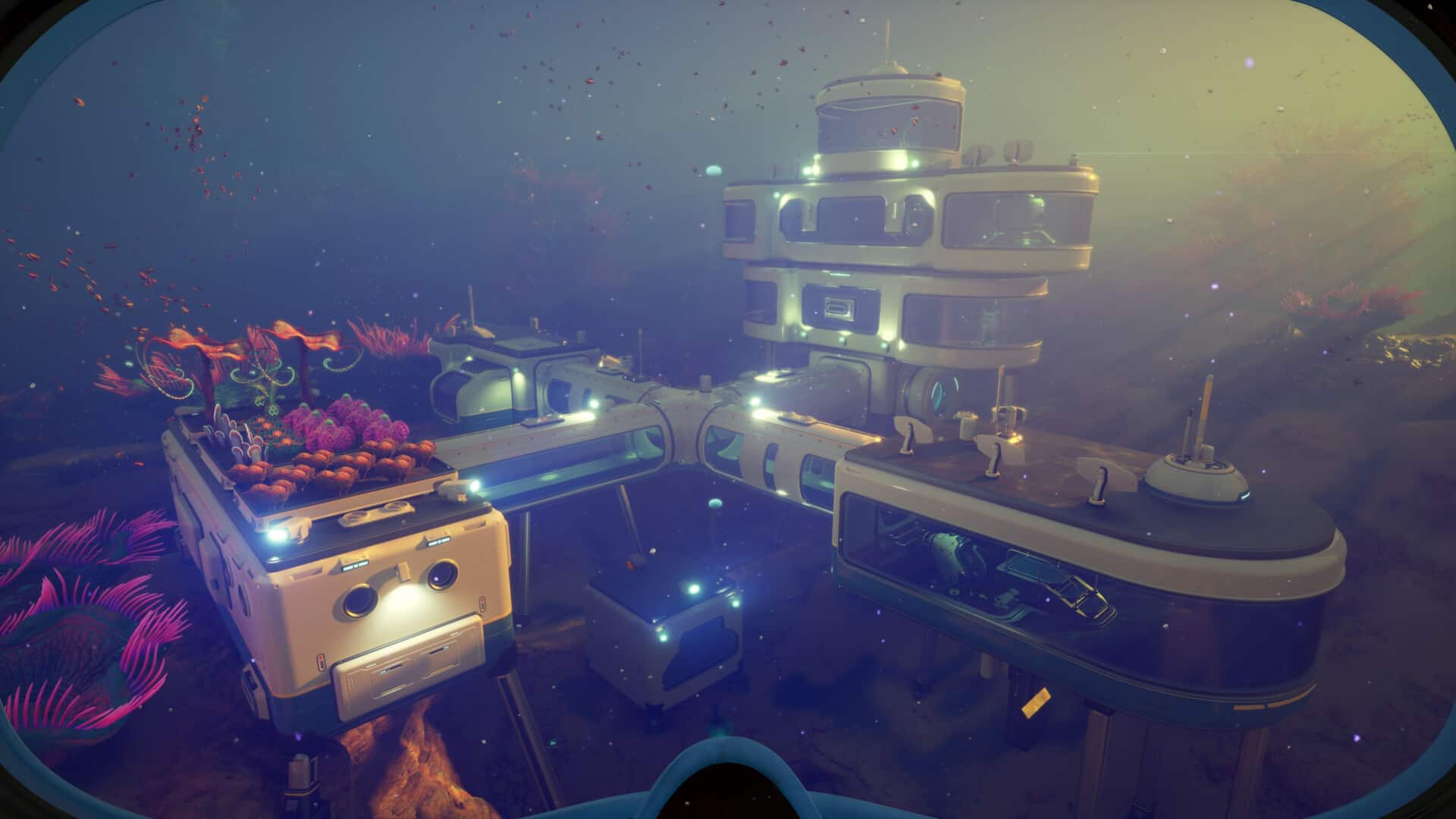
Don’t worry though, because our Subnautica 2 base building guide contains everything you need to know about creating your own hub on the planet of Proteus. We tackle numerous topics, including ideal locations, craftable structures, and power generation—and if you need more tips while starting out, you can read our Subnautica 2 beginner’s guide.
The Habitat Builder
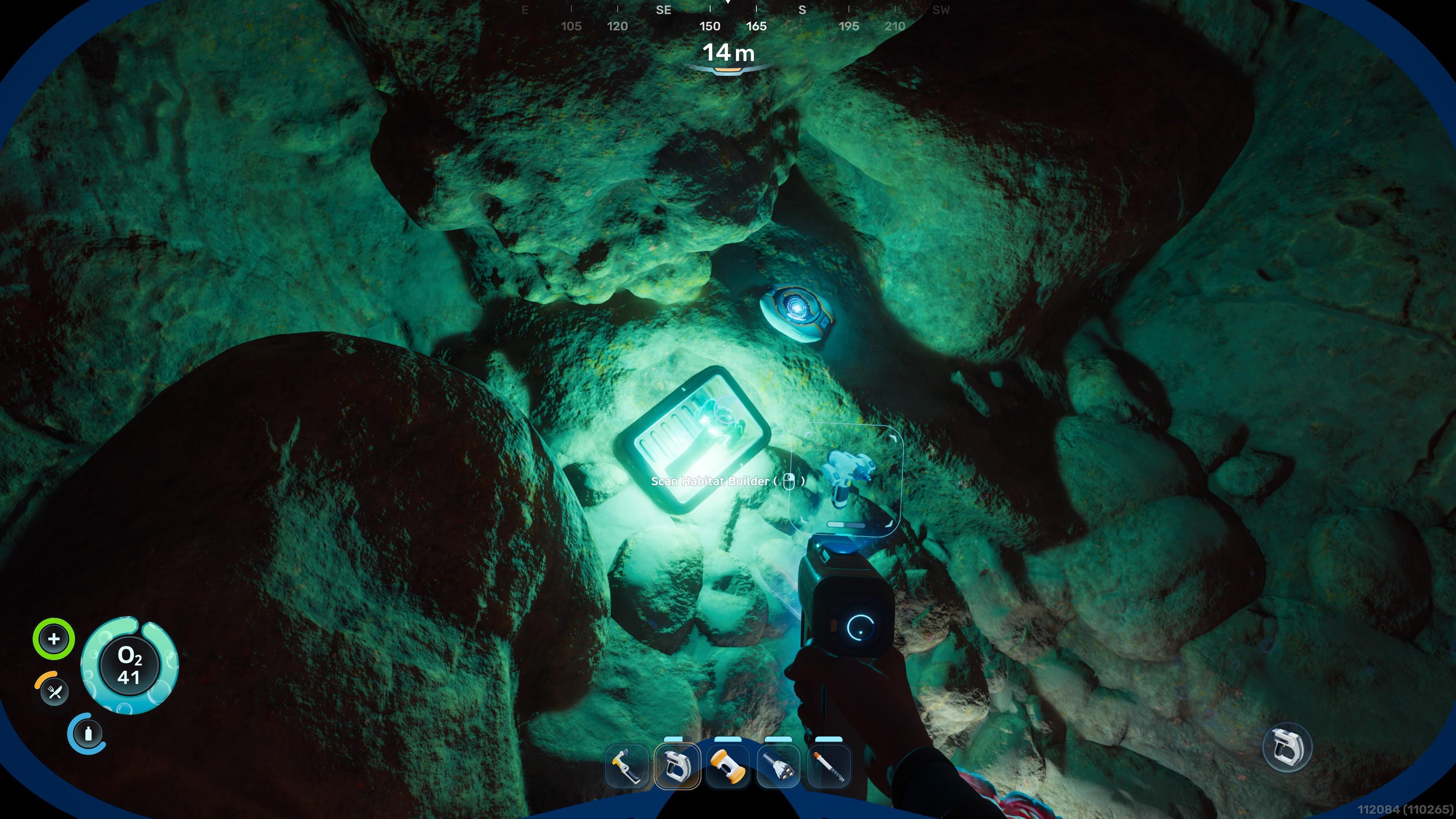
If you want to create a base in Subnautica 2, then you need to acquire the Habitat Builder. Existing devices of this type can be scanned in several locations, including the small room of the Welcome Center and other wrecks. Once you’ve unlocked the Habitat Builder blueprint, craft it via the Fabricator for the cost of 2x Titanium, 1x Glass, 1x Basic Battery, and 1x Copper Wire.
The Habitat Builder has the following functions:
- Menu (RMB): Opens the craftables menu, which has tabs for Standard Elements, Interior Facilities, Exterior Facilities, Utility, and Furniture & Decor.
- Deconstruct Mode (Q): Hold the left mouse button (LMB) on a structure to dismantle it and refund the materials.
- Move Mode (F): Click on a structure to move it to another spot.
Pick an ideal location
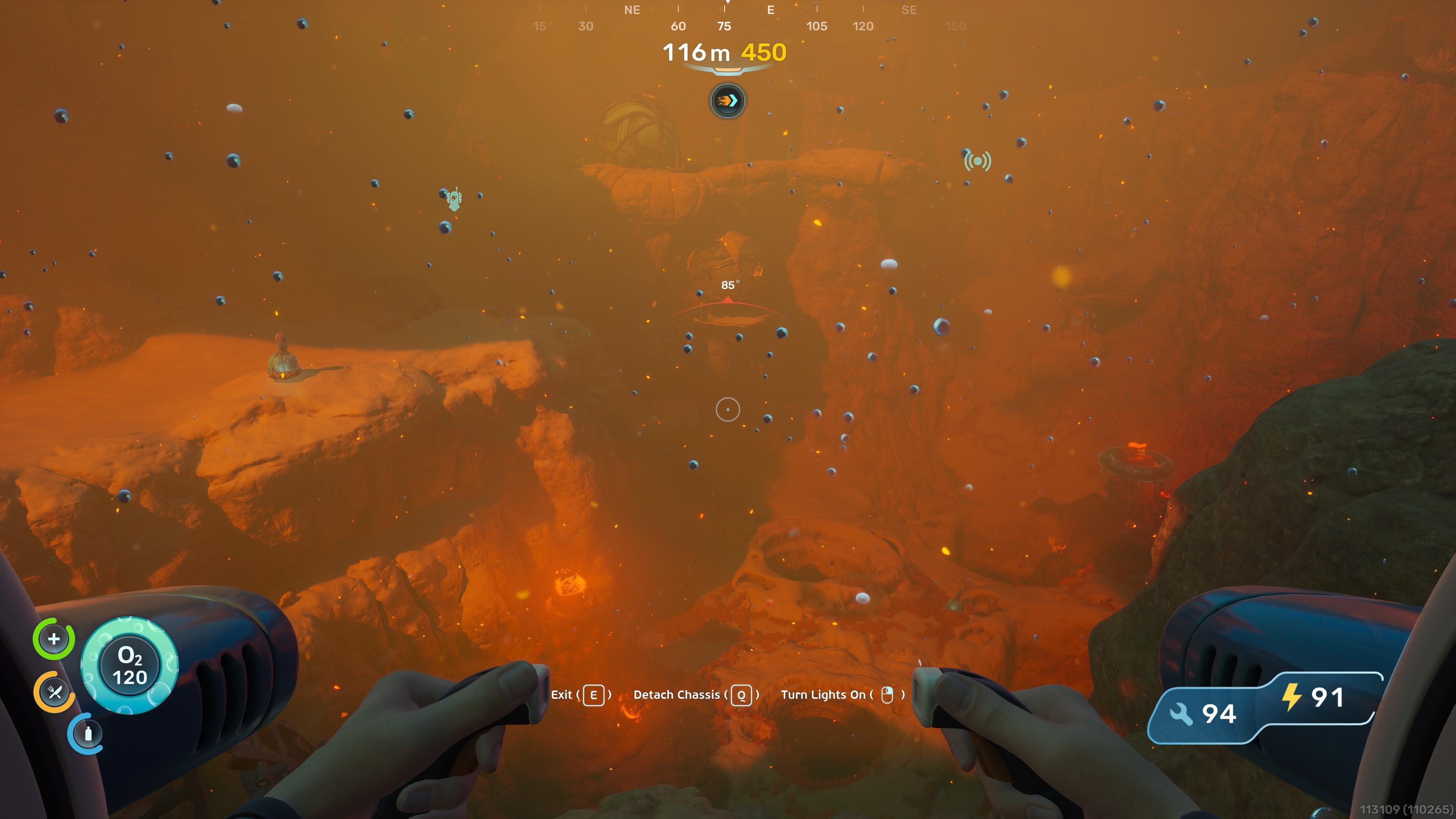
Of course, the most important question that you need to ask yourself is: Where is the best place to build a base in Subnautica 2? The answer depends on a variety of factors:
- Lifepod location: Placing your base too close to your Lifepod, which already has a NoA Terminal, Fabricator, and other functions, seems moot. Instead, you should find a suitable location that’s farther away from the Lifepod.
- Validity: You can plop down your personal hab in most areas in the game. However, if you see a message that says “the location is under construction,” it means that you’re not allowed to build within or too close to that area.
- Terrain: The terrain has to be somewhat flat and lacking obstruction, since large corals, plants, and caverns block the placement of fixtures.
- Resources: It’s always a good idea to have a base near sections where there are lots of resources.
- Enemies: Try to avoid areas that are full of enemies. If that’s not possible, then try to pick areas that have small- and medium-sized hostiles, not humongous leviathans.
- Power generation: We discuss this mechanic a bit later in our Subnautica 2 base building guide.
The basic building blocks of bases
Make sure that you’ve collected enough Titanium, which is required for numerous fixtures, as well as some Copper and Quartz. Additional manufactured materials, like Glass, Copper Wire, and assorted ingots, are needed for other objects.
Standard Elements:
- Corridor (2x Titanium): Plan your layout, especially how corridors loop around or create junction points.
- Room (5x Titanium): You can place multiple of these in the same spot to further expand the room area.
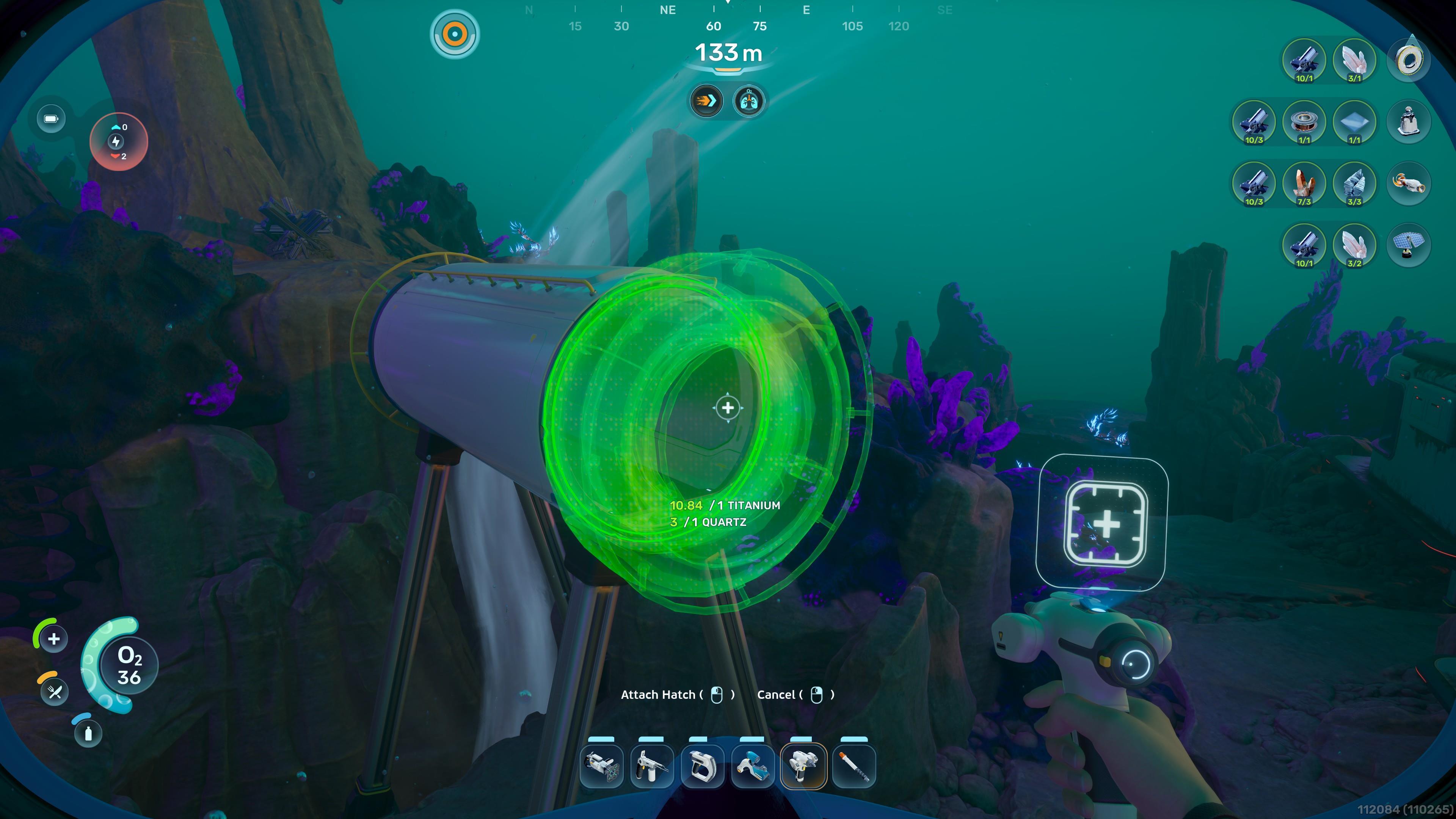
- Hatch (1x Titanium and 1x Quartz): You only need one as an entrance, but feel free to create more of these.
- Fabricator (1x Titanium, 1x Copper, and 1x Quartz): Craft tools and advanced resources.
- Biobed (3x Titanium, 1x Glass, and 1x Copper Wire): Create a backup/respawn point if your character perishes.
- NoA Terminal (3x Titanium, 1x Copper Wire, and 1x Glass): Check for updates regarding colony blackboxes and mission progress.
- Habitat Beacon (1x Titanium): Place it on top of a section of your base so that its icon appears on your screen.
How to generate more power for your base
Another crucial factor to remember when you build a base in Subnautica 2 is that you need to keep the facility powered up. This threshold is seen in the upper-left section of the screen. If there’s enough power, then being inside your base fully replenishes your oxygen. If too many systems are running and there’s a deficit in power, then the whole place will go offline. You can generate power in a few ways.
Solar Panel:
- Materials: 1x Titanium and 2x Quartz
- Power: +1 to 8 energy per second
- Placement: Base exteriors
- Tips: Solar Panels are only good at the start when you lack rarer materials. You need several of these to power up all sorts of machines, and they lack energy generation at nighttime and when placed in the depths that sunlight cannot reach.
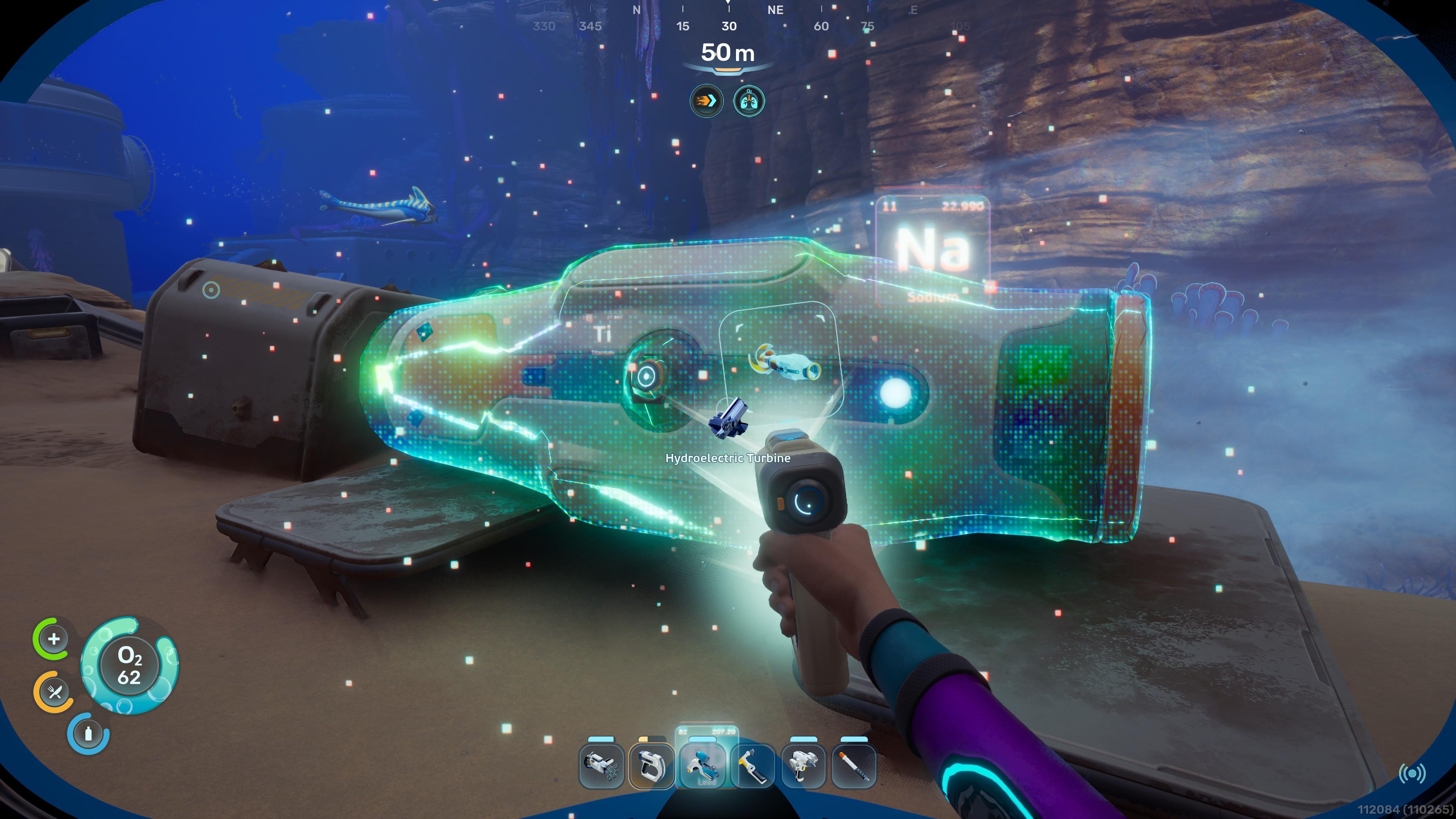
- Materials: 3x Titanium, 3x Copper, and 3x Silver
- Power: +12 energy per second
- Placement: Currents
- Tips: The Hydroelectric Turbine is perhaps the best option for power generation in the long run. All you need to do is find a naturally occurring underwater current. As long as the object is placed within the current’s effect radius, it will generate the maximum amount of energy. Multiple turbines can even be placed in the same current pathway.
- Materials: 3x Titanium, 3x Copper, and 3x Gold
- Power: +1 to 16 energy per second
- Placement: Submerged areas
- Tips: The Thermal Plant is a viable option in the Zezuran Desert biome, since the zone has several geysers and vents that emit heat.
- Materials: 2x Titanium Ingot and 2x Copper Ingot
- Power: +1 to 20 energy per second
- Placement: Base interiors
- Tips: The Bioreactor uses organic materials to generate energy.
- Materials: 1x Titanium and 1x Copper
- Power: N/A
- Placement: Base exteriors and submerged areas
- Tips: Power Transmitters don’t create energy on their own. Instead, you connect multiples of these from a cluster of devices that generate power all the way to your base exterior.
Have a system for your storage
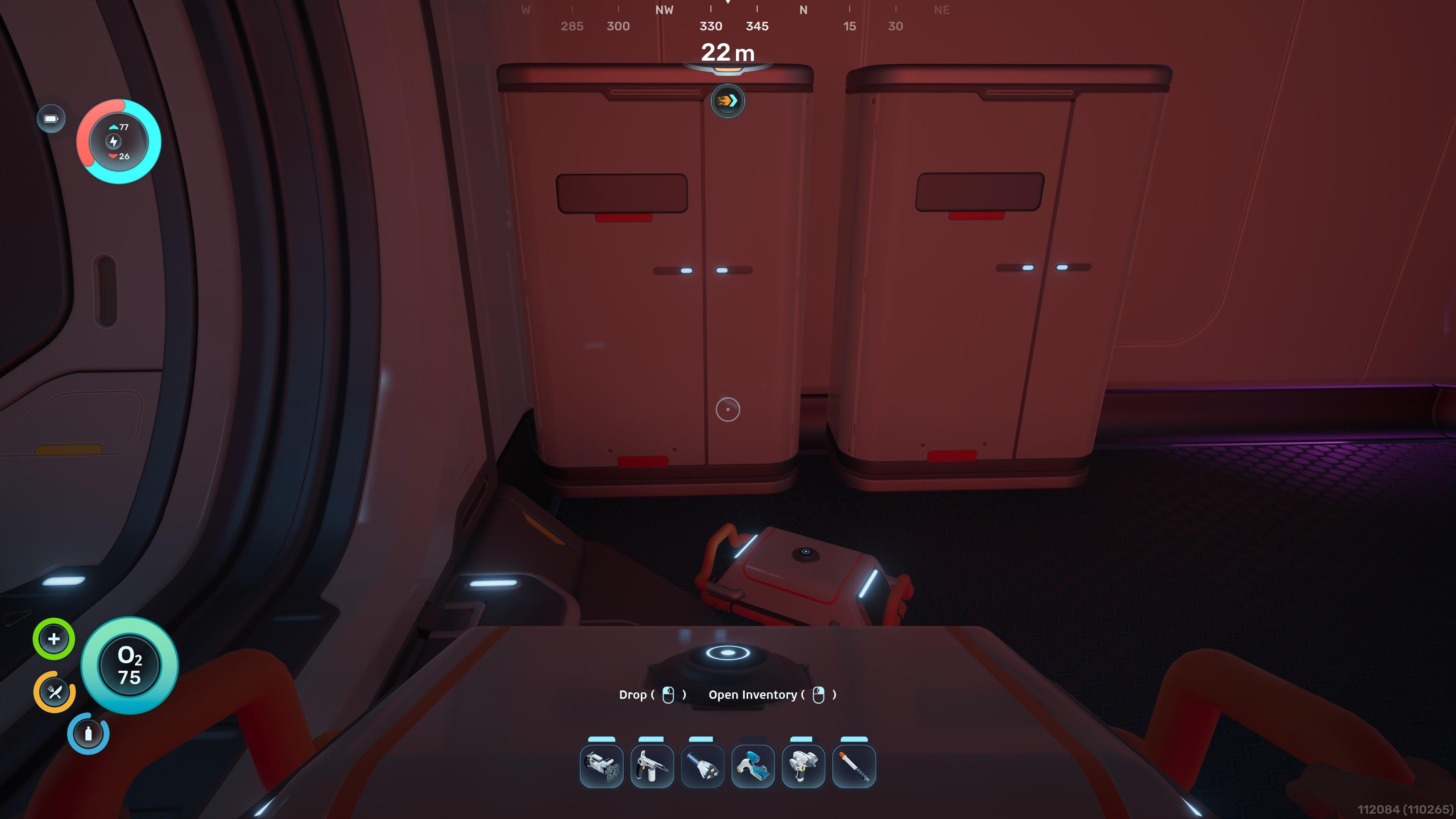
Once you’ve scanned the appropriate objects, you can use the blueprints to craft storage containers:
- Wall Locker (2x Titanium): 20 slots.
- Floor Locker (3x Titanium and 1x Quartz): 30 slots.
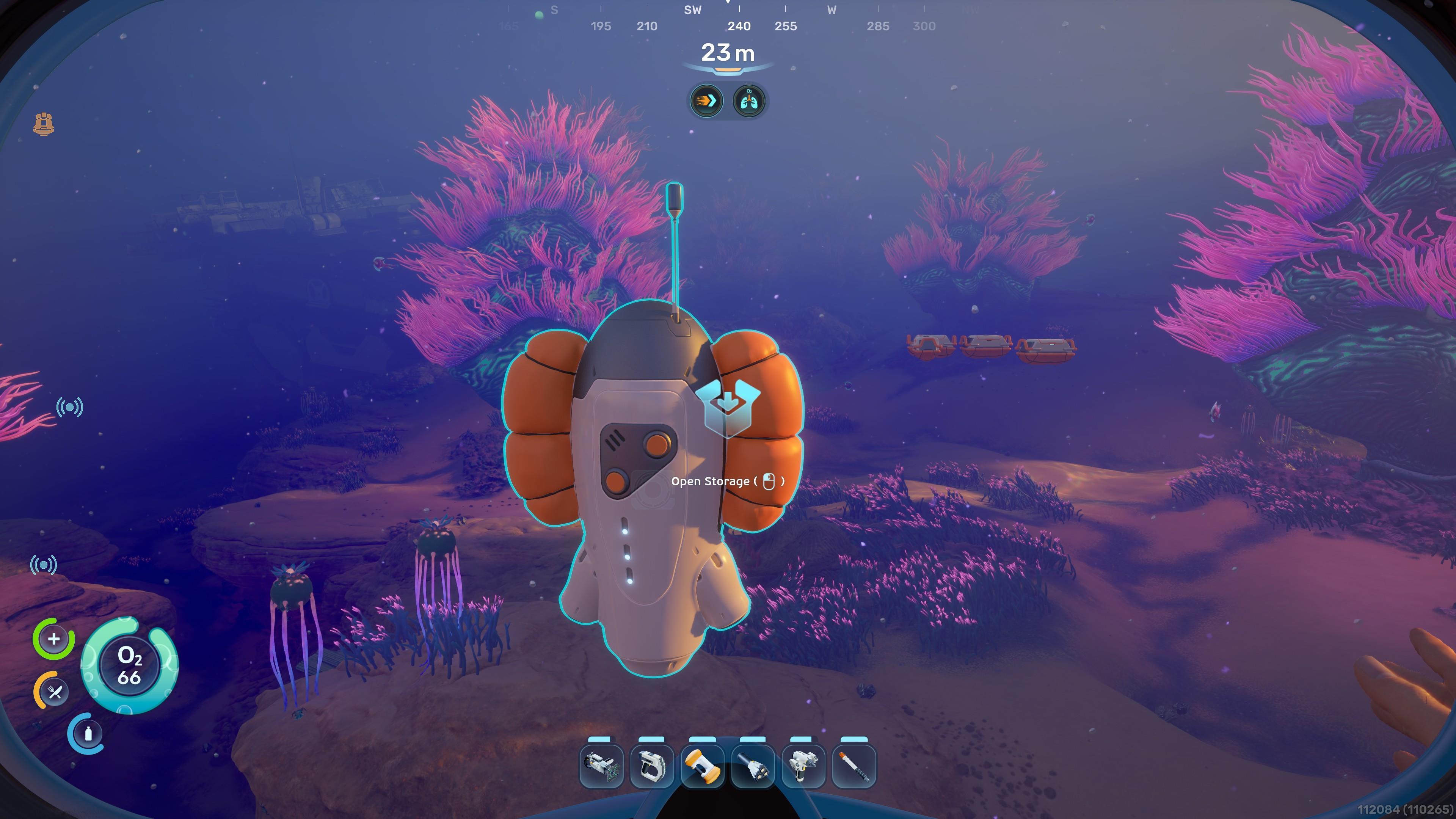
- Portable Locker (4x Titanium): 15 slots. Can be carried around or attached to a Tadpole.
Additional functions for your facility
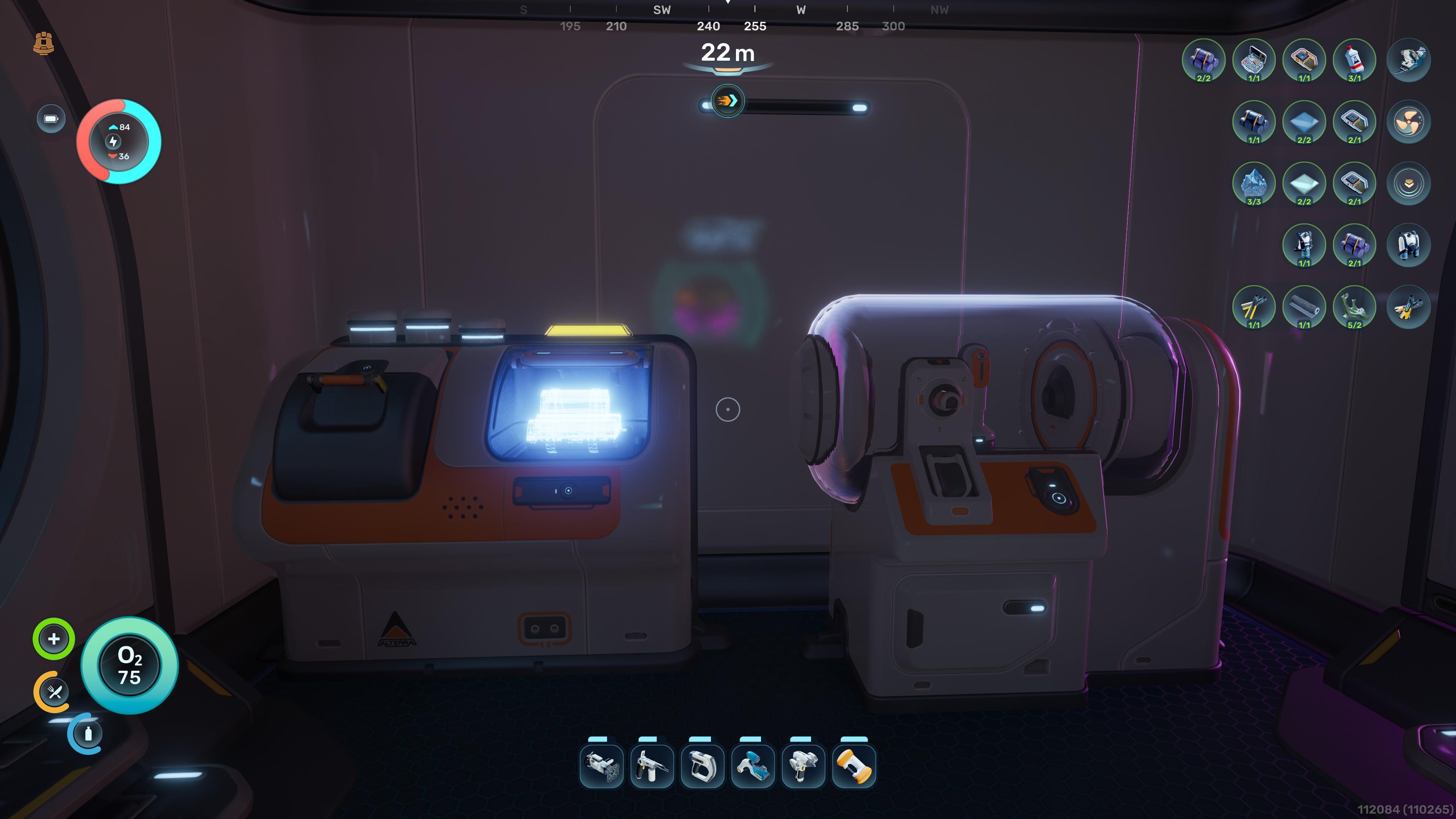
A bit later, you should consider adding more functional devices to your Subnautica 2 base:
- Ladder (2x Titanium): First, you need to stack two rooms on top of each other. Then, construct a ladder on the lower area. This allows you to create additional floors and layers.
- Scanner Station (3x Titanium, 1x System Chip, and 1x Wiring Kit): Select a resource or colonist base type. The Scanner Station will show the relevant spots within an area.
- Processor (2x Titanium, 1x Mild Acid, and 1x Copper Wire): Manufacture ingots, acids, and alternative recipes for existing items.
- Biolab (3x Titanium, 1x Mild Acid, and 1x Copper Wire): Select active and passive Biomod skills. This is similar to the machine in the Welcome Center. Once you have it in your base, you won’t need to return to that facility just to change your abilities.
- Battery Terminal (2x Titanium, 2x Quartz, and 1x Copper Wire): Recharges Basic Batteries used by tools and devices.
- Power Cell Terminal (3x Titanium, 3x Copper, and 1x Wiring Kit): Recharges Power Cells used by large structures and vehicles.
Dive deep with the Tadpole
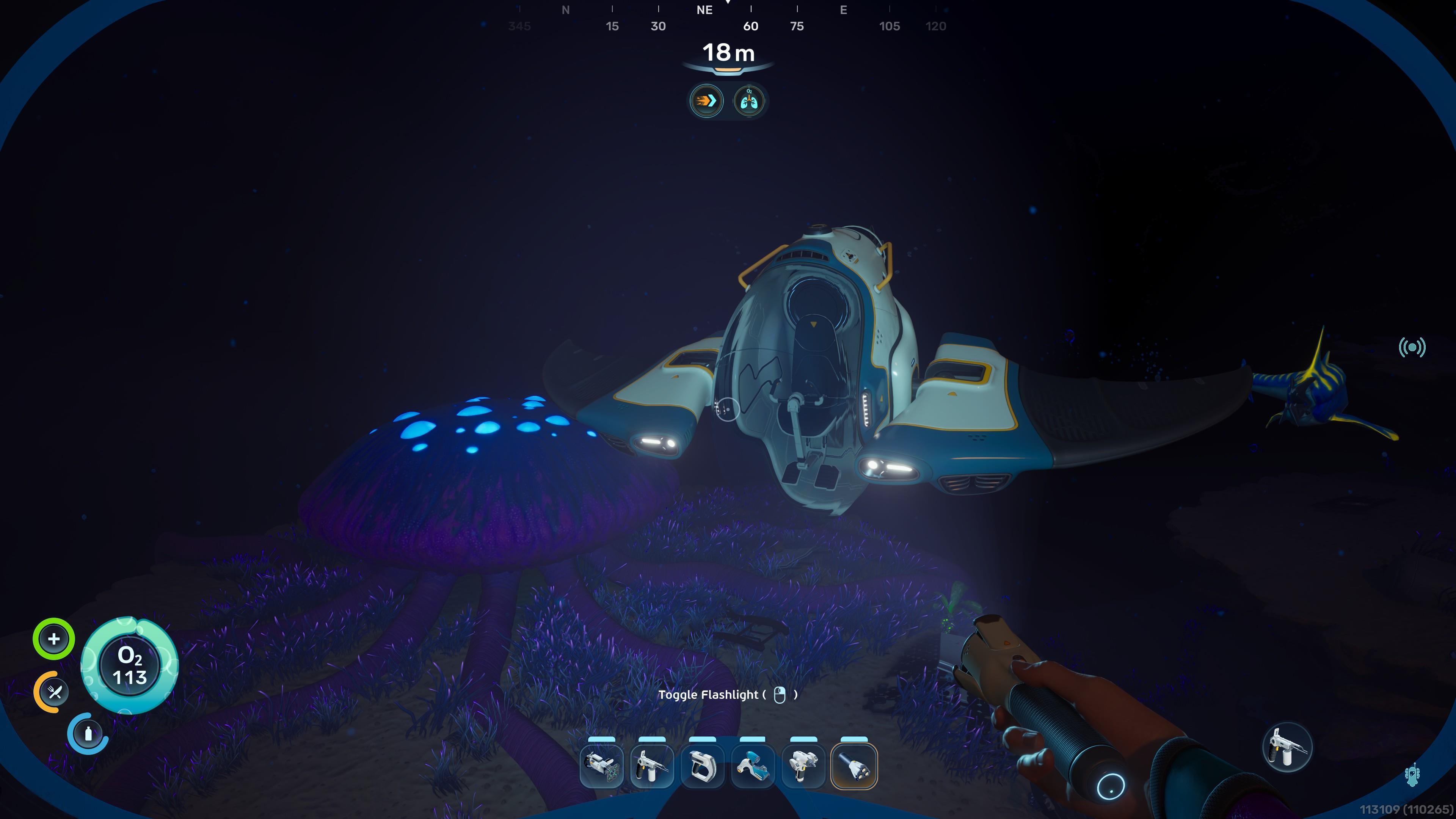
A submersible known as the Tadpole will serve you well for most of your playthrough:
- Tadpole Core Module (2x Titanium Ingot, 1x Glass, 1x System Chip, and 1x Power Cell): This is the actual vehicle that you control, sans upgrades and modular frames.
- Moonpool (5x Titanium): Place this in a room in your base.
- Tadpole Dock (2x Titanium Ingot, 1x Silver Ingot, and 2x Copper Wire): Attach this to a Moonpool.
- Vehicle Fabricator (2x Titanium Ingot, 1x Copper Ingot, and 2x Glass): Attach this to a Moonpool.
- Modification Station (2x Titanium, 2x Celestine, and 2x Copper): Place this inside your base. It lets you craft upgrades to be equipped in your Tadpole’s slot.
Refund your base if you don’t like it
Do you want to build a base in another location? If you hit the Escape key to pause the game, you should see the “Refund Bases” option. This panel shows all the bases that you’ve created in your current save profile.
Just a word of warning: This action destroys the selected base and returns all the resources that you’ve spent when building structures and machines, as well as anything that’s inside Wall Lockers and Floor Lockers. All items will be placed inside a temporary container near your player. As such, it’s a good idea to swim to your new preferred location before deconstructing your previous hab.
That does it for our guide on how to build a base in Subnautica 2. We hope this encourages you to create a humble abode in the depths of Proteus’s wondrous oceans.
Subnautica 2 is available now as an Early Access title on the Epic Games Store. Check out our Subnautica 2 beginner’s guide for more tips on getting started.