Drone Simulation
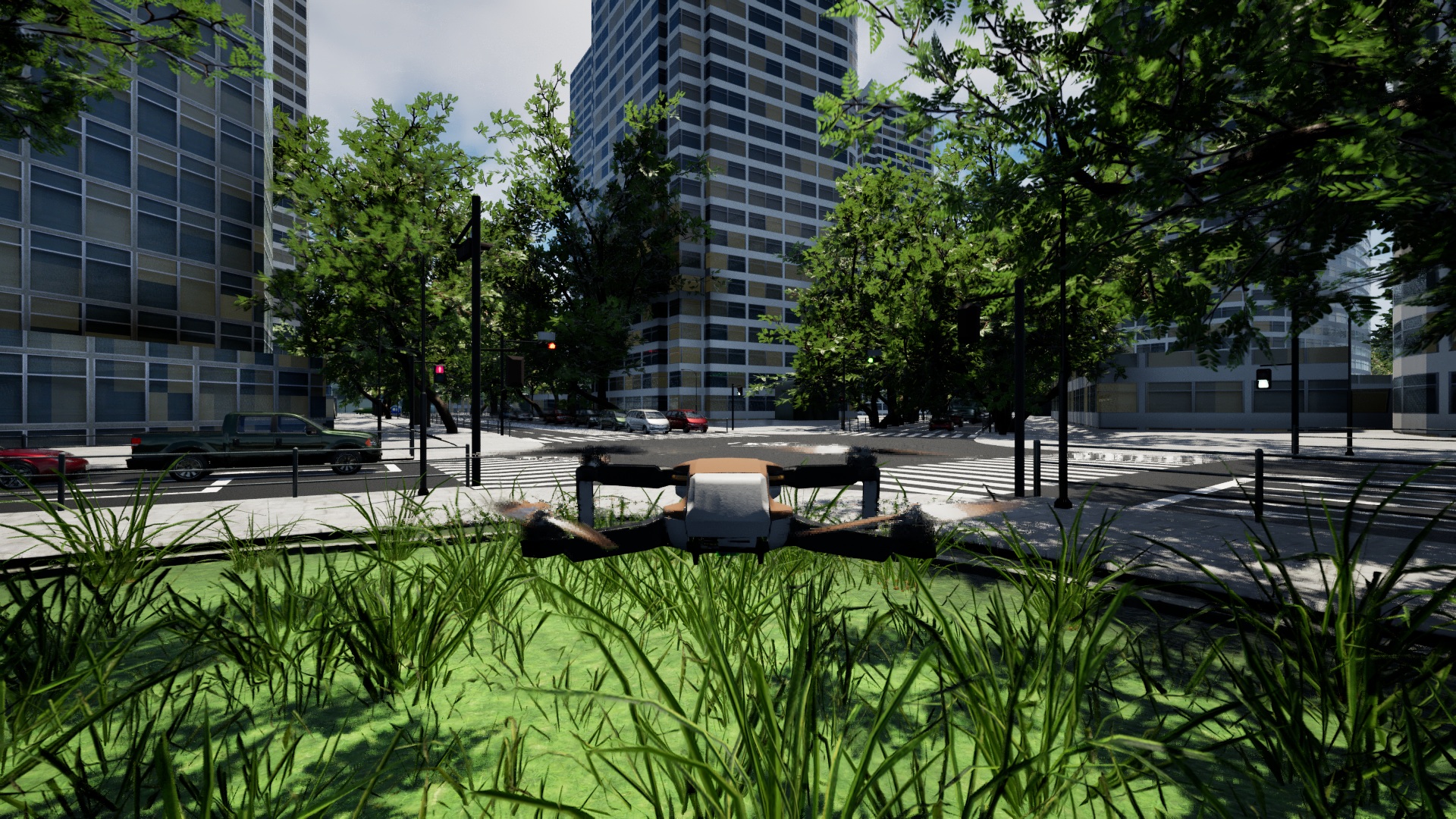
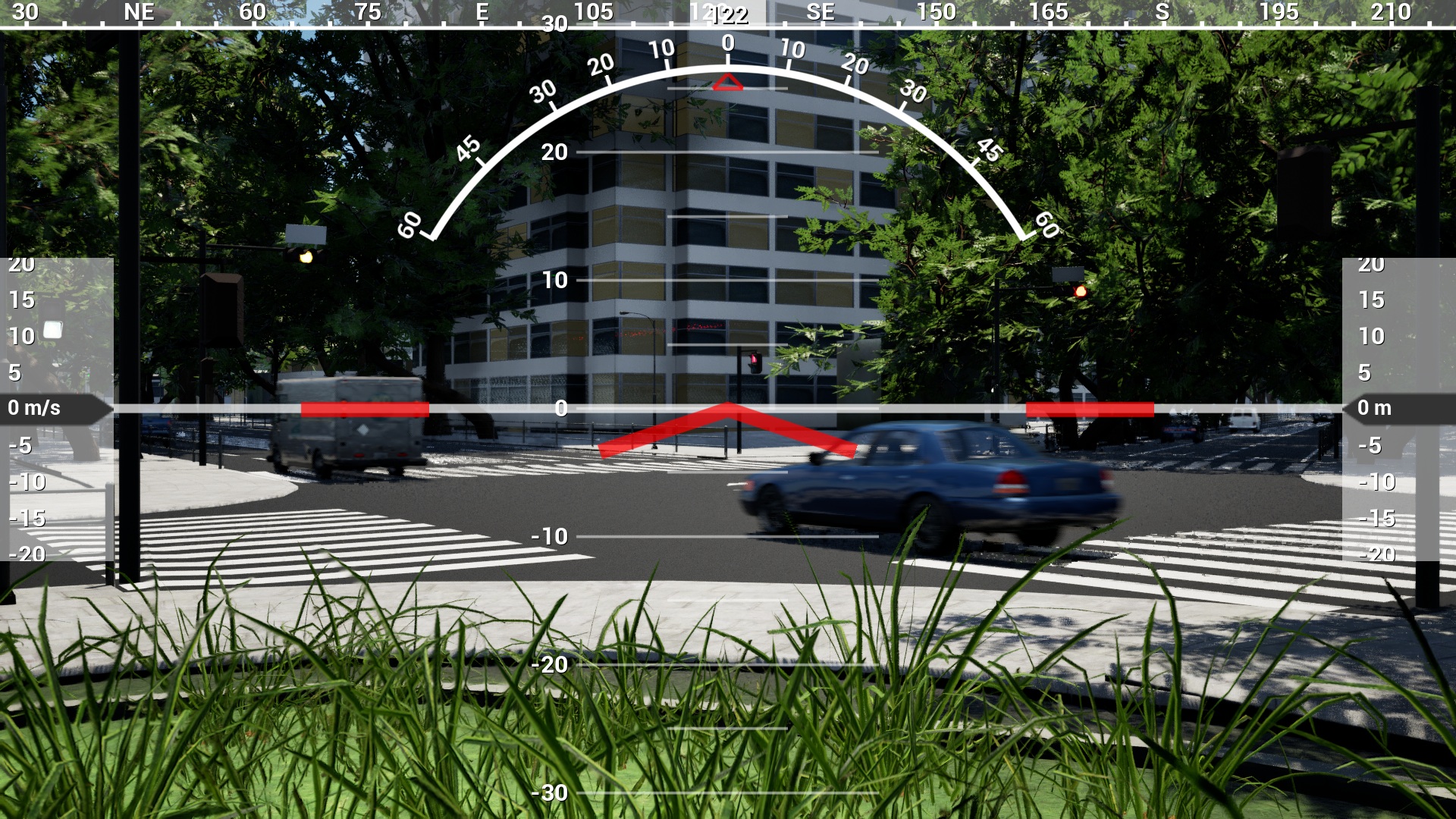
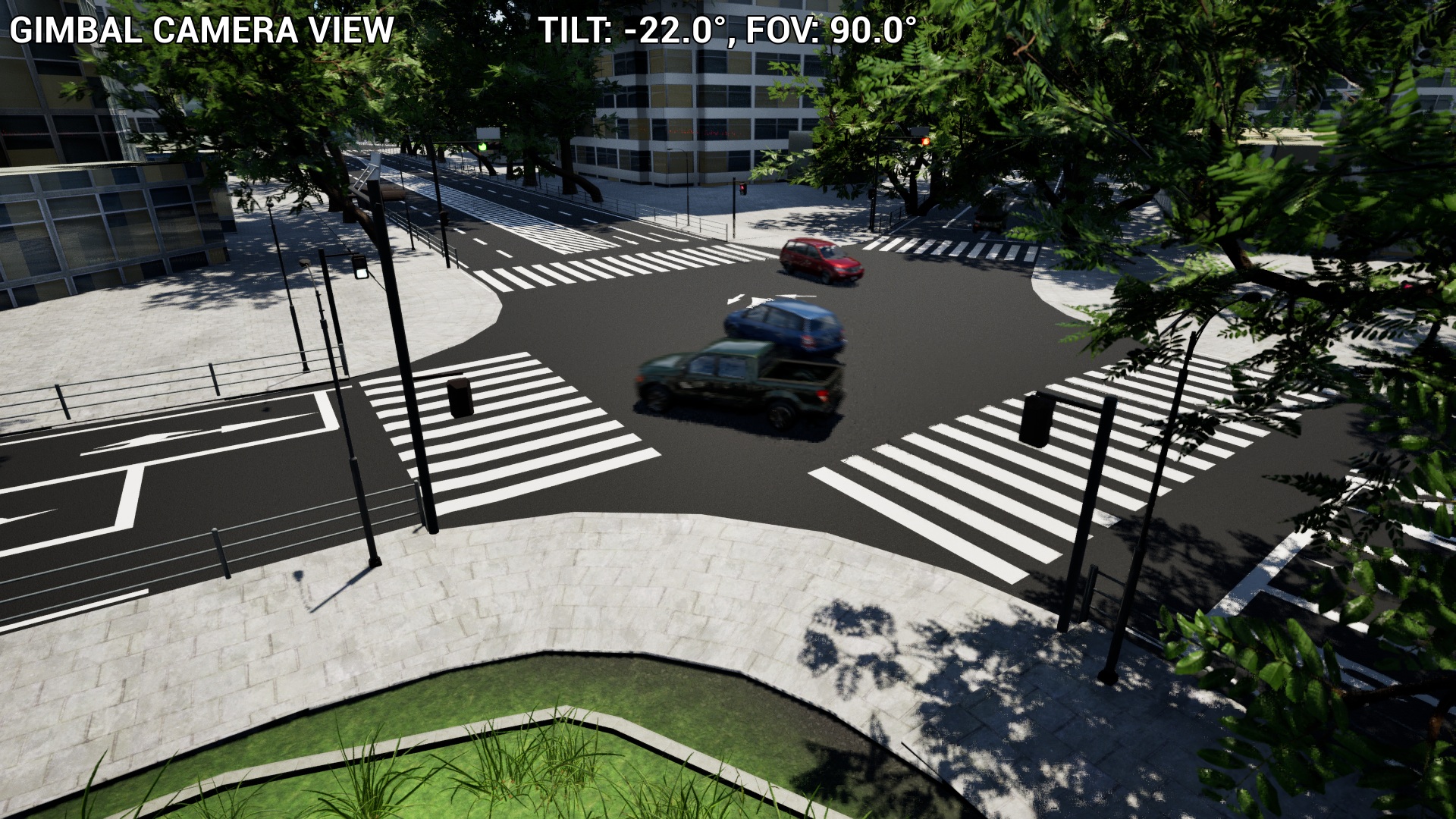
You can simulate a drone with a third-person, first-person, or gimbal camera view.
If the drone falls into the sea or river, it will reset to the start position.
Also, if the drone contacts cars or cyclists, it will reset to the start position.
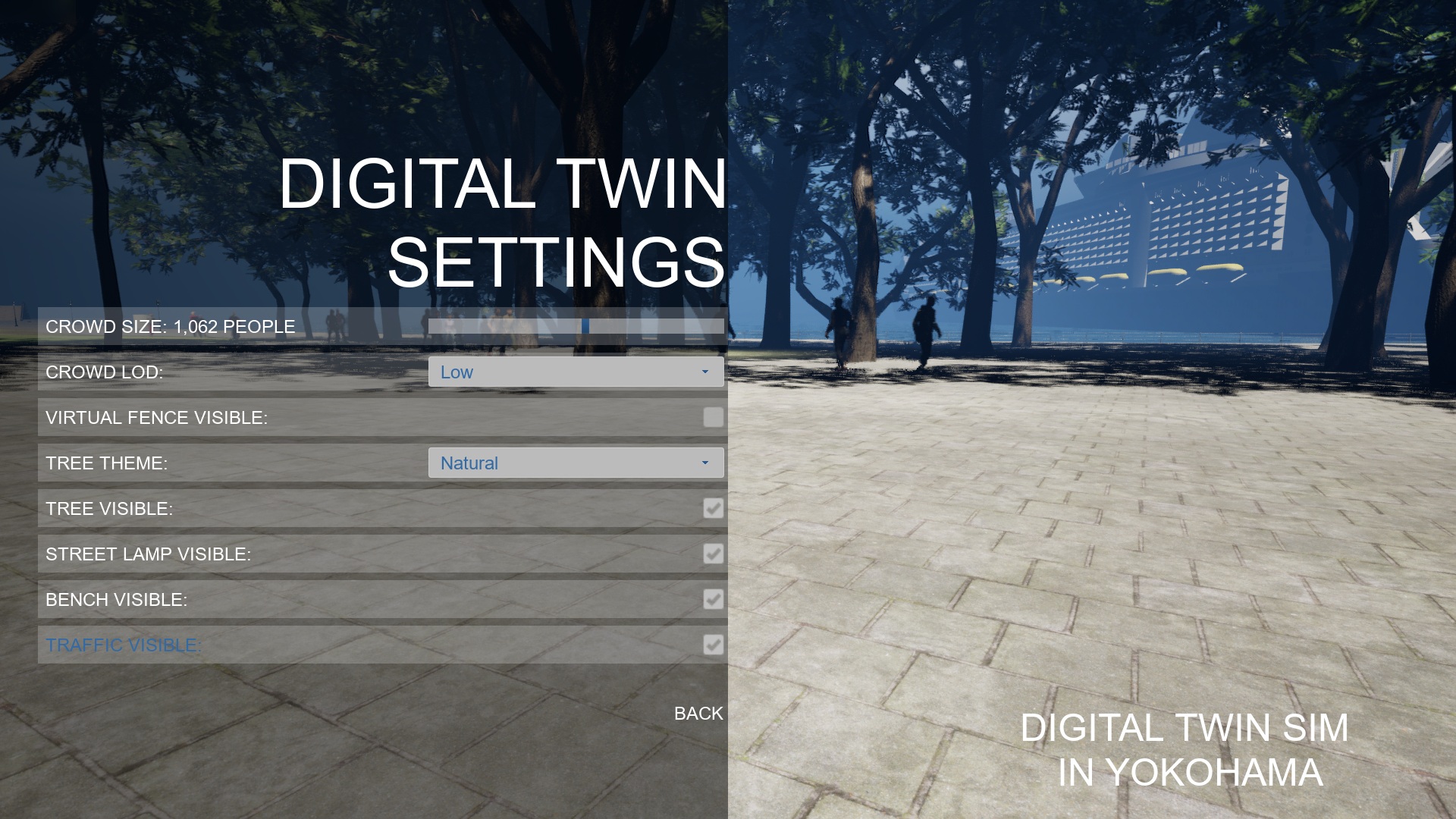
Virtual fences protect pedestrians from the drone. So, the drone can't move into the virtual fences. You can set visibility of the virtual fences using "Digital Twin Settings."
Control Character
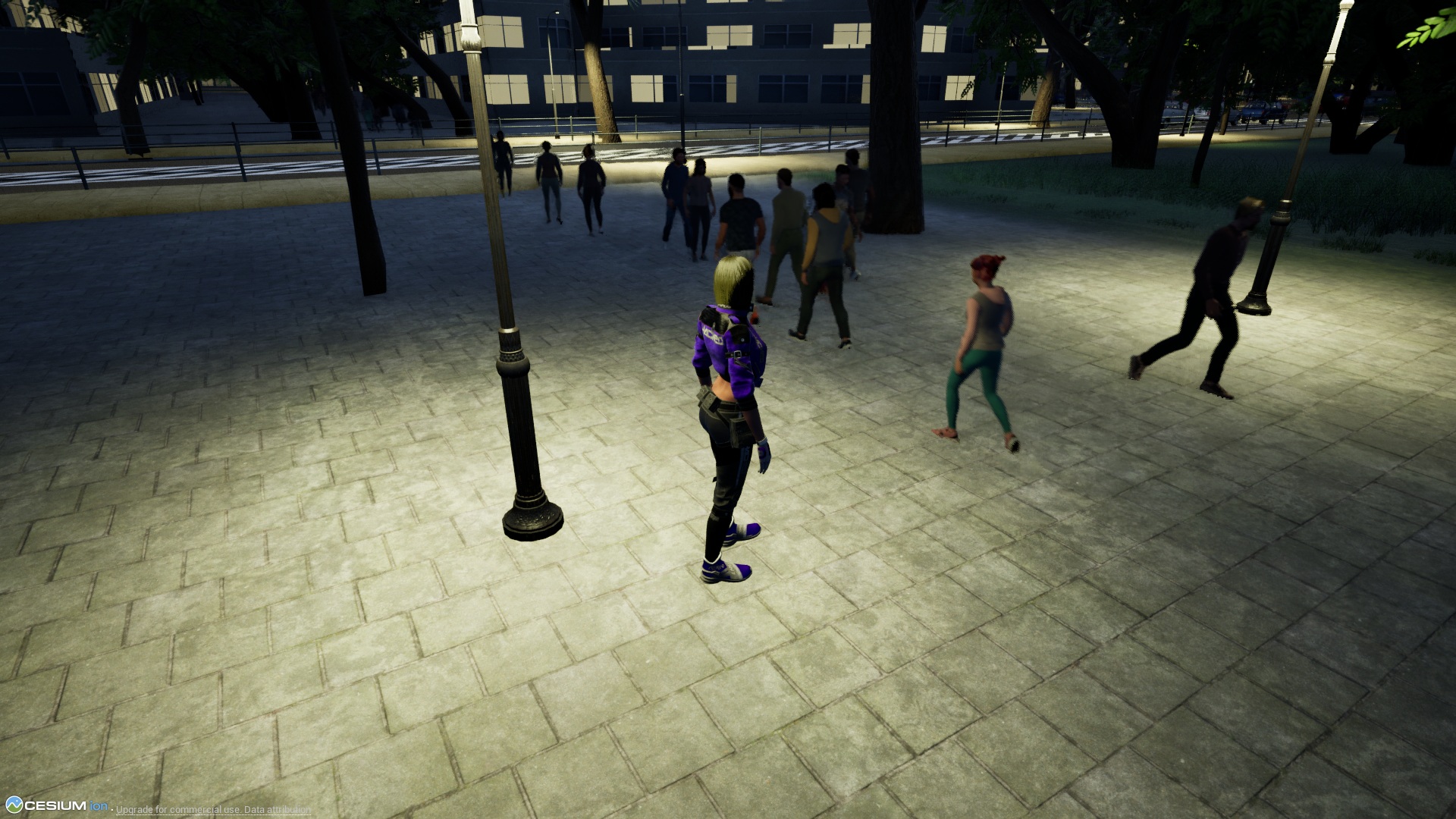
You can control a character with third-person view or first-person view.
If the character falls into the sea or river, it will reset to the start position.
Also, if the character contacts cars or cyclists, it will reset to the start position.
The pedestrians are only walking, you can't interact with them.
Control Floating Camera
You can control a floating camera.
The floating camera is not affected by gravity and is not affected by any contact.
When there is no input, it remains stationary in the air.
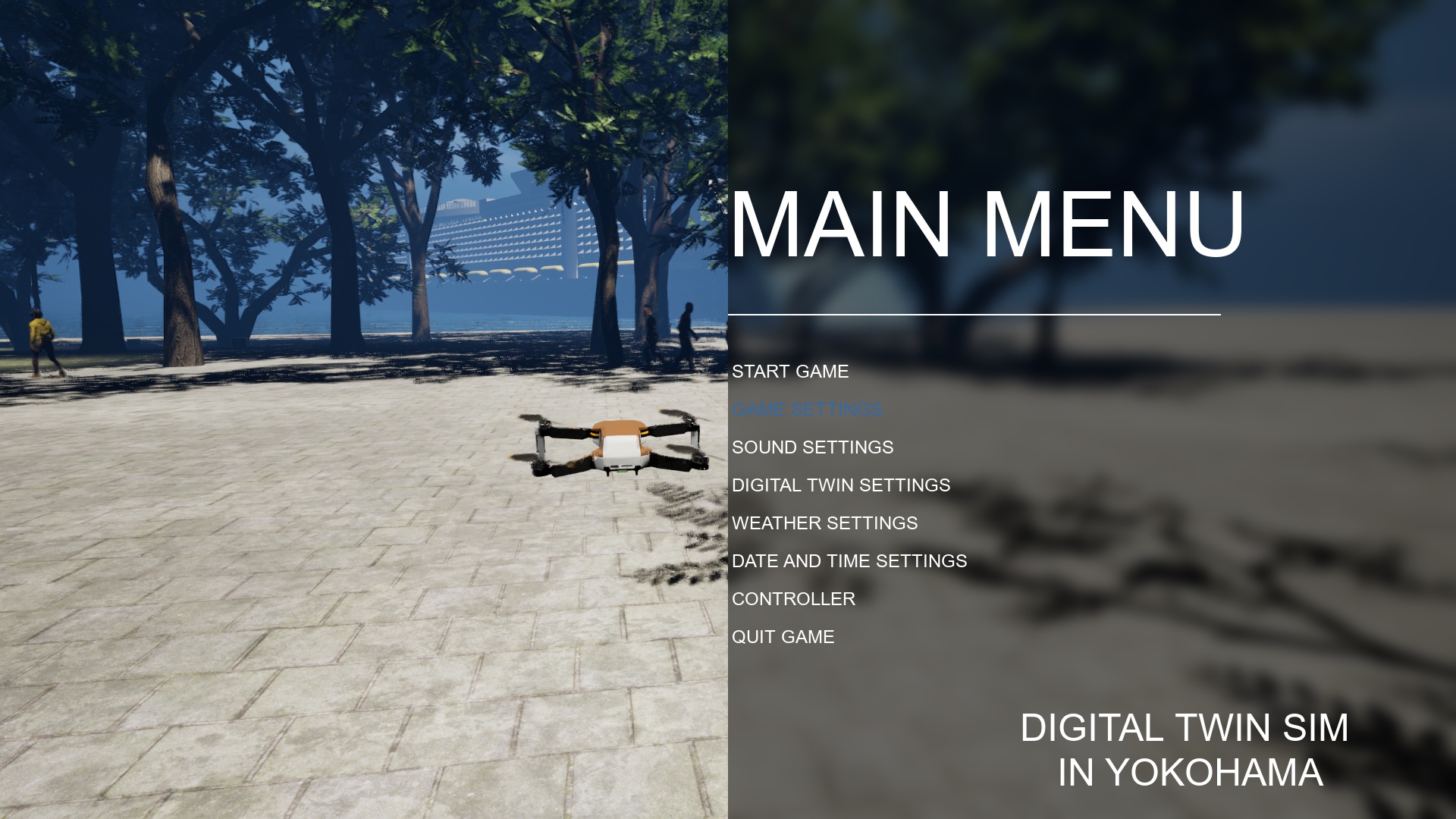
Main Menu
You can start the game by selecting "START GAME."
You can choose the settings of a game, sound, weather, digital twin, or datetime.
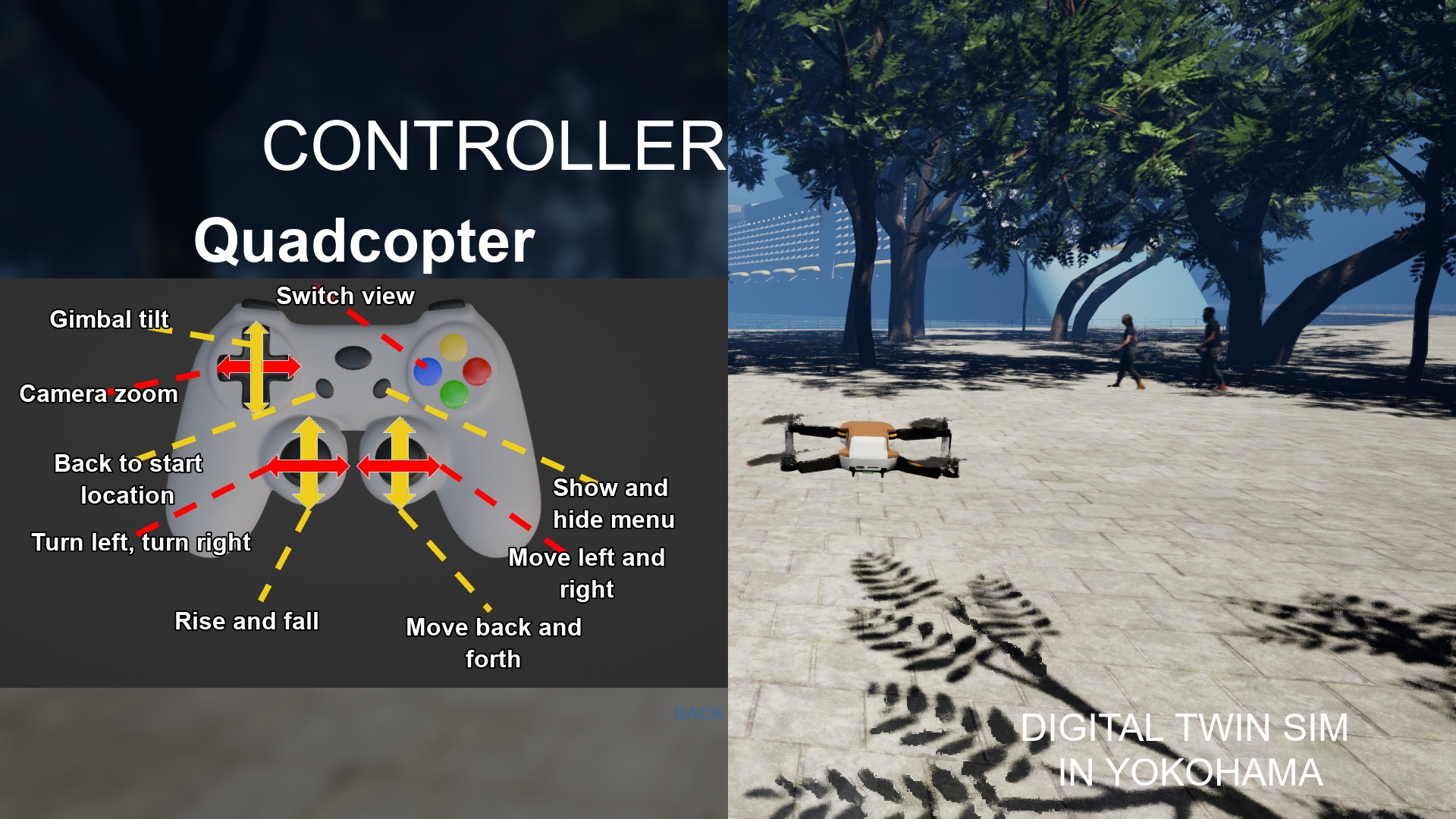
You can check the game pad layout by selecting "Controller."
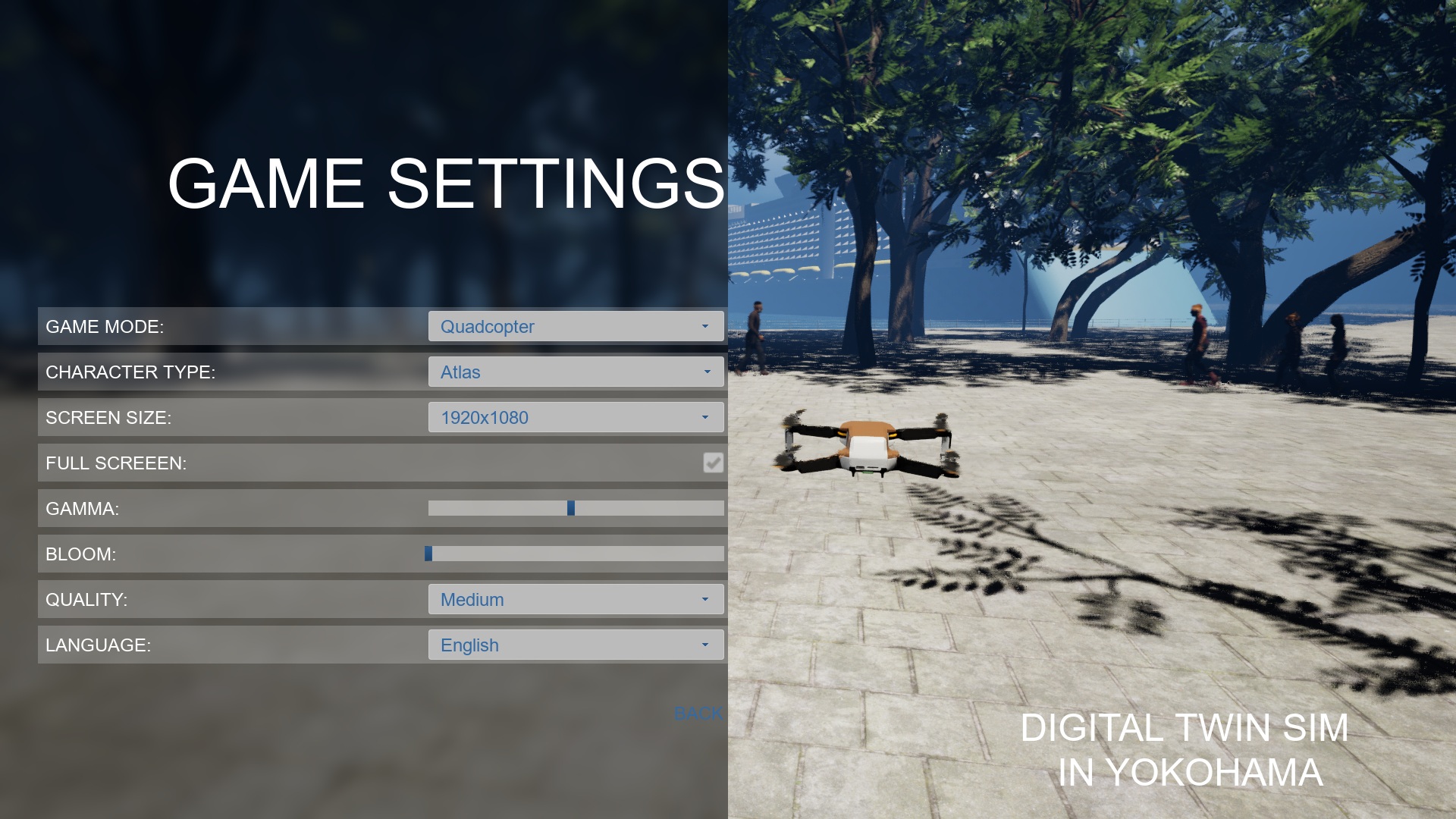
Game Settings
You can set Game Mode, Resolution, Full Screen, Gamma, Bloom, Quality, and Language.
If you want to improve the frame rate, please choose the quality of low.
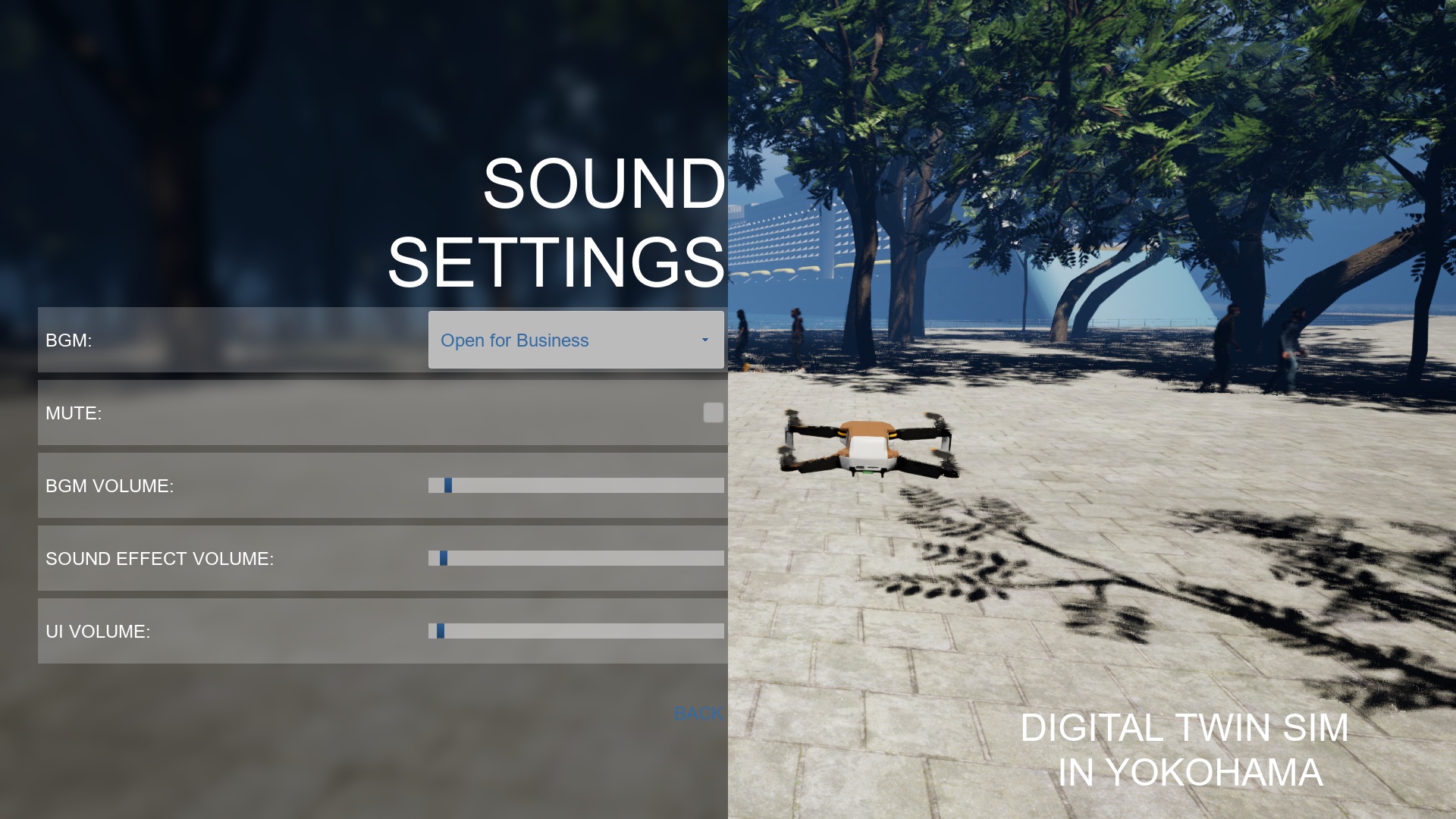
Sound Settings
You can select BGM.
You can set the mute.
You can set the volume of BGM, Effect, and UI.
Digital Twin Settings
You can change the amount of the crowd and the details of their 3D model.
Also, you can change visibility of virtual fence. The virtual fences protect pedestrians from the drone.
You can change the theme of trees.
You can change visibility of trees, street lamps, benches, and traffic.
If you want to improve the frame rate, please uncheck the traffic.
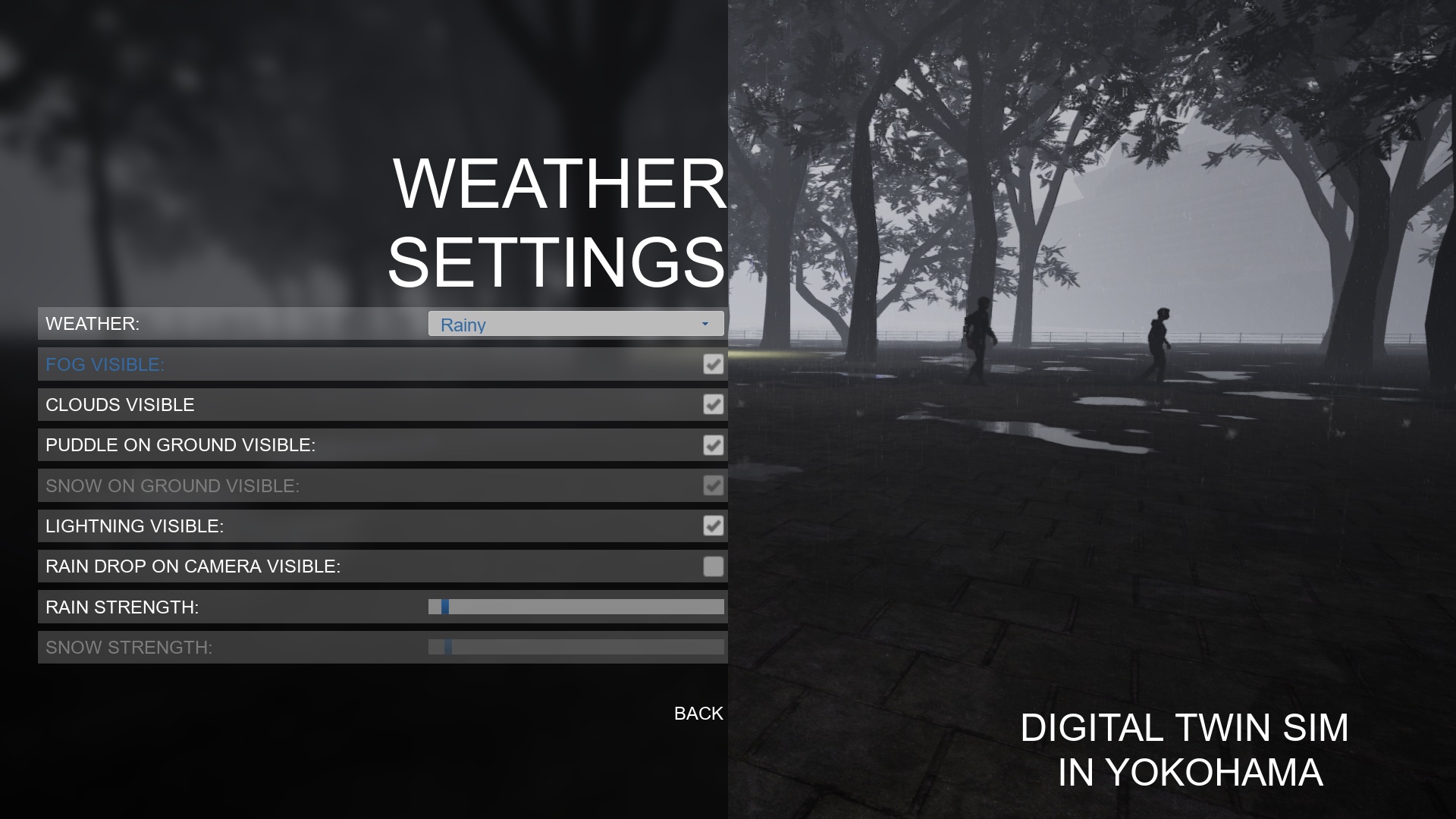
Weather Settings
You can set the weather to sunny, rainy, or snowy.
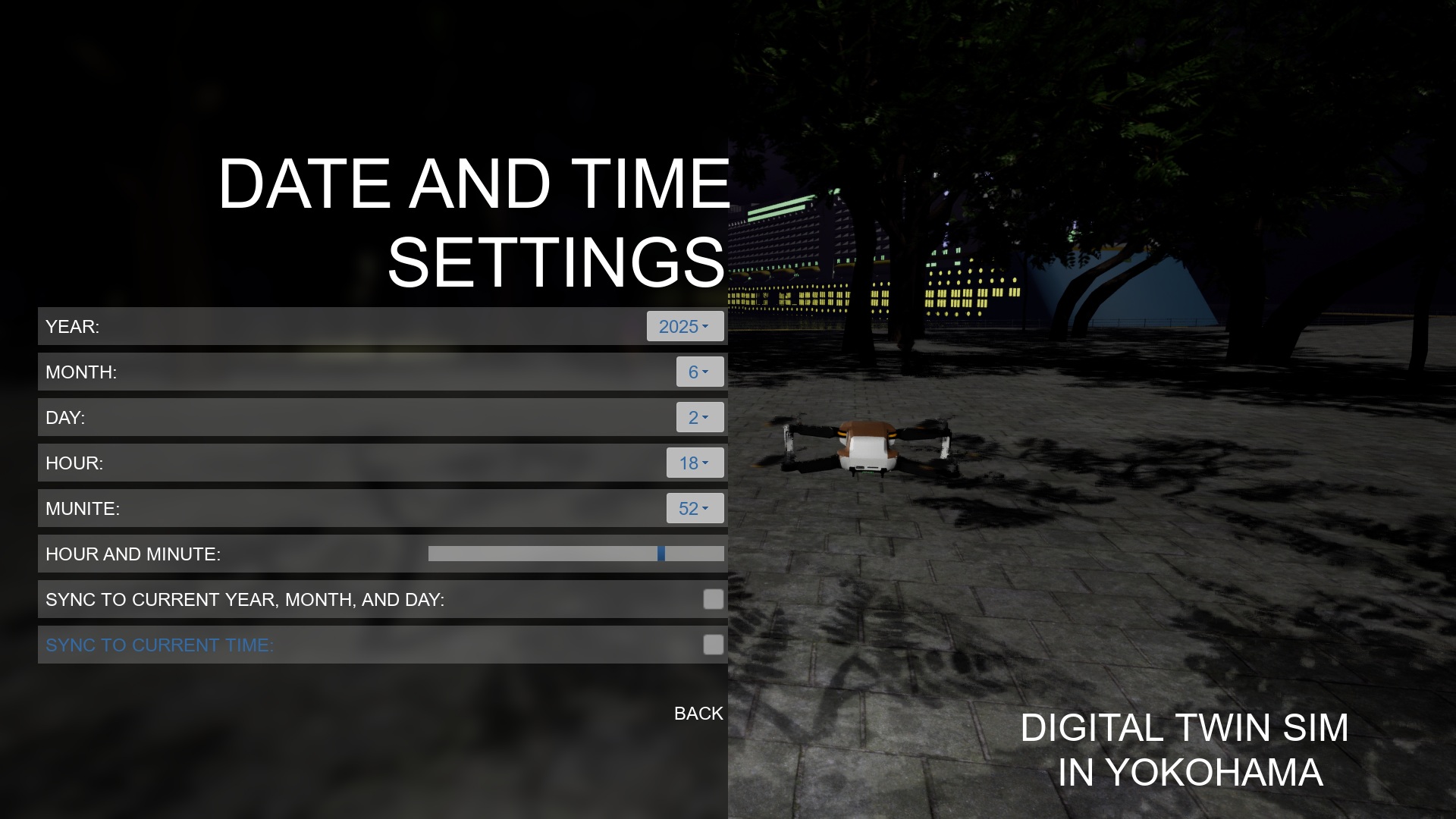
Date and Time Settings
You can set the year, month, day, hour, and minutes.
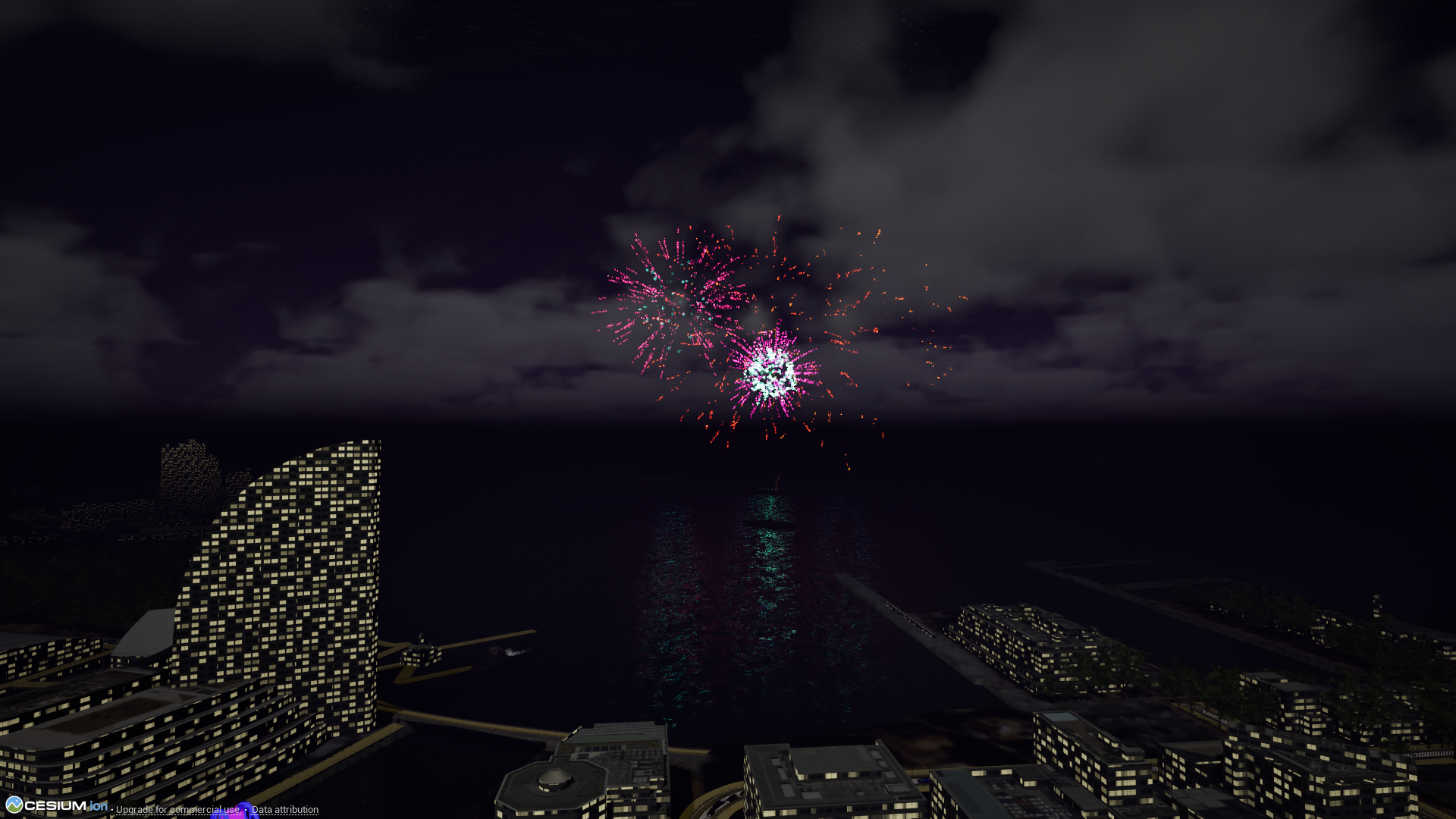
The fireworks event will start when the Date and Time Settings are set to 19:20 to 19:59 on June 2, 2025, or 19:30 to 19:59 on August 4, 2025.
Controller
You can check the gamepad layout of the corresponding game mode.
Screenshots
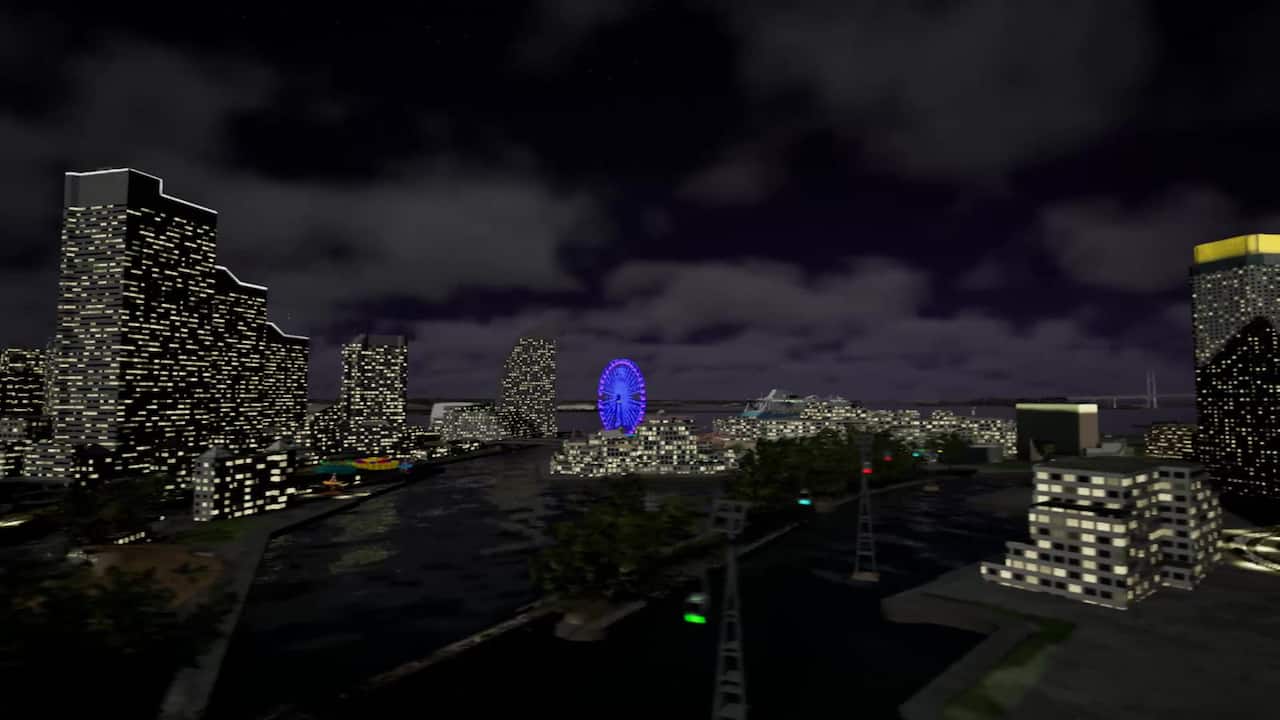
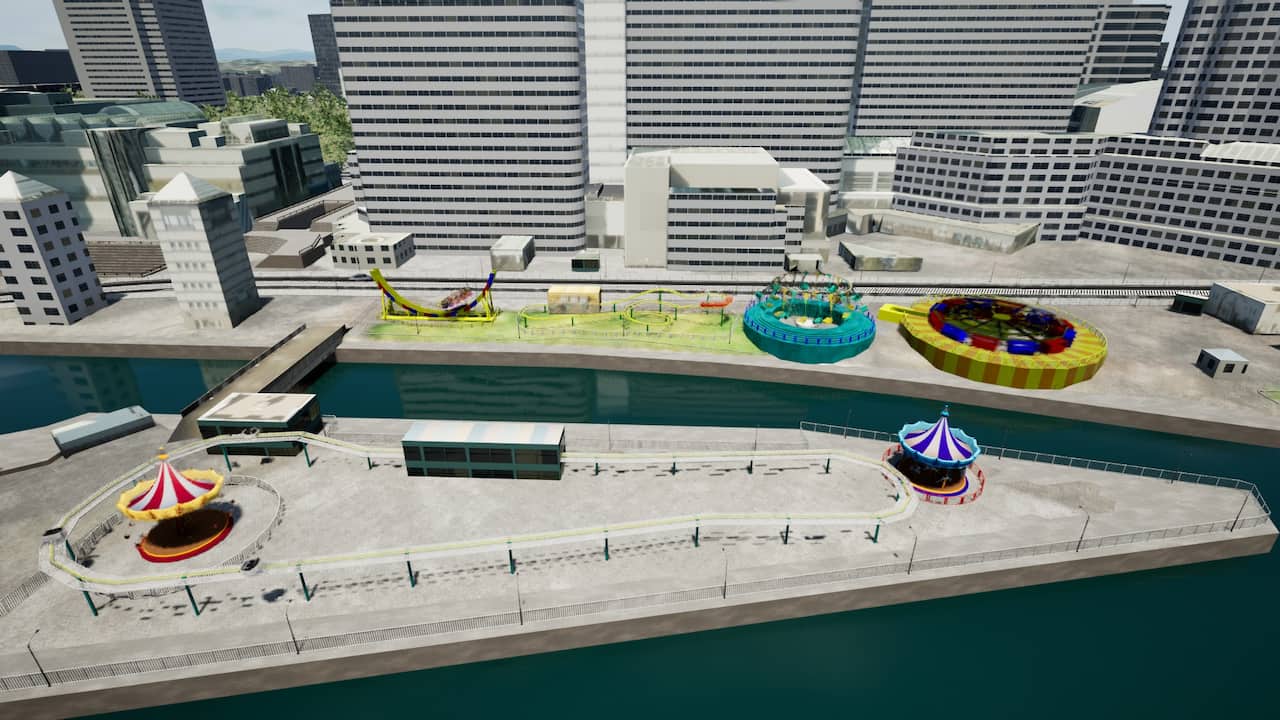
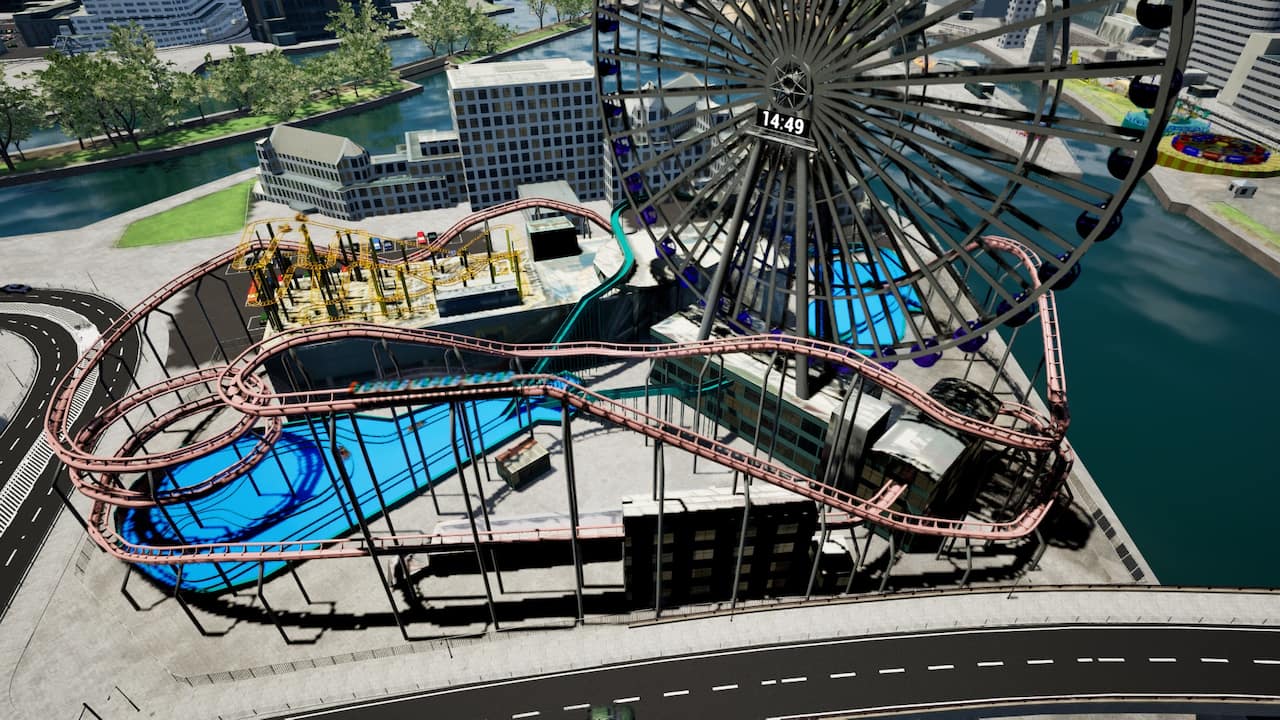
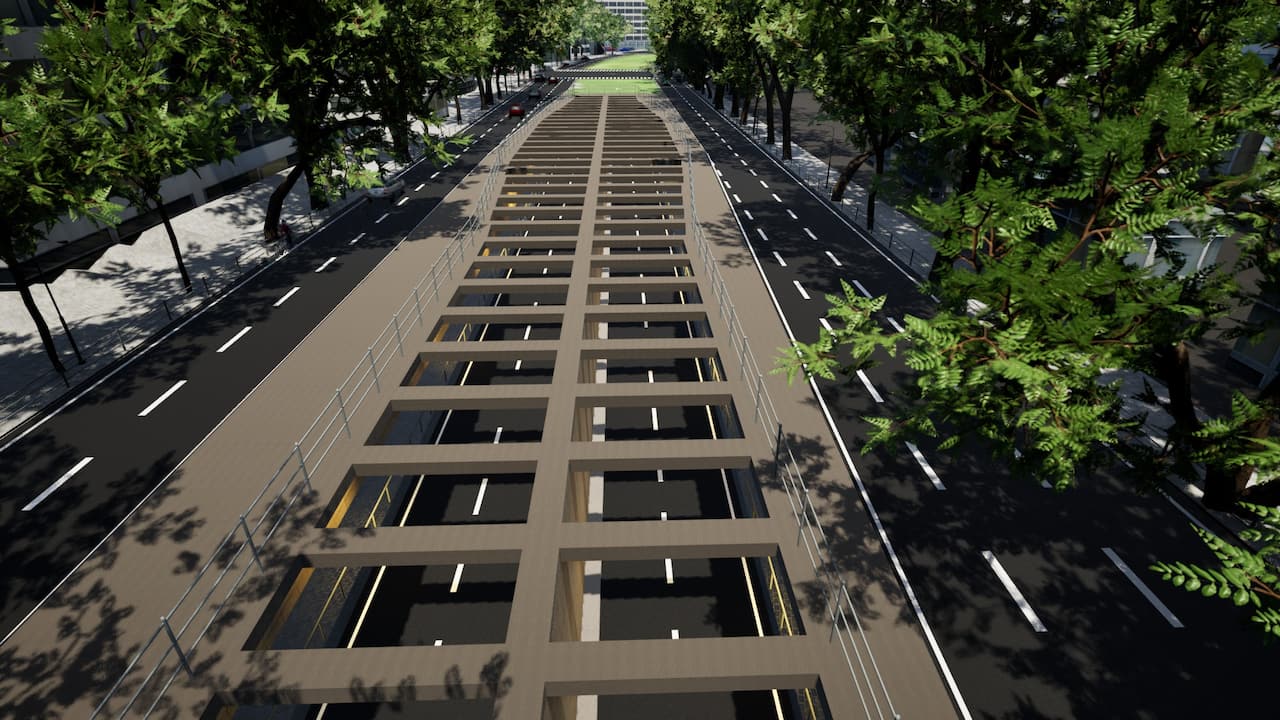
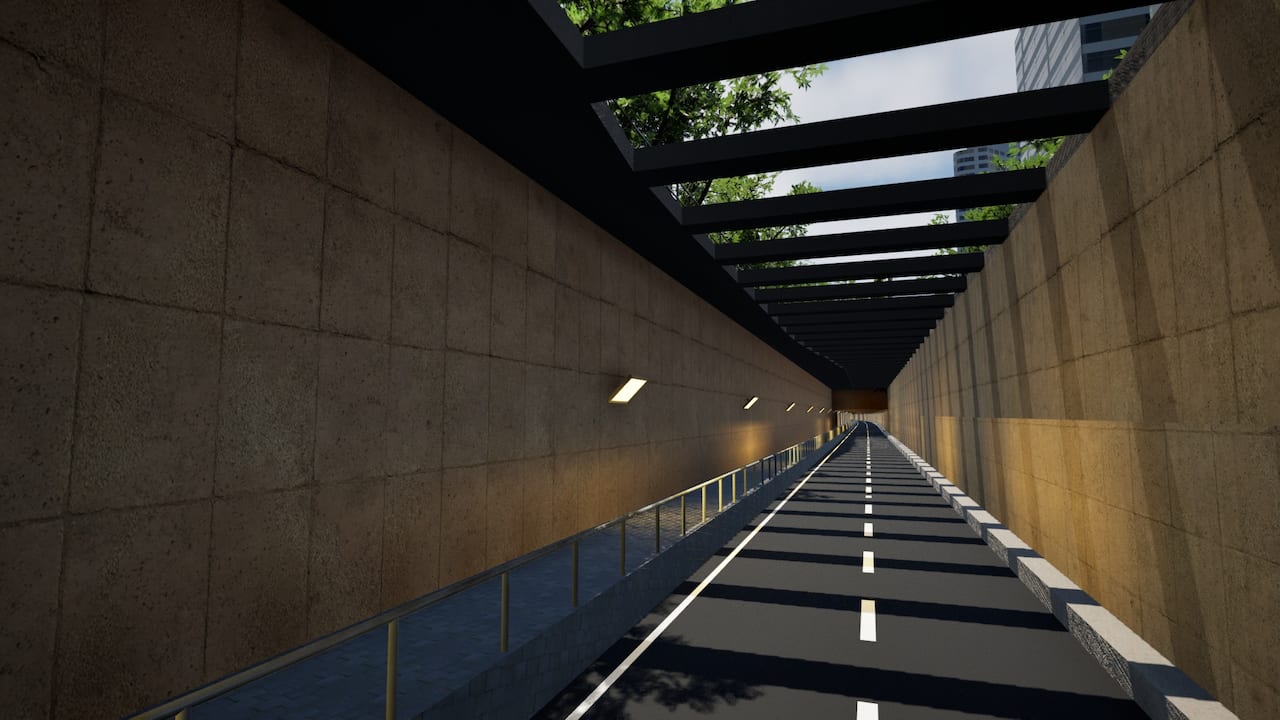
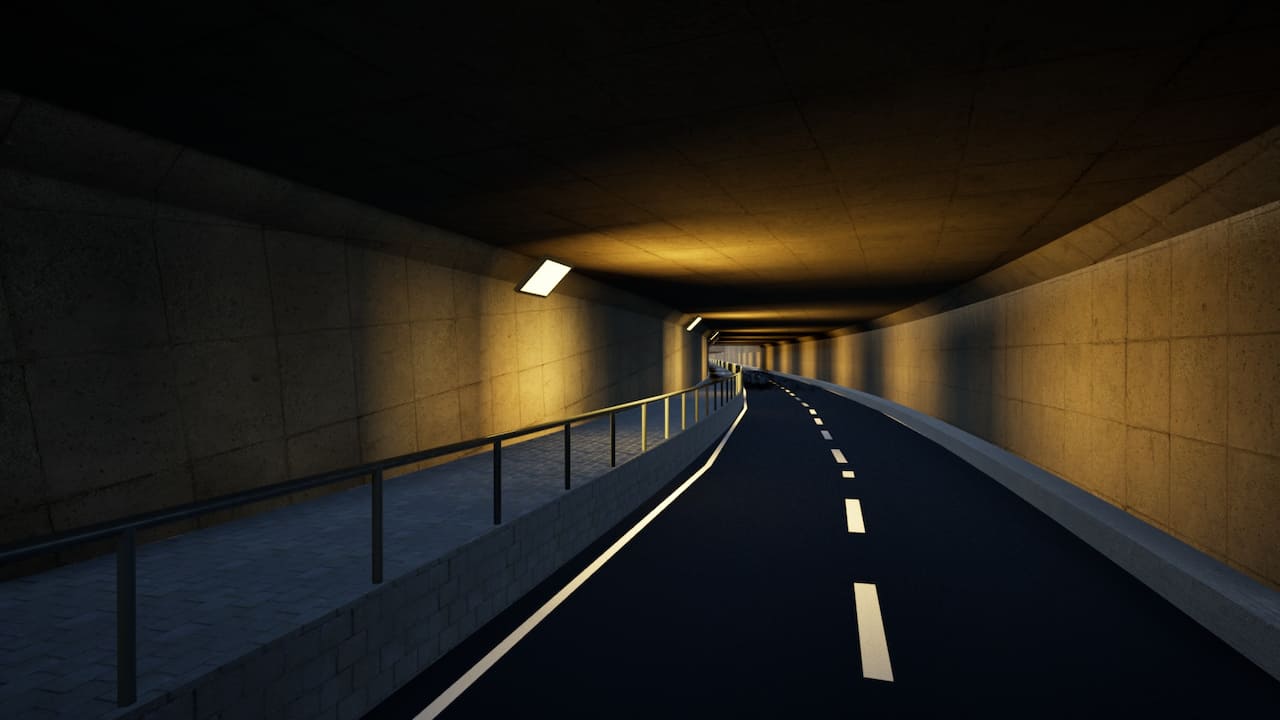
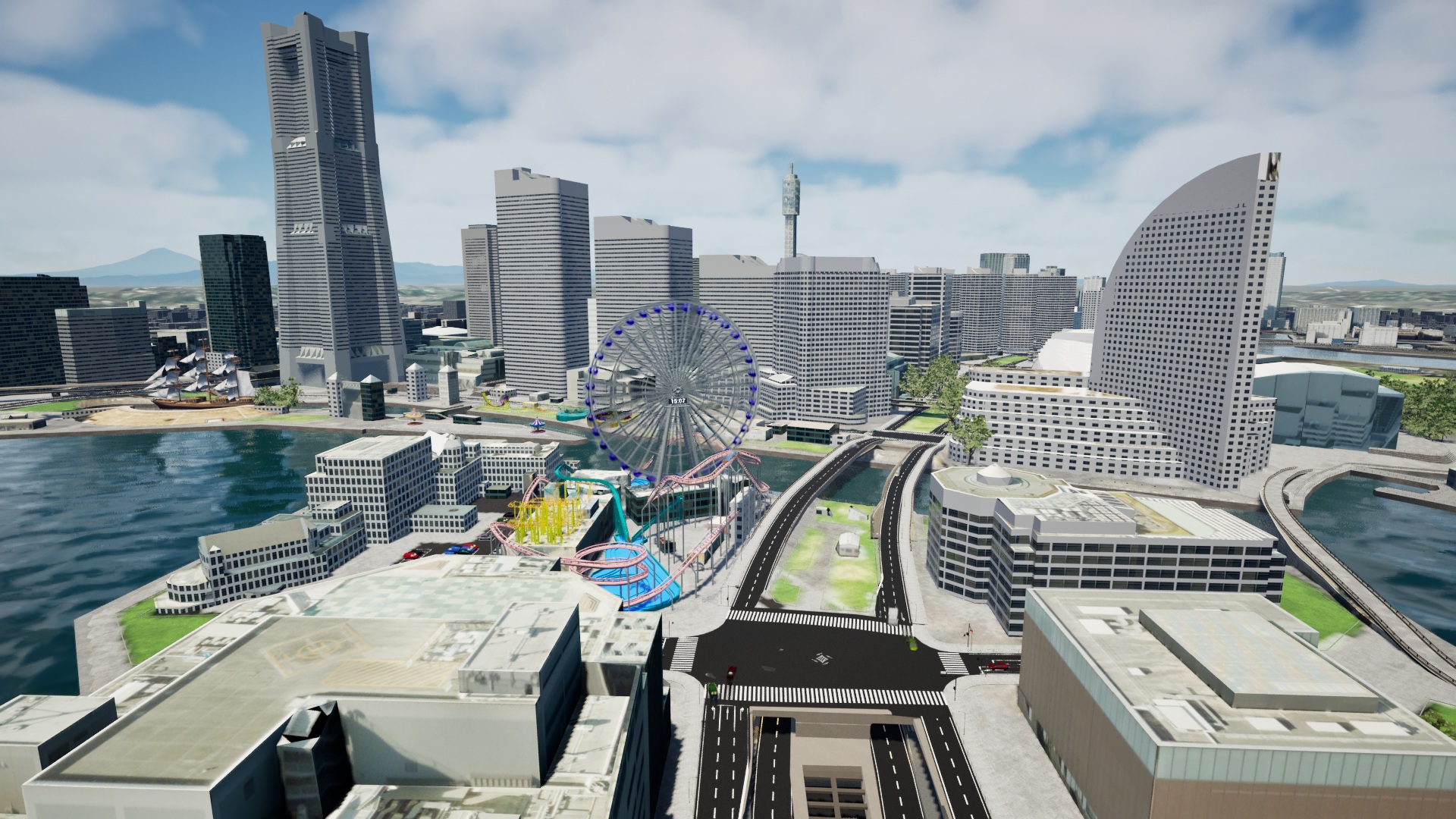
There are cable cars, an amusement park, and underground roads.